Verdict
Head-to-head · Best 4K Monitors

Apple Studio Display vs Dell U2723QE

Which is the better buy? Side-by-side on rating, price, strengths, and watch-outs — with the published ratings we averaged to get there.

The short answer

Dell U2723QE comes out ahead by a clear margin (3.8 vs 4.5). The gap is mostly about Professionals needing extensive USB connectivity and a versatile hub — read the strengths below before deciding.

Apple Studio Display
Ranked #5 in Best 4K Monitors
Apple Studio Display
$1,599as of Apr 25

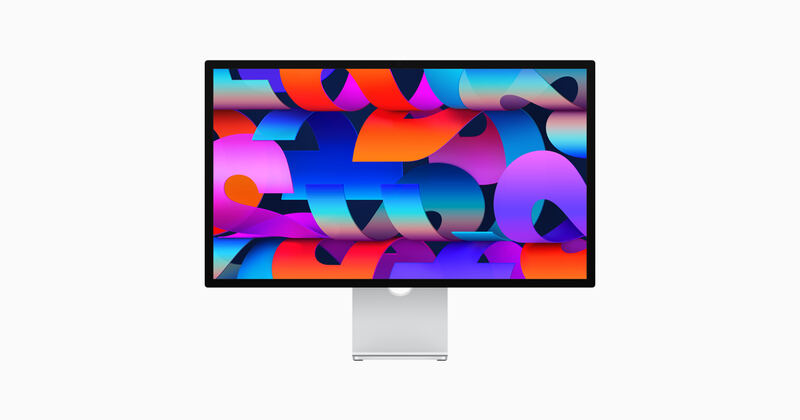
The Apple Studio Display is a 27-inch 5K monitor purpose-built for Mac users, with a 218-PPI Retina panel, 600-nit P3-wide gamut, and an integrated six-speaker spatial-audio system plus 12MP Center Stage webcam. Tom's Guide and Digital Trends praise its near-flawless color and seamless macOS integration, while MacRumors and MKBHD note the lack of HDR, 60Hz cap, and $400 stand upcharge make it a hard sell against the Samsung ViewFinity S9. Best for users already deep in Apple's ecosystem.

Strengths
  • Stunning 5120x2880 5K Retina panel with 218 PPI density and accurate P3 color out of the box
  • Best-in-class six-speaker system with spatial audio and three-mic studio-quality array
  • Center Stage 12MP ultrawide webcam ideal for video calls without external accessories
Watch-outs
  • No HDR support and only 60Hz refresh, despite the premium $1,599 price
  • Tilt-only stand by default; height adjustment is a $400 upgrade
  • Limited utility outside macOS — no on-screen display, no DisplayPort or HDMI inputs
Dell U2723QE
Higher ratedRanked #2 in Best 4K Monitors
Dell U2723QE
$391as of May 8

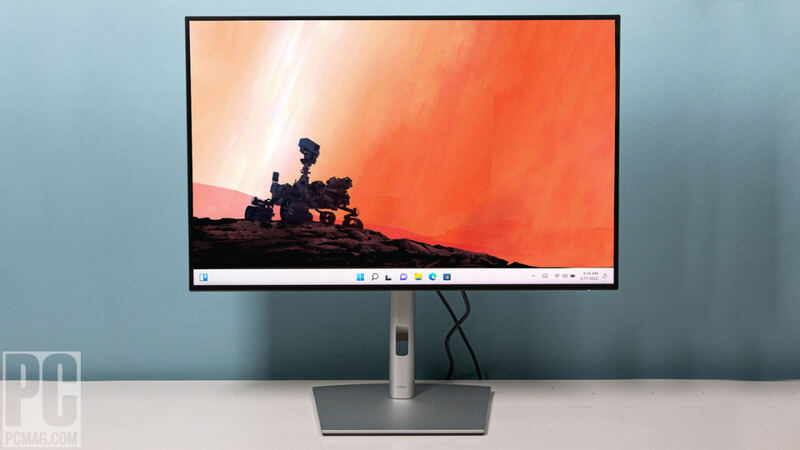
The Dell U2723QE is a versatile 4K USB-C hub monitor offering excellent image quality, extensive connectivity, and great ergonomics, making it suitable for professional and home office use. While it provides a comprehensive workspace solution, users should be aware of the compromise between resolution and data speed over USB-C and the short included cable.

Strengths
  • Built-in connectivity hub with a generous number of USB ports
  • Wide range of color setting options including sRGB, Rec. 709, DCI-P3, and HDR
  • High image quality with Low Blue Light setting and anti-glare finish for comfortable long viewing sessions
Watch-outs
  • Users must choose between High Resolution or High Data Speed when connecting via USB-C
  • The included USB-C cable is too short for convenient laptop connectivity or can interfere with viewing space when using a riser
  • A faint shadow was observed along the top and bottom edges of the display panel in testing

How they stack up

Apple Studio Display

Where the BenQ PD3220U brings KVM and Thunderbolt 3 to a 32-inch 4K canvas and the Dell U2723QE wins on hub flexibility and IPS Black contrast, the Apple Studio Display trades feature breadth for higher pixel density (218 PPI vs. ~140 PPI on the BenQ/Dell) and a tightly Mac-integrated experience. It is the only pick here with built-in studio-quality speakers and a webcam, but lacks HDR, KVM, and the open OS support of the Dell.

Dell U2723QE

The Dell U2723QE stands out with its extensive built-in connectivity hub, offering more USB ports than the LG UltraFine 32UN880-B or BenQ PD3220U, though it requires a compromise between resolution and data speed over USB-C. While its image quality is excellent, similar to the LG and BenQ, it lacks the Thunderbolt 3 connectivity of the BenQ and the 5K resolution of the Samsung ViewFinity S9.

Specs side-by-side

SpecApple Studio DisplayDell U2723QE
Panel Type27-inch IPS LCD27" IPS Black
Resolution5120 x 2880 (5K, 218 PPI)3840x2160
Refresh Rate60 Hz60Hz
HDR SupportHDR10VESA DisplayHDR 400
Color GamutDCI-P3 wide color, factory calibrated98% DCI-P3
Connectivity1x Thunderbolt 3 host (96W PD), 3x USB-C downstreamUSB-C 90W, HDMI 2.0, DP 1.4
Brightness600 nits typical (no HDR)400 nits
← See the full ranking of best 4k monitors