Verdict
Head-to-head · Best Ipad Stylus Alternatives

Apple Pencil (USB-C) vs Logitech Crayon (USB-C)

Which is the better buy? Side-by-side on rating, price, strengths, and watch-outs — with the published ratings we averaged to get there.

Verdict is reader-supported. As an Amazon Associate we earn from qualifying purchases. Some links on this page are affiliate links — if you click through and buy, we may earn a small commission at no extra cost to you. Our ratings are sourced from independent publications, not sponsors.
The short answer

Logitech Crayon (USB-C) comes out ahead by a narrow margin (3.8 vs 4.0). The gap is mostly about users seeking simple, no-frills functionality — read the strengths below before deciding.

Apple Pencil (USB-C)
Ranked #7 in Best Ipad Stylus Alternatives
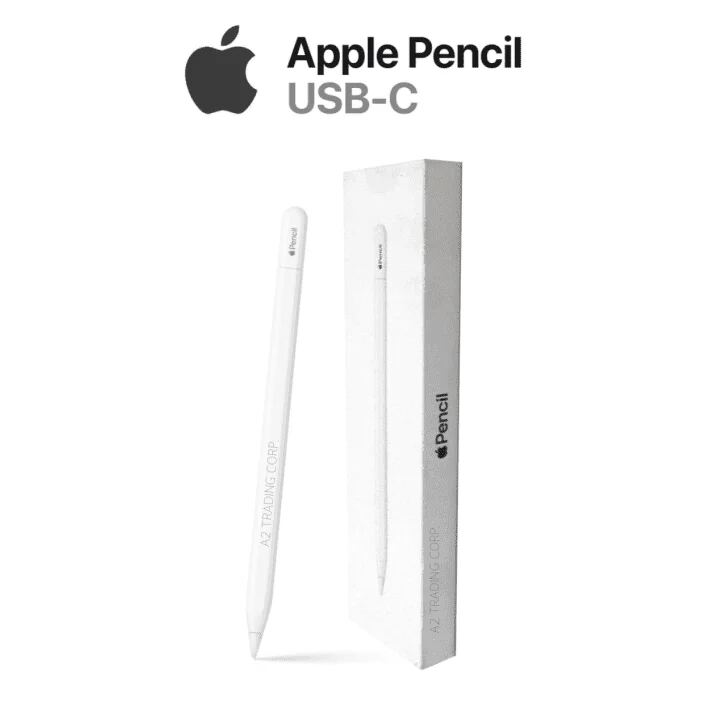
Apple Pencil (USB-C)
5 sources2 derived$9.99as of Aug 30

PCMag's Eric Zeman reviewed the Apple Pencil (USB-C) and noted its USB-C charging interface and similar ergonomics to the second-generation model. YouTube reviewers highlighted its compact design and built-in cap as improvements over previous versions, though they pointed out the absence of wireless charging and the double-tap tool switching feature found on the second-gen. The pencil is positioned as a more affordable alternative to the premium Apple Pencil 2 while maintaining core functionality for iPad users.

Strengths
  • Features USB-C charging and pairing interface
  • Includes built-in cap to prevent loss, unlike first-generation model
  • Compatible with iPad models that support Apple Pencil
Watch-outs
  • Lacks wireless charging capability
  • No double-tap tool switching function
Logitech Crayon (USB-C)
Higher ratedRanked #4 in Best Ipad Stylus Alternatives
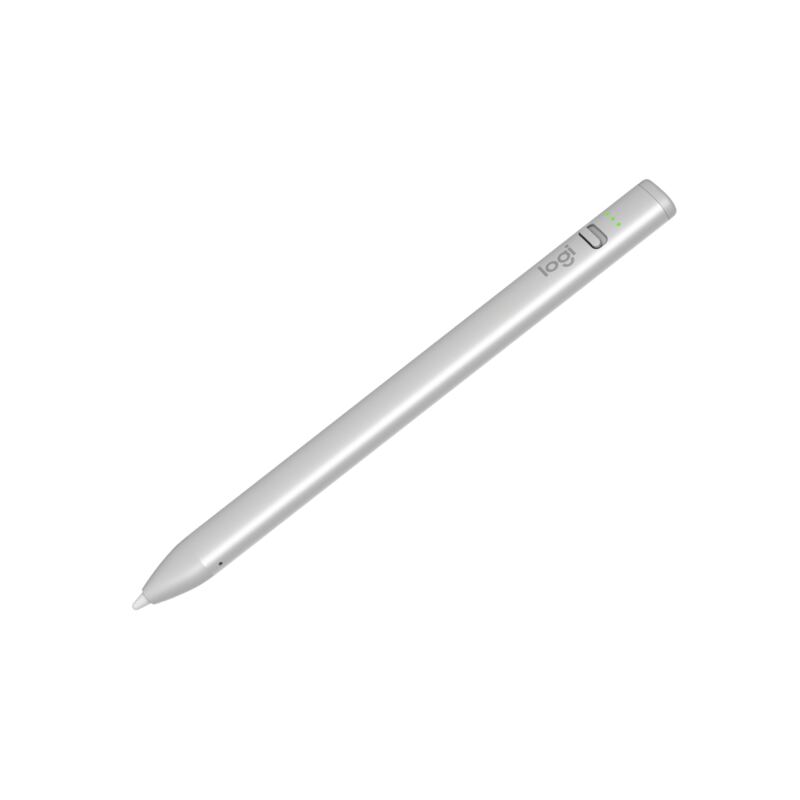
Logitech Crayon (USB-C)
4 sourcesall derived$43.83as of Aug 11

The Logitech Crayon (USB-C) serves as an affordable alternative to the Apple Pencil, offering compatibility with iPads from 2018 onwards. Reviewers noted its comfortable, non-rolling design and instant pairing capability. The updated model features a new on/off switch and three LED battery indicators for better power management. While it lacks pressure sensitivity, which keeps costs lower, it provides a reliable, latency-free writing experience with 7 hours of usage time. This stylus is ideal for users seeking a simple, no-frills digital drawing tool compatible with older iPad models.

Strengths
  • Compatible with iPads from 2018 onwards including models with Lightning port
  • Charges via standard USB-C cable that users commonly carry
  • Comfortable ergonomic design that stays put when placed on table rather than rolling
Watch-outs
  • No pressure sensitivity, which explains its lower price point
  • Available only in silver color, no longer offered in orange

Derived means the reviewer published no score, so one was inferred from their written verdict. Everything else is a number the publisher printed. How we rank.

How they stack up

Apple Pencil (USB-C)

The Apple Pencil (USB-C) offers a more modern connection method with USB-C charging and pairing, features not found in the first-generation Apple Pencil. However, it lacks the wireless charging and double-tap tool switching found in the Apple Pencil (2nd generation), making it a more affordable alternative for users who don't require those premium features.

Logitech Crayon (USB-C)

The Logitech Crayon (USB-C) offers instant pairing and a comfortable ergonomic design, features not found in the Apple Pencil (1st generation).

Specs side-by-side

SpecApple Pencil (USB-C)Logitech Crayon (USB-C)
Charging MethodUSB-CUSB-C
CompatibilityiPad models supporting Apple PenciliPad 2018 onwards
ConnectivityUSB-CUSB-C
Weight0.72 ounce2.12 kg
Tip Size8.9 mm
MaterialSiliconeAluminum
Dimensions6.10 x 0.35 x 0.35 inches6.26 x 0.47 x 0.31 inches
Battery Lifeup to 12 hours7 hours
Tip TypeReplaceable (purchased separately)
← See the full ranking of best ipad stylus alternatives