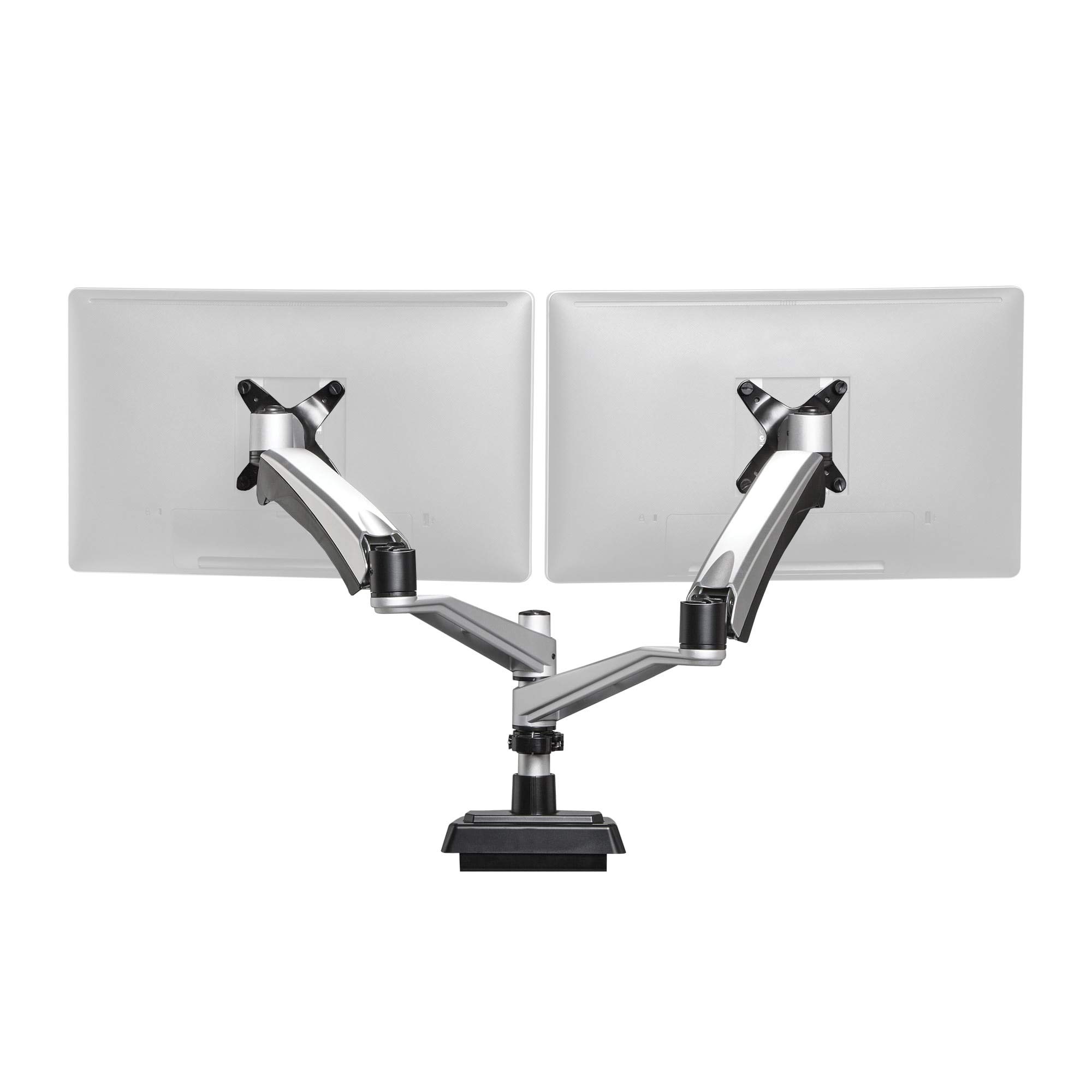
The Vari Dual-Monitor Arm is a clamp-on, pole-mounted arm for two monitors of up to 27 inches, with each arm rated to 19.8 lb. Tom's Guide named it the best monitor arm for two screens, citing its strong build and sleek design. It also found the setup slow and the clamp limited to desks about 2.25 inches thick. The Gadgeteer found it easy to install and very adjustable, and it kept the monitors secure on a moving standing desk. It suits people pairing two mid-size monitors with a standing desk. Those with thick or shallow desks, or larger screens, should look elsewhere.
Full review
Holds two 27-inch screens steady on a standing desk
The Gadgeteer bought the arm to keep two monitors fixed in place while its standing desk moved between sitting and standing height, and reported that it does that job. Each arm is rated for up to 19.8 lb, and the pole for 44.1 lb. The spring arms are designed for monitors between 5.5 and 9.9 lb, and a bolt inside each arm adjusts the tension for heavier or lighter screens. The arms extend, contract, swivel and tilt, so the reviewer could move the screens easily as lighting or seating position changed. Tom's Guide described the arm as well designed and strong.
Setup is thorough rather than quick
The two reviews disagree on installation. The Gadgeteer found it easy to put together and praised Vari for including every tool needed, plus spare hardware: hex keys, a quick-release post collar and eight monitor screws. The monitors slide onto the arms and click into place. Tom's Guide called the arm relatively complicated, however. Its instructions cover the process, but setup took longer than average. Tom's Guide also tried to fit it to a thicker desk and could not, because the clamp only fits desks of around 2.25 inches or less.
Needs space behind the desk
The Gadgeteer's main reservation was depth. The design takes up a lot of room behind the desk, and on a shallow desk the monitors can end up feeling too close. With its desk against a wall, the reviewer expected to have to pull the desk out for the arms to fit. They suggested a telescoping arm or a longer main stem would help. At 23.2 inches of extension and 5.9 inches of lift, the arm is built around 16:9 monitors of 27 inches or less, and The Gadgeteer advised checking height, weight and clearance before buying.
Premium price, five-year warranty
Tom's Guide listed the arm at $299 and called it a little expensive. It added that the price is not surprising given the arm's quality, and it lists a five-year warranty. The Gadgeteer reviewed a sample provided by Vari, priced at $275 at the time. Both reviews recommend it with conditions. Tom's Guide said buyers with a thin enough desk, the budget and the time to set it up will be pleased with it. The Gadgeteer called it a good addition to a home office as long as it meets the buyer's height, weight and clearance needs.
Strengths
- +Holds two monitors up to 27 in; each arm takes up to 19.8 lb
- +Tom's Guide picked it as its best dual-monitor arm for strong, sleek build
- +Arms extend, swivel and tilt, making it easy to reposition screens
- +Kept monitors secure as a standing desk moved between sitting and standing
- +Ships with every tool needed for installation, plus spare hardware
Watch-outs
- −The clamp only fits desks about 2.25 in thick or thinner
- −Tom's Guide found setup took longer than average
- −Needs plenty of clearance behind the desk; shallow desks feel cramped
How it compares
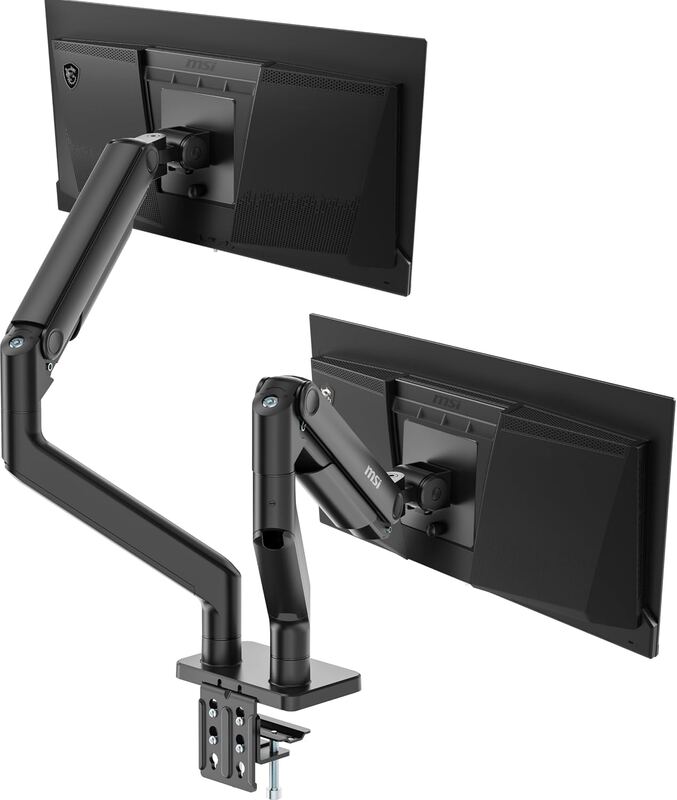
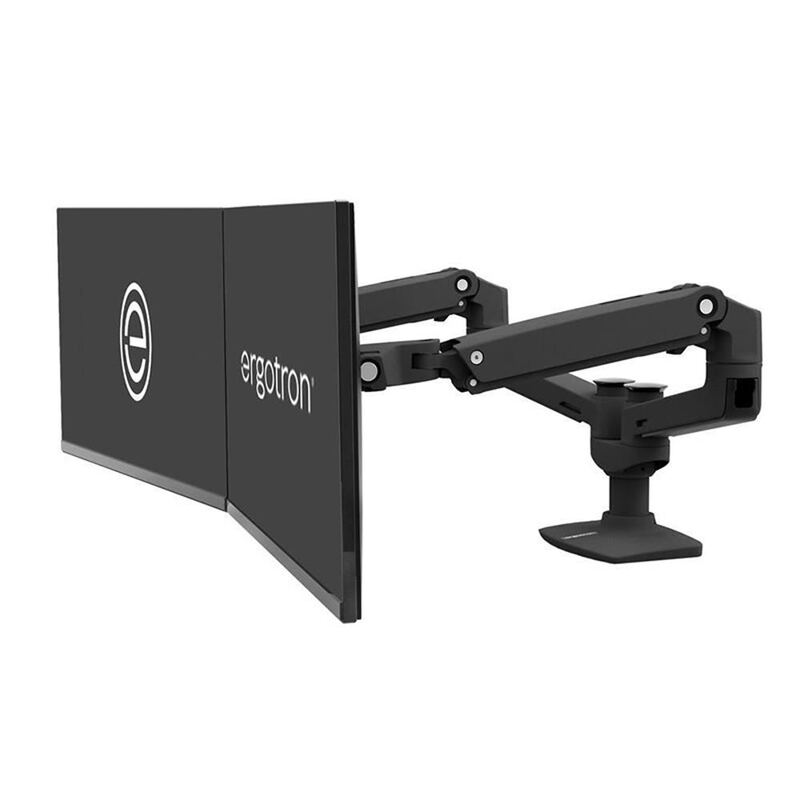
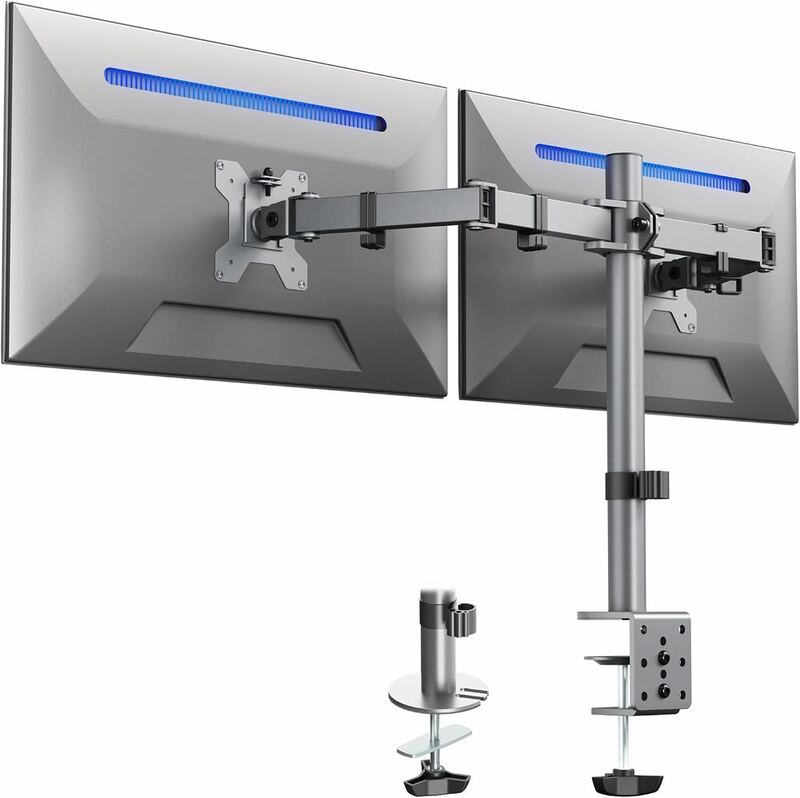
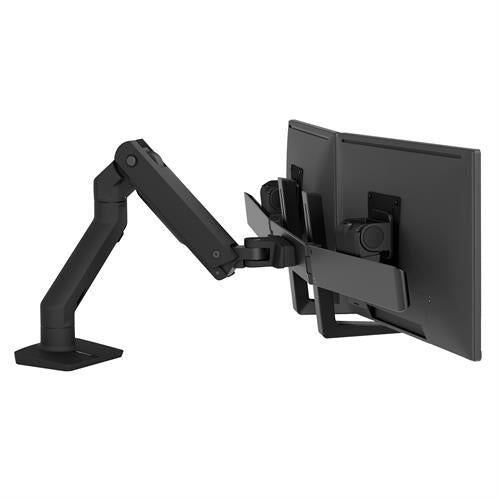
Like the Ergotron LX Dual, the Vari is aimed at two monitors of up to 27 inches. It carries a five-year warranty, according to Tom's Guide, compared with the three-year warranty noted for the MSI MAG MT201D. At $299 it sits at the opposite end of the price range from the budget VIVO STAND-V002, and its clamp is limited to desks about 2.25 inches thick.
Rating sources
Our 4.0 score is the average of these published ratings. Ratings marked * were derived from the reviewer’s written analysis or video transcript — the publisher didn’t print an explicit numeric score, so we inferred one from their own words. Click through to verify. More about methodology.