The UPLIFT E7 Electric Standing Desk Converter carries a lot of weight and adjusts height electronically with presets. Reviewers noted it is challenging to assemble without help and that monitor mounting is inflexible. Stability and ergonomic range are good, but the missing Bluetooth and restrictive monitor specs leave it behind similarly priced alternatives. Buyers who need heavy-duty support rather than advanced connectivity or fine-tuned monitor positioning are the fit.
Full review
110 pounds total, 17.6 pounds per monitor
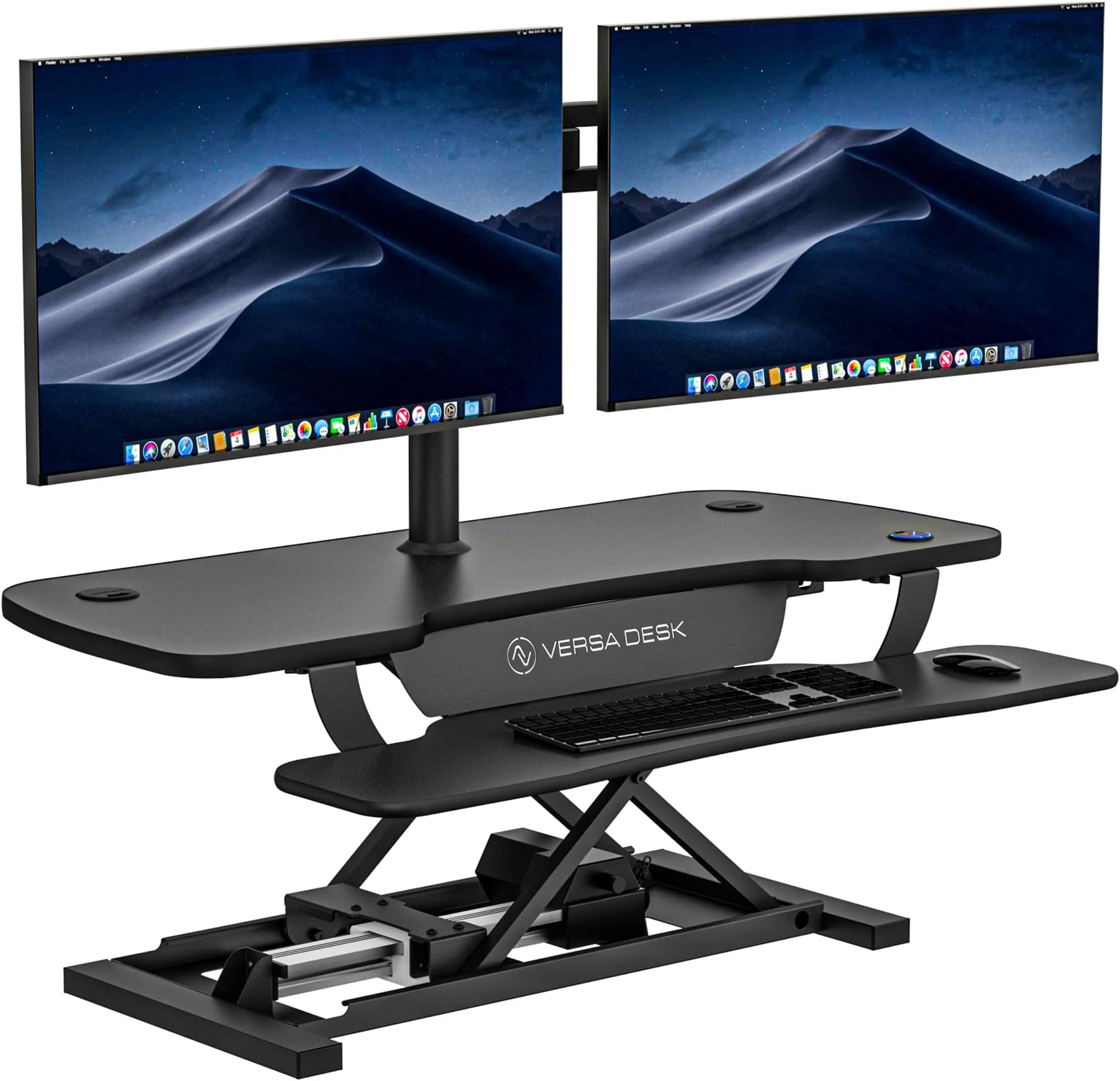
The E7 is rated to carry 110 pounds of equipment on a work surface measuring 30 inches wide by 21.5 inches deep and 0.75 inches thick, with a separate keyboard tray of 28 by 10.5 inches. The headline capacity comes with a catch that matters more in practice: each individual monitor is capped at 17.6 pounds, which rules out an iMac or most heavy all-in-one machines even though the frame underneath would hold the weight without complaint.
Mounting bars for dual and triple monitor setups are bought on top of the $619 base price, so a three-screen configuration costs meaningfully more than the sticker suggests.
An upside-down Jiecang 500N lift with two presets
Lift comes from an upside-down Jiecang 500N electric mechanism under a powder-coated base, driven by a segment LED readout set into the work surface. Two programmable presets cover a sitting and a standing height, and the column travels up to 21 inches above the desktop, which is enough range for tall users. Reviewers describe the motion as smooth and quiet and the controller placement as awkward to reach once the desk is loaded.
Assembly takes about 90 minutes and two people
The converter ships in two main boxes plus a separate surface and weighs 92 pounds assembled, which is why setup is put at roughly 90 minutes with a second pair of hands strongly recommended. Once it is together it does not move again easily. This is a fixture, not something to shuffle between rooms or take to a different desk on a whim.
Monitor height is fixed once the screens are mounted
Surfaces come in bamboo, rubberwood, black and white.
No Bluetooth, so the app works alongside the desk
There is no Bluetooth radio, so the desk app's movement reminders and saved heights sit beside the unit rather than talking to it. Cable management and power outlets are not built into the surface either. What the E7 offers against all that is a five-year warranty and a weight rating most converters in its bracket cannot approach, which is the reason to choose it or to look elsewhere.
Strengths
- +Impressive weight capacity rated up to 110 lbs
- +Easy to adjust with electronic presets for sitting and standing positions
- +Height adjustment range accommodates tall users up to 21 inches from desktop
- +Available in multiple surface styles including Bamboo, Rubberwood, Black, and White
Watch-outs
- −Difficult to set up alone, requires assistance
- −Monitor mounting limitations with max 17.6 lbs per monitor and restricted width
- −No Bluetooth connectivity features
How it compares
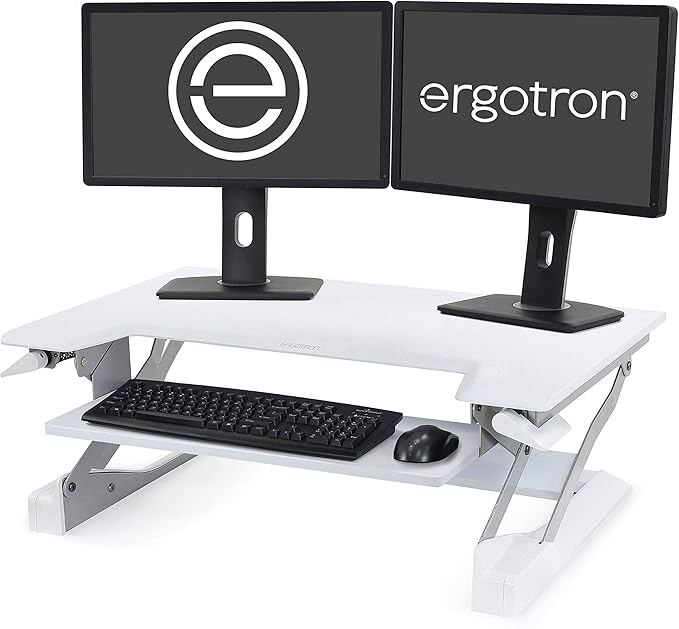
The Uplift E7 Electric Standing Desk Converter carries up to 110 lbs, against 40 lbs for the Ergotron WorkFit-TX Standing Desk Converter and 35 lbs for the VariDesk Pro Plus 36. It adjusts electrically with presets where the VariDesk uses a spring-assisted lift, and it is difficult to set up alone while the VariDesk needs no assembly. It has no Bluetooth, and each monitor is limited to 17.6 lbs.
Price history Price hasn't moved
19 daily reads from upliftdesk.com since Oct 29, 2026. Lowest $619 (Oct 29), highest $619 (Oct 29), latest $619 (Nov 24).
Rating sources
“So, guys, let's get into why I actually replaced my Uplift desk with this Flexis Spot E7 Plus instead of just going with another uplift desk.”
Our 4.3 score is the average of the 1 scored review above; 2 more reviewed it without printing a score and are not in the average. Ratings marked * were derived from the reviewer’s written analysis or video transcript — the publisher didn’t print an explicit numeric score, so we inferred one from their own words. Click through to verify. More about methodology.