The TP-Link Tapo C210 offers pan and tilt functionality for comprehensive home surveillance, with a wide lens and night vision capabilities. Users appreciate its easy setup through the mobile app and compact design for discreet placement. However, the pan-tilt base needs clear space around it to move freely, and TechGearLab found its motion zones less customizable than rivals'.
Full review
Pan-tilt functionality and physical design
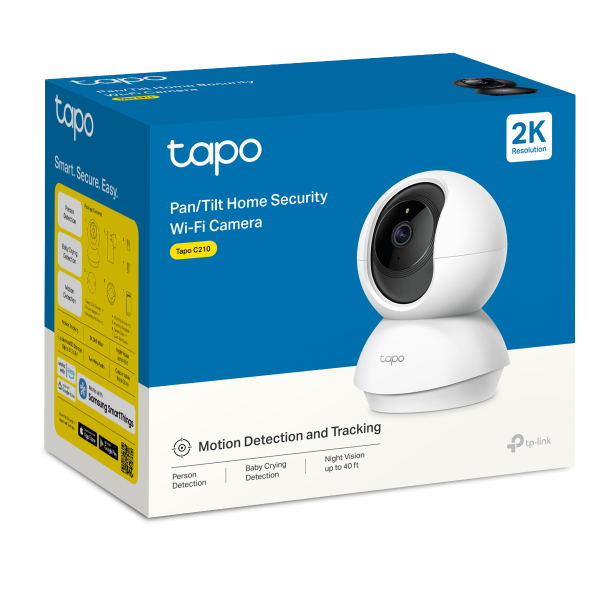
According to PCMag, the TP-Link Tapo C210 features a full 360-degree horizontal pan and 114-degree vertical tilt range, allowing users to cover extensive areas without needing multiple cameras. The camera's physical design includes a rubberized base that keeps it stable during movement, though this also means it requires sufficient space around it to avoid obstruction. The camera includes a wide lens, an infrared light array on the left and right sides for night vision, a microphone below the lens, and a speaker for audio output. The power input is located on the base, while the microSD card slot is hidden underneath the lens, requiring manual upward movement of the camera to access it.
Video quality and resolution capabilities
In daylight conditions, the camera delivers sharp and detailed footage that allows for facial recognition from a distance, though the color saturation appears somewhat flat. Night vision performance is strong, with an illumination range of up to 10 meters, though the footage switches to black and white mode during nighttime use. During dynamic range testing, the camera demonstrated good compensation for bright light sources, which is beneficial when the camera faces constant exposure to bright lighting. The image quality surpasses many budget competitors, though some reviewers noted that the color accuracy and overall brightness could be improved.
App interface and user experience
The Tapo app provides a straightforward interface for managing the camera, including live viewing, recording controls, and pan/tilt adjustments. Users can manually control the camera's movement or set it to automated sweeping modes for horizontal or vertical coverage. The app allows users to save preset camera views, which is helpful for quickly returning to desired angles. However, the app has been described as less intuitive compared to competitors, with a more traditional layout that lacks some modern conveniences. The app also supports local storage via microSD card and cloud storage through Tapo Care, though the latter is noted as being released soon. The app's performance is generally reliable, loading video streams quickly even on slower internet connections, and it works with most WiFi routers without issues.
Storage and connectivity options
The camera connects to a WiFi network and requires a hard-wired power connection, which limits portability but ensures consistent operation. The power adapter included is 5 meters long, according to Blacktubi, providing flexibility in placement. The camera does not support ONVIF for PC viewing, meaning it can only be accessed through the dedicated Tapo app on mobile devices. The camera automatically reconnects to the WiFi network after power disruptions, provided the network name and password remain unchanged. This feature ensures continuous monitoring without manual intervention.
Motion detection and monitoring features
As TechGearLab notes, the system includes a 4-point drag-and-drop interface for customizing motion zones, allowing users to exclude areas like swaying branches from triggering alerts. While the motion detection is functional, it is noted as less customizable compared to other models in the market. The camera also supports two-way audio, enabling users to listen in real-time and communicate through the built-in microphone and speaker. Blacktubi considers the audio quality surprisingly good for a budget camera. The camera also includes a privacy mode that disables all recording and remote viewing functions when activated, providing an additional layer of security.
Night vision and lighting performance
Night vision capabilities are one of the camera's strongest features, with a clear illumination range of up to 10 meters. The camera automatically switches to night vision mode when lighting conditions become dim, though the resulting footage is in black and white. The infrared lights activate seamlessly, providing consistent visibility even in complete darkness. The camera's ability to switch between day and night modes is straightforward, accessible through a dropdown menu in the app. Users reported that the night vision maintains clarity and detail, though the lack of color information can make distinguishing objects more difficult. The camera's performance under varying lighting conditions, including bright sunlight and artificial lighting, was tested and found to handle dynamic range reasonably well.
Setup process and installation
Setup is described as straightforward, requiring only the installation of the Tapo app, connection to WiFi, and plugging in the power cable. The app guides users through the process with minimal technical knowledge required. The camera is designed for indoor use and does not have an IP rating, meaning it should be shielded from rain or direct sunlight. Wall mounting is possible with included accessories, though drilling is required for secure installation. The camera's design includes a hidden microSD card slot, which requires manual upward movement of the camera to access. The setup process is generally smooth, with no reported issues with compatibility or connectivity, and the camera reconnects automatically after power disruptions.
Comparison to similar models and value proposition
When compared to other budget security cameras, the Tapo C210 stands out for its pan-tilt functionality, image quality, and user-friendly app. It offers a significant upgrade over basic static cameras, particularly in terms of coverage and flexibility. While it lacks some of the advanced features found in higher-end models, such as enhanced AI capabilities, it provides solid performance for its price point. The camera's ability to store footage locally and its simple setup process make it a practical choice for users who prefer to avoid subscription services or complex configurations.
Strengths
- +Easy setup process via dedicated mobile app
- +Pan and tilt functionality for 360-degree coverage
- +Wide lens with night vision capability
- +Compact design suitable for discreet placement
Watch-outs
- −Motion-zone setup is less customizable than rivals, TechGearLab notes
- −Requires clear space around base for stable operation
How it compares
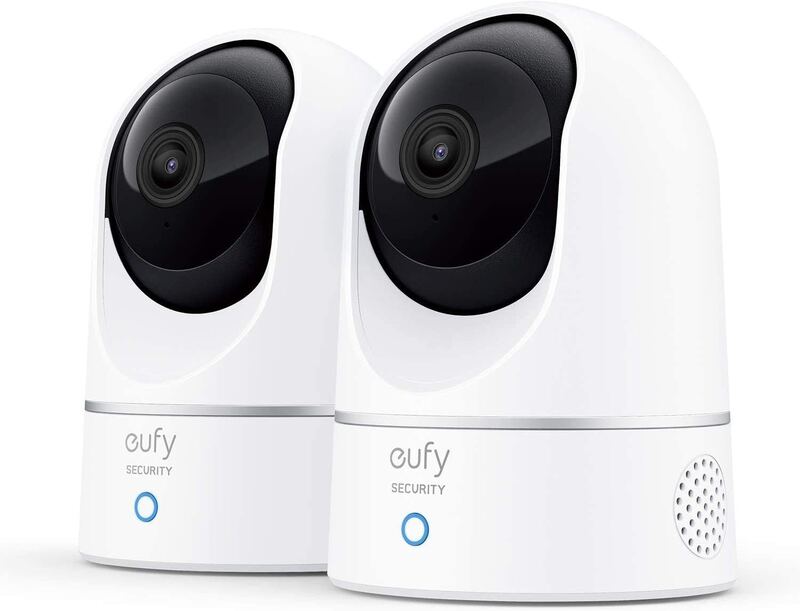
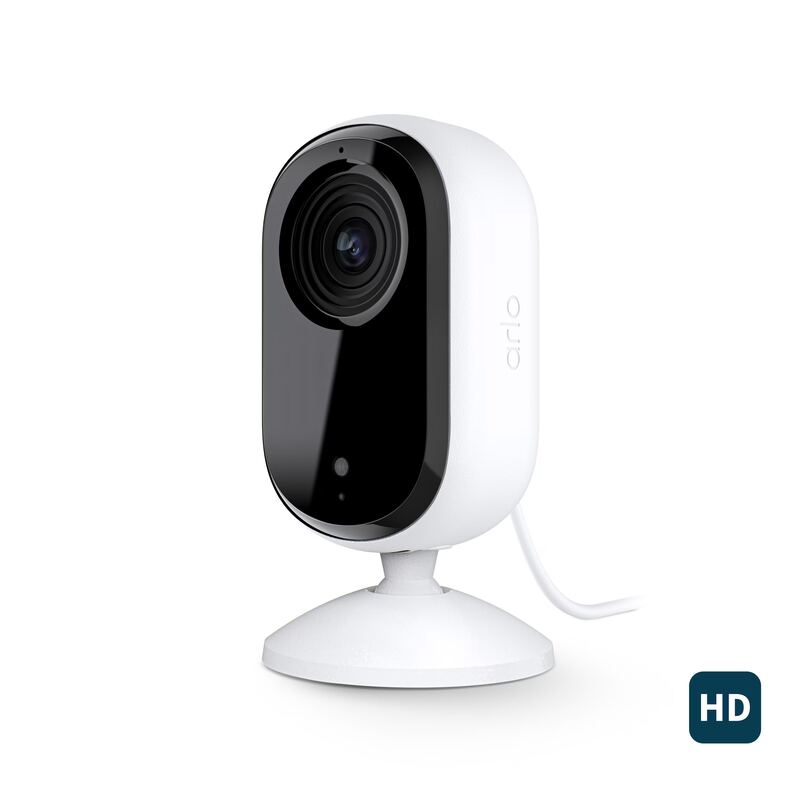
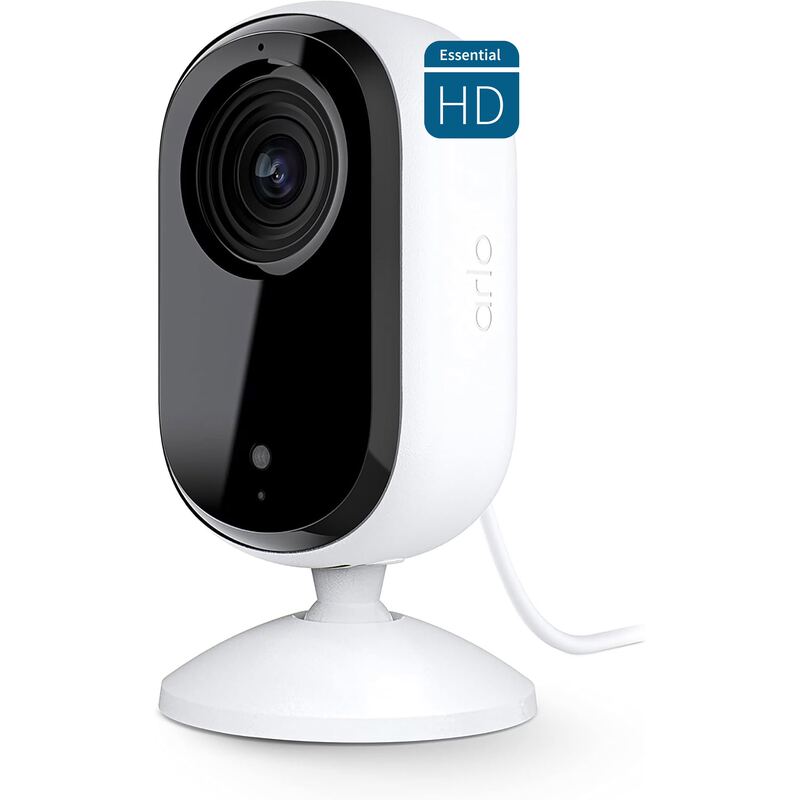
The TP-Link Tapo C210 provides pan and tilt functionality for 360-degree coverage, a feature not found in the Arlo Essential Indoor Security Camera (2nd Gen) or Eufy E220. However, it's heavier than the Arlo Essential Pan Tilt Indoor; like the Eufy E220, it supports both microSD (up to 256GB) and cloud storage.
Rating sources
Counts as 3.66/5 in our score — this publisher's 181 scores on the site average 4.00, so its scores are adjusted up to compare fairly with other publishers.
Counts as 3.74/5 in our score — this publisher's 138 scores on the site average 3.66, so its scores are adjusted up to compare fairly with other publishers.
Counts as 4.19/5 in our score — this publisher's 4 scores on the site average 4.42, so its scores are adjusted down to compare fairly with other publishers.
“the biggest benefit of this camera is clearly the full 360 degree horizontal pan and wide tilt range”
Our 3.9 score is the average of the 3 scored reviews above, each adjusted for how strictly its publisher scores; 1 more reviewed it without printing a score and is not in the average. More about methodology.