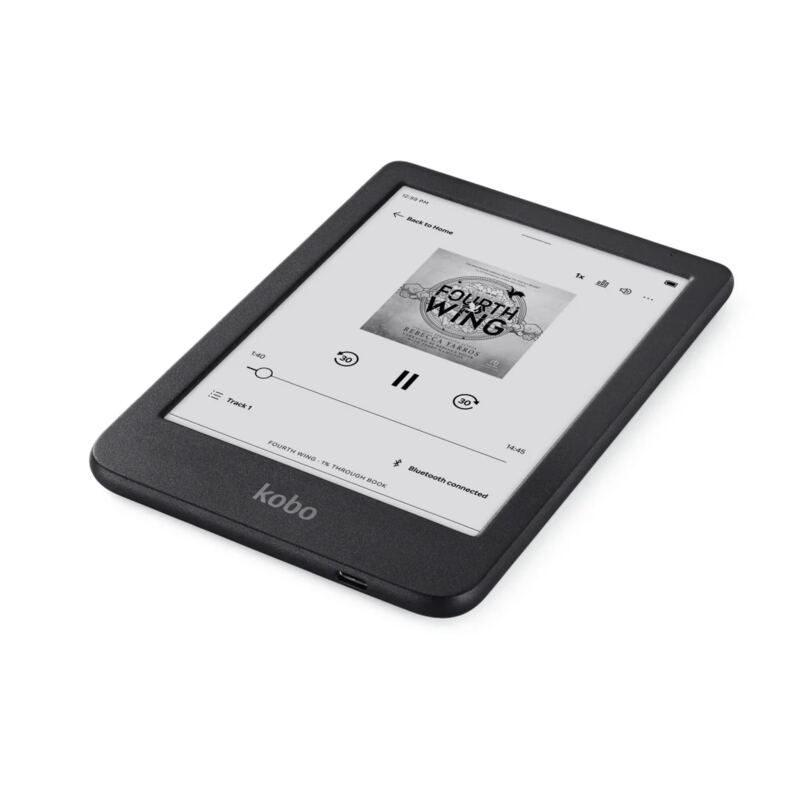
Against the Kindle Oasis, the Kobo Libra Colour brings a color E Ink display, physical page buttons, and better connectivity. Android Central rated the battery life and the color panel highly, and Jonsdocs pointed to the intuitive interface and the improved annotation options. Reviewers were less happy with the Kobo store's limited selection and a build that feels less premium than Amazon's. Readers who want color and hardware controls should like it; those tied to Amazon's larger library or after a more premium feel in the hand won't.
Full review
Color Display Performance
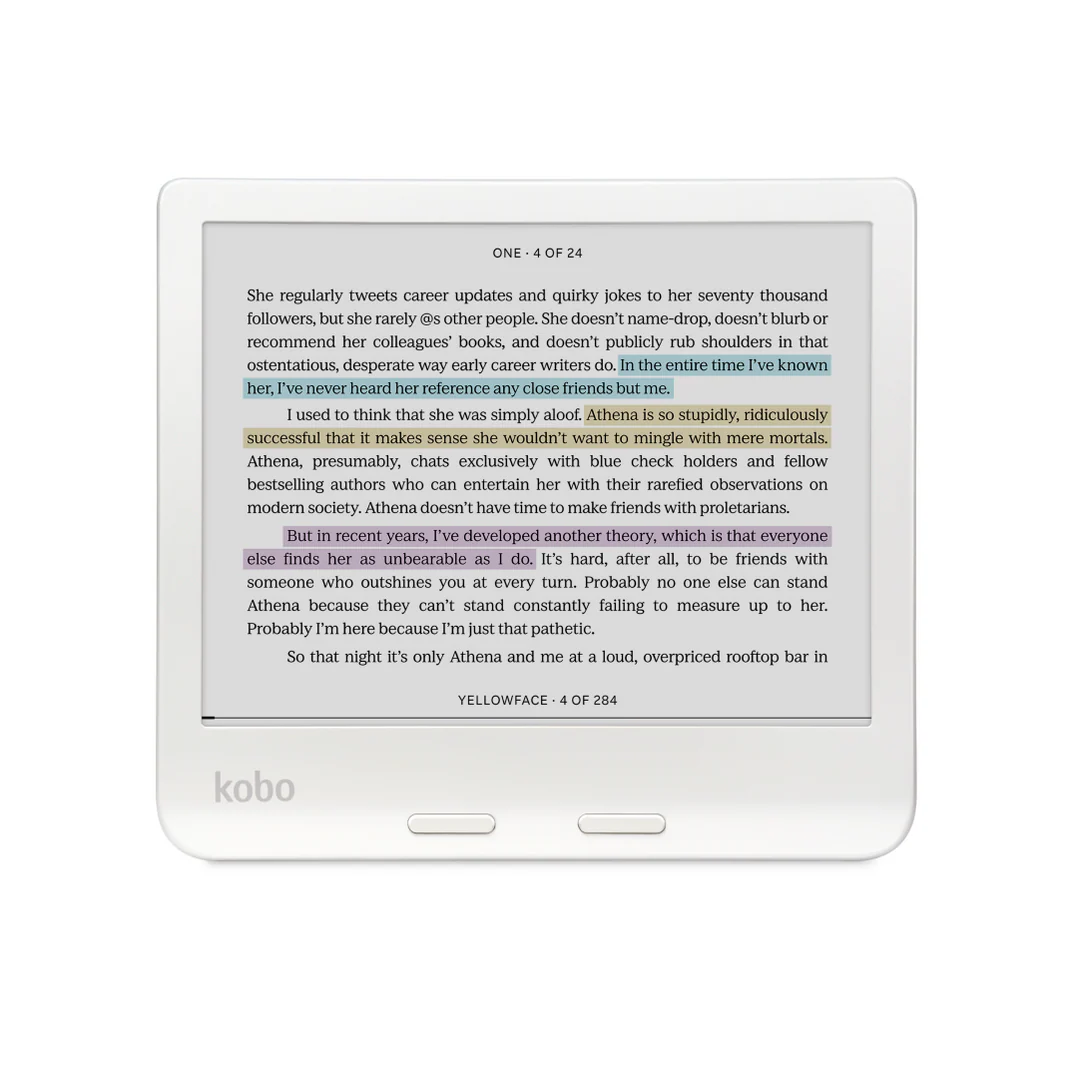
The Kobo Libra Colour introduces E Ink Kaleido 3 technology with color capabilities, marking a significant departure from traditional monochrome e-readers. Reviewers noted that while the color display works adequately for book covers and visual elements, it falls short of expectations for text readability. The color screen has a visible background texture that reduces contrast, making it inferior to the Libra 2's black-and-white display. The screen's brightness and color temperature were also criticized, with one reviewer stating that at 100% brightness, the Libra 2 still outperformed the Libra Colour in terms of clarity and contrast. The display resolution of 150ppi is half that of the standard black-and-white Libra, which impacts overall visual quality. The color functionality is most apparent when book covers are displayed, but actual text reading benefits little from color rendering.
Professional reviewers like those from Digital Reviews Network emphasized that the color display is more useful for graphic novels, maps, and visual content rather than traditional text-based reading. The device's ability to show color book covers was praised, but the actual reading experience was deemed less compelling. Six Colors' Jason Snell noted that color e-readers are 'a misstep by Kobo' and that the screen's color temperature is warmer but worse in contrast. The screen's performance under bright sunlight was particularly criticized, with one reviewer observing that the Libra Colour's screen had a 'yellowish-gray wash' that reduced contrast significantly. Despite these drawbacks, the color display does offer some benefits, such as the ability to use different highlight colors, which was appreciated by users who use the Kobo Stylus 2 for note-taking.
Physical Design and Build Quality
The Libra Colour features a 7-inch E Ink display with a slightly thicker design than its predecessor, measuring 144.6 x 161 x 8.3 mm and weighing less than 200g. The build quality was noted as plastic, which lacks the premium feel of the Kindle Oasis, though reviewers acknowledged the device's light weight and ergonomic grip. The device includes physical page turn buttons, which were universally praised for their tactile feedback and reliability. However, the recessed screen design was criticized for collecting dust and hair around the bezel, a design flaw that some reviewers found problematic. The back of the device has a different plastic texture that some found more pleasant to the touch, but the overall construction still feels less premium compared to competing devices like the Kindle Oasis.
According to the EFTM review, the Libra Colour's design includes an IPX8 rating for water resistance, making it suitable for use in wet environments. EFTM notes that the SleepCover and the Kobo Stylus 2 are sold separately rather than supplied in the box, with Libra Colour SleepCovers starting at $44.95. The USB-C charging port is conveniently located on the right side, and the device includes a USB-A to USB-C cable. The inclusion of the Stylus 2 was seen as a positive feature for users who want to take notes or highlight text, though EFTM found that the page-turn buttons on the side of the device click more loudly than those on the Kobo Sage, which is a drawback for reading in bed. The device's dimensions make it slightly smaller than the Sage but still larger than most Kindles, which may impact portability for some users.
2,050mAh battery lasts up to 40 days
Battery performance was one of the strongest points of the Libra Colour, with reviewers consistently reporting impressive longevity. The 2,050mAh battery is capable of lasting up to 40 days under typical usage conditions, which includes 30 minutes of reading per day with the front light at 30% brightness and Wi-Fi and Bluetooth turned off. This is a significant improvement over the Libra 2, which reportedly had a shorter battery life. Digital Reviews Network noted that the battery life was so long that they were able to use the device for extended periods without needing to recharge, even during travel. EFTM reported that nothing in its own use contradicted Kobo's 40-day figure for the Libra Colour's 2,050mAh battery. The device's power management was seen as a major advantage, especially for users who travel frequently or prefer not to worry about charging their device.
However, some reviewers noted that while the battery life is impressive, the device's power consumption can be affected by features like Bluetooth and Wi-Fi usage. The device's ability to maintain long battery life even with heavy usage was seen as a standout feature. The inclusion of a USB-C charging port and the ability to charge the device quickly were also appreciated. The Stylus 2 also has a long battery life and can be charged using the same cable as the Libra Colour, which adds to the convenience of the overall package. Despite these positives, some reviewers noted that the device's power management could be improved, particularly in terms of how quickly it drains when using features like the backlight or wireless connectivity.
Pocket sync only pulls in recent articles
The Libra Colour runs on Kobo's operating system, which was generally well-received for its intuitive interface and ease of use. Reviewers noted that the software is straightforward and doesn't require extensive manual reading to understand. The interface was praised for being user-friendly, with features like collections and bookmarking making it easy to organize reading materials. The ability to sync with cloud services like Google Drive and Dropbox was seen as a significant advantage, allowing users to sideload books and documents easily. However, some reviewers noted that the integration with Pocket was less than ideal, with only recent articles being pulled down initially, and some articles not rendering properly. The device also supports Libby and Overdrive, which were seen as valuable additions for library users.
The software's support for the Kobo Stylus 2 was also highlighted as a positive feature, allowing for more advanced note-taking and highlighting capabilities. The ability to adjust font size, margins, and font style was appreciated, especially for users with visual impairments. The device also includes features like automatic ambient light adjustment and a bedtime mode that reduces blue light and increases candlelight colors to prepare the body for sleep. Despite these features, some reviewers noted that the software could be improved in terms of handling large files and ensuring consistent performance across different types of content. The device's ability to handle PDFs and comics was seen as a plus, though the small screen size was noted as a limitation for reading comics in detail.
Reading Experience and Comfort
The reading experience on the Libra Colour was described as comfortable and natural, particularly due to the physical page turn buttons and adjustable warm light. Reviewers noted that the device's design makes it easy to hold and use, especially for extended reading sessions. The physical buttons were praised for their tactile feedback and reliability, with one reviewer stating that clicking a button to change pages feels more natural than using touch screen gestures. The warm light feature was also appreciated, particularly for nighttime reading, as it helps reduce eye strain and promotes better sleep. The device's ability to adjust the color temperature of the backlight was seen as a significant advantage, allowing users to customize their reading environment for optimal comfort.
However, some reviewers noted that the device's color display was less effective for reading text, with the color temperature being warmer but worse in contrast compared to traditional black-and-white displays. The screen's performance under bright sunlight was also criticized, with one reviewer observing that the display had a 'yellowish-gray wash' that reduced contrast significantly. The device's ability to block sunlight glare was praised, but the overall reading experience was seen as less compelling than that of traditional e-readers. The device's screen size, while adequate for most reading tasks, was noted as a limitation for users who prefer larger displays or those who read comics or graphic novels in detail.
Color screen called a misstep by Six Colors
The most significant criticism comes from reviewers who found the color display to be inferior to traditional black-and-white e-readers, particularly in terms of contrast and readability. Six Colors' Jason Snell called the color display a 'misstep' by Kobo, noting that the screen's color temperature is warmer but worse in contrast. The device's screen also suffers from a visible background texture that reduces contrast, making it less suitable for extended reading sessions. Additionally, the device's software integration with Pocket was problematic, with only recent articles being pulled down initially, and some articles not rendering properly. The device's physical buttons were also criticized for making a louder click than preferred, particularly for bedtime reading, which could disturb others in shared spaces.
Another major drawback was the device's limited support for the Kobo Stylus 2, which was only available on the Libra Colour and not the Clara Colour. While the Stylus 2 was seen as a valuable addition for users who want to take notes or highlight text, the lack of support for the Stylus 2 on the Clara Colour was noted as a missed opportunity. The device's battery life, while impressive, was also seen as a potential limitation for users who frequently use wireless connectivity or other power-hungry features. The device's design, while functional, was criticized for its plastic construction and recessed screen, which can collect dust and hair. Overall, reviewers felt that while the Libra Colour is a solid upgrade from previous models, it falls short in several key areas that could impact user satisfaction.
Stylus 2 support the Clara Colour lacks
The Kobo Libra Colour is best suited for users who prioritize a comfortable reading experience and value features like physical page turn buttons and adjustable warm light. Reviewers noted that the device is ideal for readers who spend long hours reading, particularly at night, due to its warm light feature and ability to reduce eye strain. The device is also well-suited for users who enjoy reading graphic novels or visual content, as the color display enhances the reading experience for these types of materials. The inclusion of the Kobo Stylus 2 makes it particularly appealing to users who take notes or highlight text, especially those who prefer a more tactile approach to reading. The device's long battery life and water resistance also make it a good choice for frequent travelers or users who read in various environments.
However, the Libra Colour may not be ideal for users who primarily read traditional text-based books and are looking for a device that closely mimics the experience of reading a physical book. Reviewers noted that the color display is less effective for reading text, with the contrast being worse than traditional black-and-white displays. Users who are sensitive to noise or prefer silent operation may also find the physical buttons to be a drawback, particularly when reading in shared spaces. Additionally, the device's limited support for the Kobo Stylus 2 on the Clara Colour means that users who prefer smaller devices or are looking for a more budget-friendly option may want to consider alternatives. The device's higher price point compared to non-color models also makes it less attractive to budget-conscious consumers.
Strengths
- +Color E Ink panel with good detail and clarity, no ghosting
- +Adjustable warm light feature ideal for night reading
- +Bluetooth and USB-C connectivity
- +Excellent battery life lasting up to two weeks with heavy use
Watch-outs
- −Kobo ebook store not as extensive as Amazon's
- −Plastic design lacks the premium in-hand feel of Kindle Oasis
How it compares
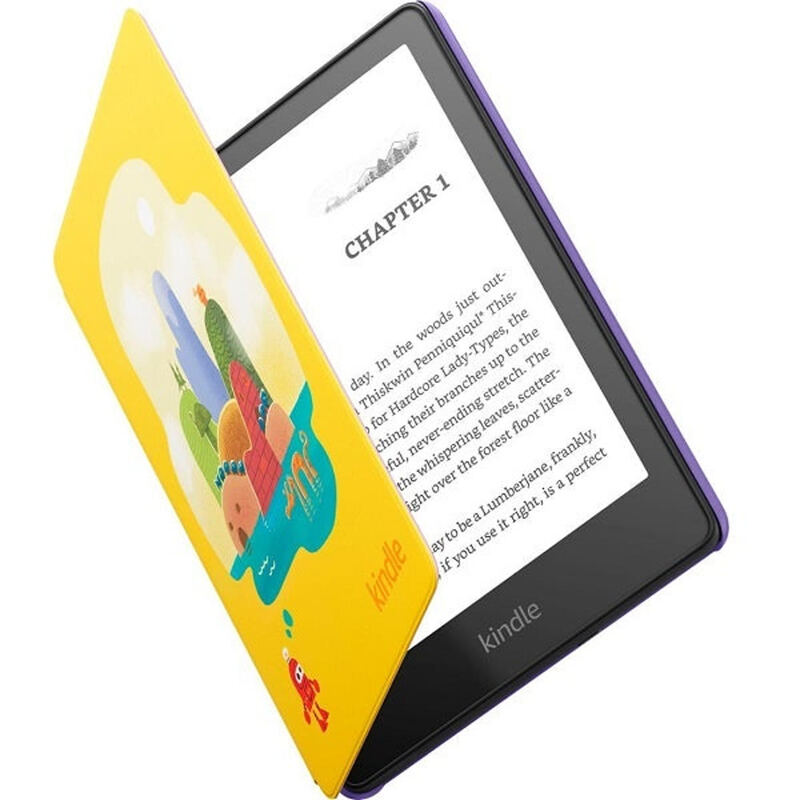
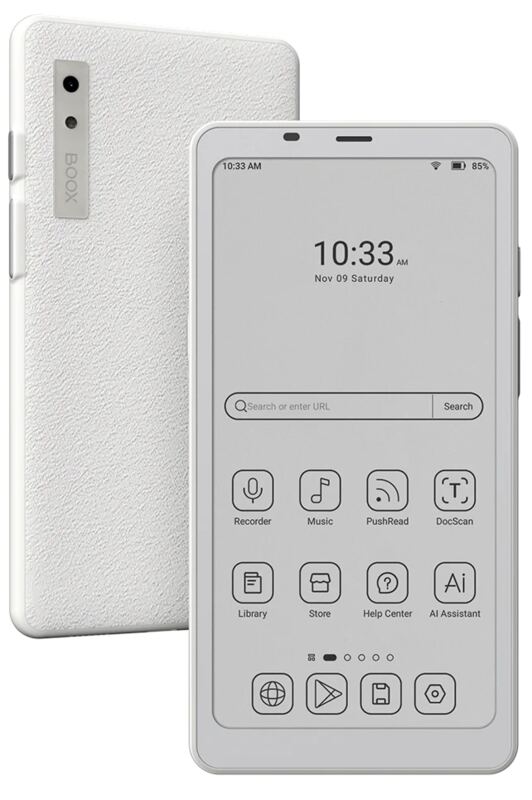
The Kobo Libra Colour offers a color E Ink display that the Kindle (2024) lacks, and it has physical buttons that the reMarkable Paper Pro doesn't provide. While it's not as portable as the Boox Palma 2, it offers better battery life than the reMarkable Paper Pro and doesn't require a subscription. Unlike the Kindle Paperwhite Kids, it's not child-focused but offers a premium reading experience with color and physical controls.
Rating sources
Counts as 4.34/5 in our score — this publisher's 8 scores on the site average 4.44, so its scores are adjusted down to compare fairly with other publishers.
Counts as 3.66/5 in our score — this publisher's 181 scores on the site average 4.00, so its scores are adjusted up to compare fairly with other publishers.
Counts as 3.95/5 in our score — this publisher's 43 scores on the site average 4.22, so its scores are adjusted down to compare fairly with other publishers.
Counts as 3.74/5 in our score — this publisher's 18 scores on the site average 3.86, so its scores are adjusted up to compare fairly with other publishers.
Our 3.9 score is the average of the 4 scored reviews above, each adjusted for how strictly its publisher scores; 2 more reviewed it without printing a score and are not in the average. More about methodology.