The Keychron K2 Wireless features magnetic Hall Effect switches that allow users to customize actuation points from 0.2mm to 3.8mm, offering versatility for both typing and gaming. Hardware Canucks reviewer Eber Anthony noted its compact 75% design and dual connectivity options, though he found the keyboard's thickness caused wrist strain and recommended using a wrist rest. The keyboard supports both Windows and Mac with included OS-specific keycaps and uses USB-C for charging and connection. RTINGS.com praised its budget-friendly price point and mechanical switch quality, while YouTube reviewer Eber Anthony highlighted the advanced configurability of the magnetic switches. This keyboard is ideal for users seeking a customizable mechanical keyboard but may not suit those prioritizing ultra-thin profiles or extended comfort without additional accessories.
Full review
Build quality and design
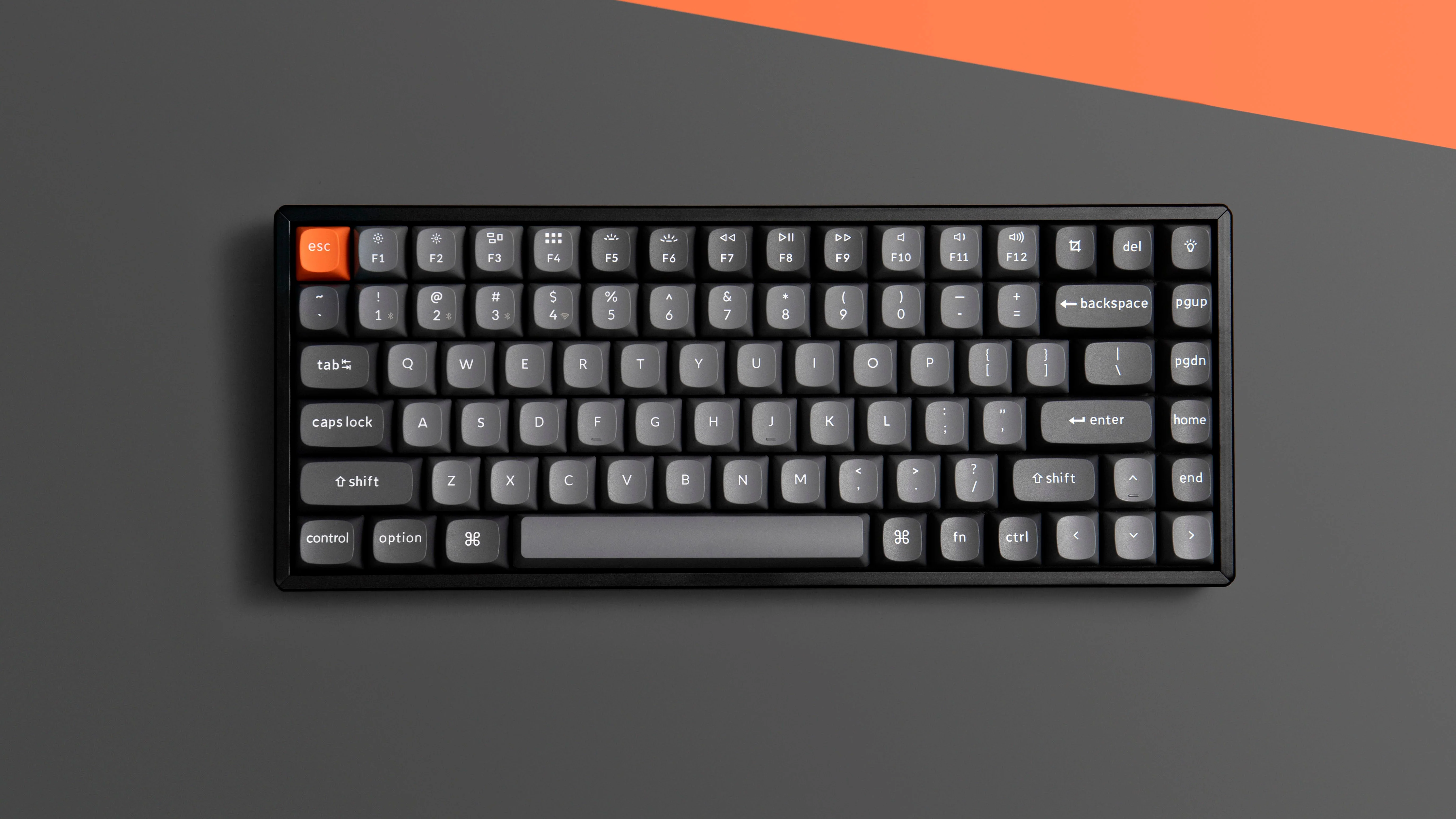
Keychron K2 delivers a premium feel that stands out in the crowded mechanical keyboard market. According to Hardware Canucks' Eber Anthony, the keyboard's construction is notably thick, with the reviewer comparing it to a custom Varmillo TKL and finding the difference significant. The keyboard's design features a grey key cap color scheme with an orange ESC key that can be swapped for a regular one. The build quality is solid, with a substantial weight of over two pounds that prevents sliding on desks. Tao of Mac's Rui Carmo noted that the keyboard feels like furniture rather than a peripheral, with real rosewood accents on the Special Edition that enhance its aesthetic appeal. The aluminum frame and full-height keys contribute to its premium feel, though the thickness does create ergonomic challenges.
The keyboard's design includes a flat base with slightly angled key caps that can be adjusted, but this adjustment increases the overall height. Hardware Canucks' reviewer found this caused strain on wrists and difficulty reaching Control and Shift keys at the bottom. The keyboard's USB-C port placement on the side is criticized by the same reviewer, who would prefer it at the back for a sleeker appearance. However, the included right-angle cable mitigates this issue. The keyboard supports both wired and wireless modes, with a toggle switch for switching between wireless and wired operation, and another for Windows/Mac compatibility. The 4000mAh battery is packed inside the thick chassis, providing 3-5 weeks of battery life on regular settings, though this was untested by the reviewer due to Bluetooth connection issues with desktop systems.
Ergonomic challenges and wrist comfort
The Keychron K2's thickness presents significant ergonomic challenges that affect user comfort. Hardware Canucks' Eber Anthony reported experiencing wrist strain and difficulty reaching the Control and Shift keys at the bottom, particularly when using the keyboard without a wrist rest. The reviewer noted that the keyboard's flat base with slightly angled key caps caused discomfort compared to a Varmillo TKL with an angled chassis from top to bottom. The wrist rest solution was recommended by Keychron, with a walnut wood palm rest available for $25, though the reviewer noted that cheaper alternatives from Amazon would suffice. Tao of Mac's Rui Carmo also experienced the need for a wrist rest, noting that the full-height keys required a different hand position that initially caused strain. The reviewer found that the keycap layout and gentle curve helped in reaching keys without excessive hand strain, but adjustment was needed after a few days of use.
The keyboard's design also affects posture and hand positioning. Tao of Mac's reviewer noted that the key travel felt longer than expected, which initially caused discomfort, but the keycap layout and curve helped mitigate this issue. The reviewer found that the keyboard required a different typing position compared to their previous K11 Max, which had a more ergonomic layout. Despite the initial adjustment period, the reviewer concluded that the keyboard's key feel and responsiveness were remarkable, though they acknowledged that Keychron should consider shipping a wrist rest with the K2 HE. The keyboard's full-height keys, while providing a more substantial feel, also contribute to the overall bulkiness that some users find uncomfortable.
Switch options and typing experience
Keychron K2 offers a range of switch options to suit different preferences, with Gateron Red, Brown, and Blue switches available. The reviewer from ByteZombie.com noted that they initially felt wary about switching to Red switches, which offer a linear, quieter experience compared to the clicky Blue switches they were accustomed to. The reviewer found that the linear switches required little force and travel to register, resulting in minimal typing errors and a smooth typing experience. After a few days of adjustment, the reviewer found the K2 to be one of the most comfortable typing experiences they'd had in recent years. The linear switches were praised for their smoothness and reduced typing errors, though the reviewer acknowledged that an adjustment period was necessary to appreciate the typing experience.
The reviewer from HashBangCode.com also chose the Brown switches, finding them to be quieter than Blue but slightly noisier than Red. They noted that Brown switches offer a tactile bump when pressed, providing a good balance between quiet operation and tactile feedback. The reviewer found that the keyboard worked flawlessly with their MacBook Pro 2018, with no need to adapt muscle memory. The keyboard's compatibility with both Windows and Mac systems was appreciated, with the ability to switch between operating systems using a dedicated toggle switch. The reviewer noted that the keyboard's keycaps were well-designed, providing a good grip and comfortable typing experience across all switch types.
Connectivity and wireless performance
The Keychron K2's wireless connectivity presents both strengths and weaknesses in real-world usage. Hardware Canucks' Eber Anthony found that while the keyboard paired well with Android smartphones and a Razer Blade 15, it failed to connect reliably with his desktop system over Bluetooth. The reviewer noted that despite multiple troubleshooting steps, the keyboard would not pair with the desktop, forcing them to use the wired mode. This issue was attributed to the keyboard's Bluetooth implementation rather than the desktop's capabilities. The reviewer also noted that the 2.4GHz wireless receiver would have provided a more reliable connection than Bluetooth, particularly for desktop systems. Despite these issues, the keyboard's Bluetooth functionality worked flawlessly with mobile devices, indicating that the wireless capabilities are functional but inconsistent with certain desktop setups.
ByteZombie.com's reviewer noted that the keyboard's Bluetooth 5.1 connectivity was a must-have feature for their upgrade, with multi-device support for up to three devices. The reviewer experienced occasional random connection issues, which resolved after re-pairing and charging the device. The reviewer found that under heavy use with RGB lighting, the battery lasted approximately one week, which they considered decent for a heavy user. The keyboard's ability to quickly plug in a cable for connectivity and charging was seen as a positive feature. The reviewer noted that while the keyboard's wireless performance was generally good, the occasional connection issues were frustrating, particularly when they occurred during important work sessions.
4000mAh battery lasts weeks without RGB lighting
Battery performance in the Keychron K2 varies significantly based on usage patterns and lighting settings. Hardware Canucks' Eber Anthony noted that the keyboard's 4000mAh battery was packed inside the thick chassis, with battery life estimated to last 3-5 weeks on regular settings. However, the reviewer was unable to test this due to Bluetooth connection issues with their desktop system. The reviewer noted that enabling RGB lighting reduced battery life to 20-80 hours depending on the effect and brightness level. ByteZombie.com's reviewer found that under heavy use with RGB lighting, the battery lasted approximately one week, which they considered decent for a heavy user. The reviewer noted that the keyboard's ability to quickly plug in a cable for connectivity and charging was seen as a positive feature, though they found the occasional connection issues frustrating.
The keyboard's power management is designed to preserve battery life when not in use. Hardware Canucks' reviewer noted that the middle toggle switch can be used to turn off the keyboard to preserve battery life when traveling. The reviewer also noted that the keyboard's USB-C port placement on the side, while not aesthetically pleasing, was functional with the included right-angle cable. The reviewer noted that the keyboard's battery life was adequate for most users, though they emphasized that the actual performance would depend on usage patterns and lighting settings. The reviewer also noted that the keyboard's ability to store up to three Bluetooth devices and switch between them using a simple keypress was a useful feature for users who work with multiple devices.
Layout and functionality
The Keychron K2's 75% layout provides a balance between compactness and functionality that appeals to users seeking a full-sized keyboard without the numpad. The keyboard features a full row of function keys, which the reviewer from Tao of Mac noted felt surplus after a year of more compact layouts. However, the reviewer found that having a dedicated tilde key (instead of using Esc + Fn on more compact layouts) felt really good. The keyboard also includes an extra column of movement keys with PgUp/PgDn and other navigation keys, which the reviewer found useful. The layout also features an extra modifier key (Ctrl) near the cursor keys, which the reviewer noted considerably helped with quick switching between virtual desktops on Mac. The reviewer noted that while they missed the ergonomic layout from their previous K11 Max, adjusting to the new layout was fairly quick.
The keyboard's key mapping is designed to work seamlessly with both Windows and Mac systems, with a toggle switch to switch between operating systems. The reviewer from HashBangCode.com noted that the keyboard's compatibility with both systems was appreciated, with no need to adapt muscle memory. The reviewer also noted that the keyboard's keycaps were well-designed, providing a good grip and comfortable typing experience. The keyboard's ability to store up to three Bluetooth devices and switch between them using a simple keypress was seen as a useful feature for users who work with multiple devices. The reviewer noted that the keyboard's keycaps were designed to cup fingertips nicely, providing a comfortable typing experience even with the full-height keys.
RGB lighting and customization
The Keychron K2's RGB lighting system provides extensive customization options that appeal to users who enjoy visual feedback. The reviewer from HashBangCode.com noted that the keyboard offers 19 different lighting modes that can be changed via a dedicated key, with each mode offering unique visual effects. The reviewer compiled an unofficial breakdown of the lighting modes, which included pulsing random multicoloured lights, solid colour changing pulses, chasing multicoloured lines, sweeping multi-colour around the letter U, concentric multi-colour circles pulsing around the letter U, and various other visual effects. The reviewer noted that each mode can also be changed using the Fn key and the left or right keys, which changes the color of the effects. The reviewer noted that the RGB lighting system was a standout feature, with the ability to customize the visual effects to match personal preferences.
The reviewer from ByteZombie.com also noted that the RGB lighting was a feature they found appealing, with the ability to change lighting modes and colors providing a personalized experience. The reviewer noted that the lighting system was easy to use and provided a good visual experience. The reviewer also noted that the keyboard's ability to quickly plug in a cable for connectivity and charging was seen as a positive feature, though they found the occasional connection issues frustrating. The reviewer noted that the keyboard's RGB lighting system was a standout feature that added to the overall appeal of the keyboard, particularly for users who enjoy a visually appealing workspace.
Strengths
- +Uses magnetic Hall Effect switches allowing actuation point adjustment from 0.2mm to 3.8mm
- +Supports both Windows and Mac operating systems with appropriate key caps included
- +Compact 75% layout that saves desk space while maintaining full functionality
- +Wireless and wired modes with USB-C charging and connection support
Watch-outs
- −Significantly thicker design causes wrist strain and discomfort without wrist rest
- −Charging/USB-C port placement on the side rather than back reduces aesthetic appeal
How it compares
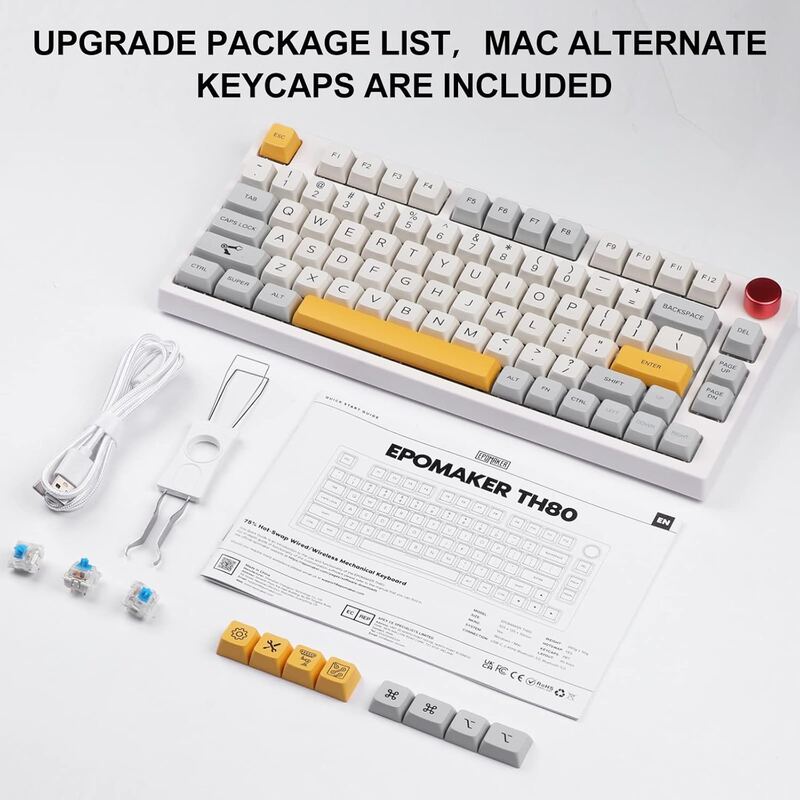
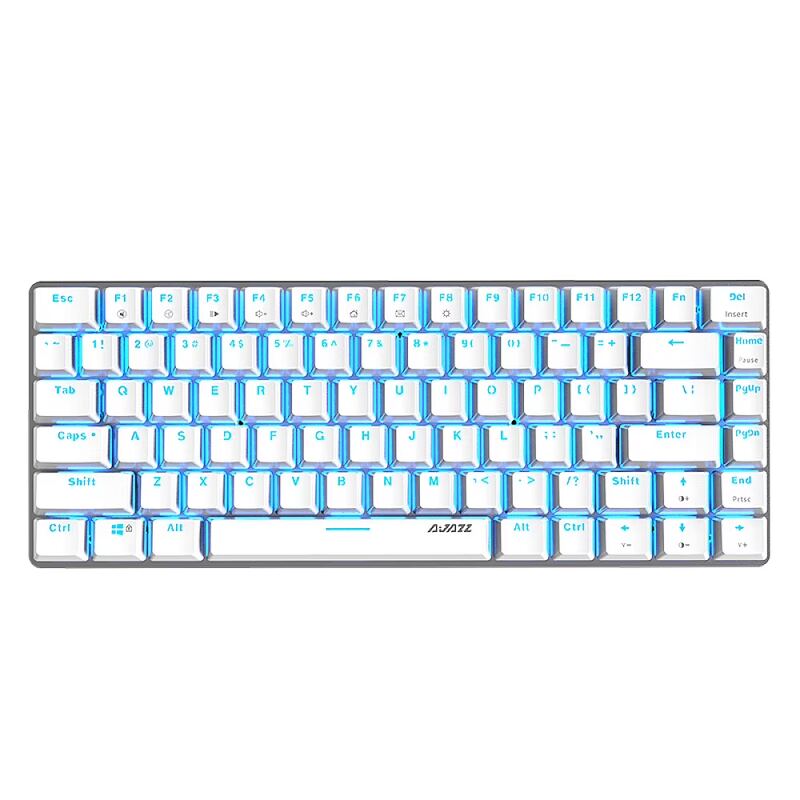
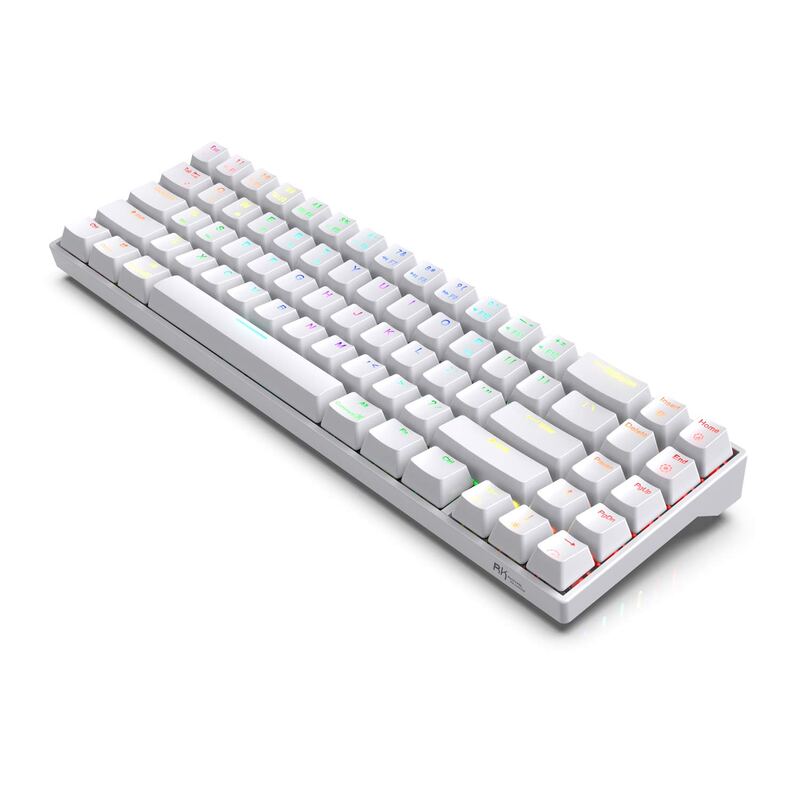
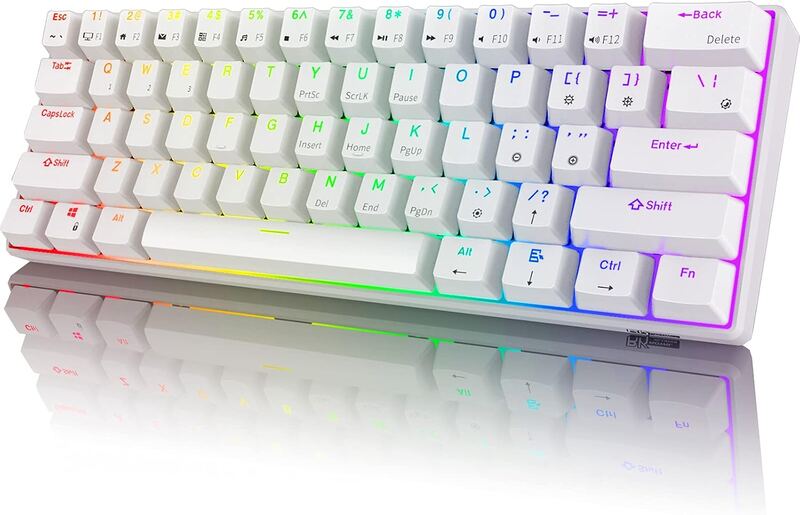
The Keychron K2 Wireless's magnetic Hall Effect switches, which allow actuation point adjustment, are unique among these keyboards, unlike the Redragon K552 Kumara or Royal Kludge RK61. While the Epomaker TH80 Pro offers a color LCD screen, the Keychron K2 provides more customizable mechanical switches and dual OS support, though it's thicker than the Ajazz AK33.
Rating sources
Counts as 3.98/5 in our score — this publisher's 87 scores on the site average 3.98, so its scores are adjusted up to compare fairly with other publishers.
Not in the average — we derived this score from the review's words, and a publisher printed a score for this product, so the printed number counts instead.
“The key feel on the K2 HE is so remarkably different that I'm actually torn at that prospect–even though I'm a stickler for desktop real estate and the K2 HE is definitely bigger and bulkier than a standard Apple Magic Keyboard.”
Our 4.0 score is the average of 1 of the scored reviews above, each adjusted for how strictly its publisher scores; 4 more reviewed it without printing a score and are not in the average. 1 derived score above is not in the average because a publisher printed a score for this product. Ratings marked * were derived from the reviewer’s written analysis or video transcript — the publisher didn’t print an explicit numeric score, so we inferred one from their own words. Click through to verify. More about methodology.