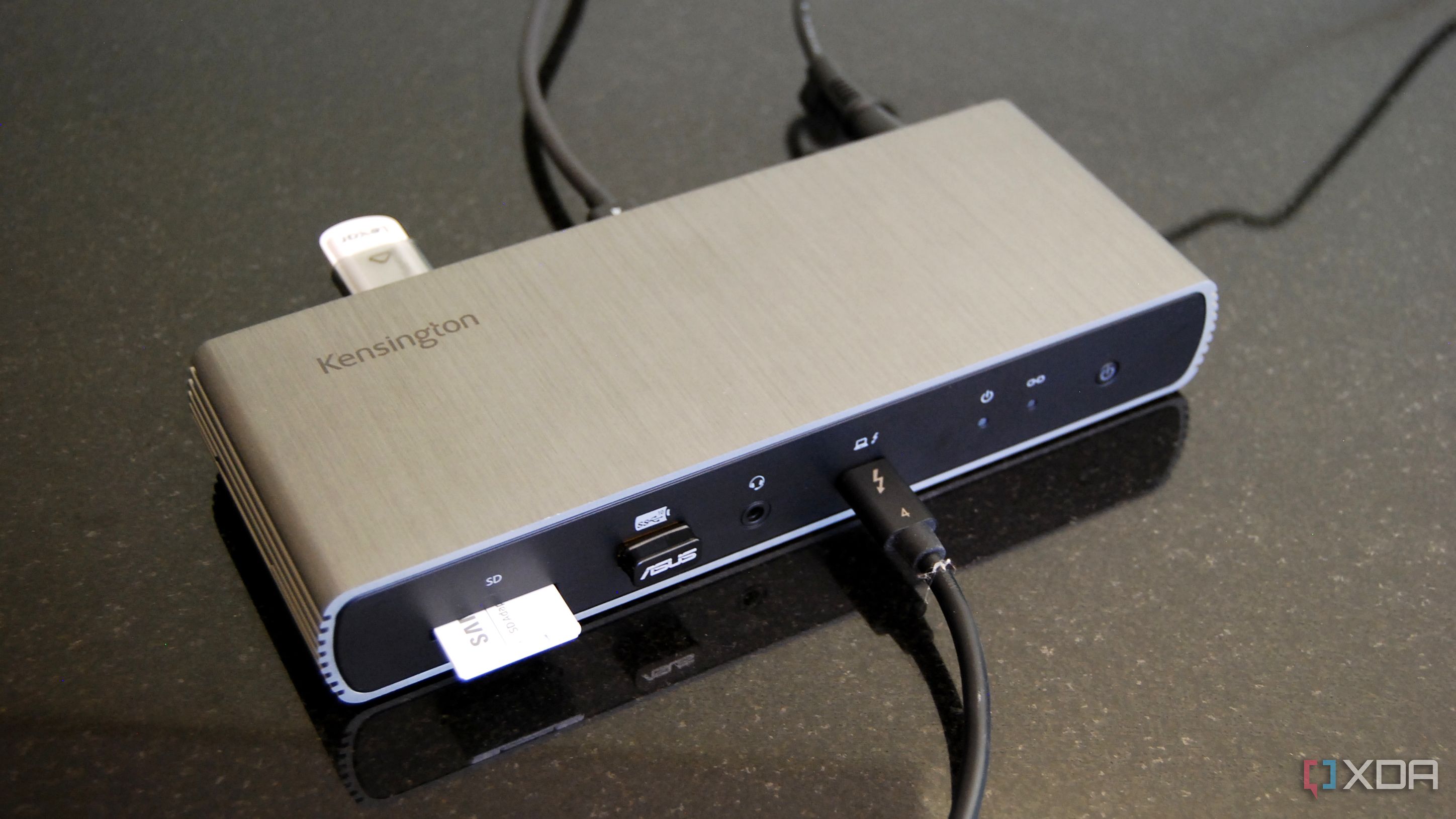
The SD5780T is the display-focused dock: HDMI 2.1 plus Thunderbolt outputs drive dual 4K or 6K monitors, backed by 96W charging and a three-year warranty. Windows Central called it Kensington's best dock yet and XDA marked it Recommended, noting it is well worth it around $300 or less. Its horizontal footprint and original high price are the drawbacks, but recent discounts make it a strong dual-display option.
Full review
HDMI 2.1 plus Thunderbolt display outputs
The SD5780T is built around display flexibility, and reviewers rate it among the best Kensington has made. Windows Central's verdict was emphatic: "Kensington irons out some wrinkles and delivers its best dock yet," calling it "the new best Thunderbolt 4 docking station Kensington has to offer." PCWorld agreed it is "one of the top picks among Thunderbolt docks."
In use it does what a good Thunderbolt 4 dock should — one cable to the laptop, dual high-resolution displays, networking, charging and peripherals — with the added flexibility of HDMI 2.1 alongside Thunderbolt video out. It is a dependable anchor for a permanent desk setup.
Displays and Connectivity
The SD5780T's calling card is its display support: HDMI 2.1 paired with Thunderbolt outputs to drive dual 4K — or even 6K — monitors, a higher ceiling than the dual-4K HDMI of the Plugable TBT4-UD5. For users running high-resolution or high-refresh screens, that extra headroom matters.
The 11-port layout rounds things out with an SD card reader, Gigabit Ethernet and a useful USB spread, and the dock works with Thunderbolt 4, USB4 and Thunderbolt 3 hosts thanks to backward compatibility. It is a well-balanced selection aimed squarely at the dual-monitor workstation buyer.
Three-year warranty, but a horizontal-only design
Kensington built the SD5780T as a permanent desk fixture, and it shows in the sturdy construction and the three-year warranty — longer than the coverage on several rivals. That warranty is a genuine selling point for buyers who want long-term peace of mind from a workstation dock.
The trade-off is the horizontal orientation. As XDA noted, "the dock's horizontal design might irk some users with limited desk space, but pre-drilled holes for an inexpensive bracket (sold separately) can solve this problem." Buyers tight on space should budget for that bracket.
Value Over Time
The SD5780T launched at a steep $350-plus, which initially made it a hard sell against cheaper rivals. But as XDA observed, "if you can indeed find the SD5780T at around $300 or less, it's well worth the investment for those looking to create a more permanent workstation" — and prices have indeed fallen, often landing well under $300.
At those reduced prices the value equation flips in its favor, pairing premium display support and a long warranty with a more reasonable outlay. It is a case where waiting for the discount transforms a pricey dock into a smart buy.
Setup and Compatibility
The SD5780T is broadly compatible thanks to Thunderbolt 4's backward compatibility, working with Thunderbolt 4, USB4 and Thunderbolt 3 host laptops across Windows and Mac. Setup is the usual single-cable, driver-free experience, and once connected it drives the full dual-display, networking and charging payload.
The familiar caveats apply here too: base M-series MacBook Air and Pro models are capped at one external display by Apple regardless of dock, so the SD5780T's dual-monitor strength is best realized on a Windows Thunderbolt 4 laptop or a higher-end Mac. On a capable host it is a clean, reliable workstation anchor.
Needs a bracket to save desk space
The main drawbacks are physical and historical. The horizontal footprint consumes more desk space than vertical-friendly rivals, and the optional mounting bracket is an extra cost. The original MSRP was high enough that it only makes sense once discounted.
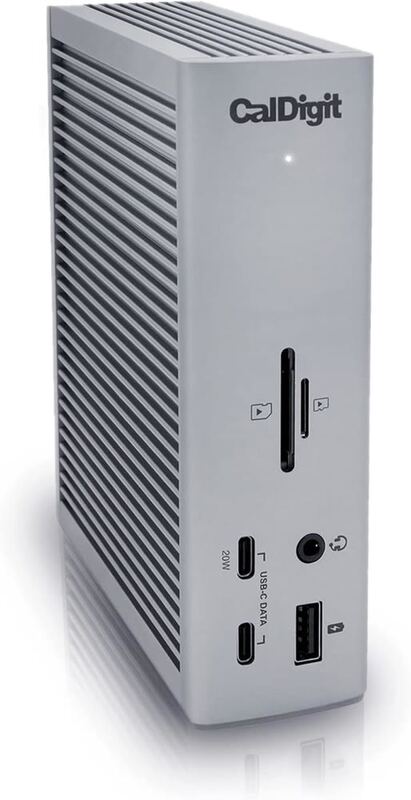
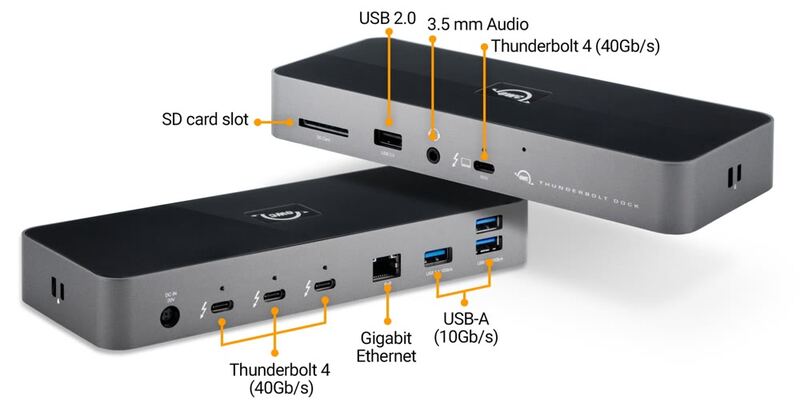
It also carries fewer total ports than the CalDigit TS4 and Plugable TBT4-UDZ, and it lacks the OWC Thunderbolt 4 Dock's trio of downstream Thunderbolt ports for daisy-chaining. For a dual-display desk it is excellent; for a maximal port wall, the flagships pull ahead.
Higher display ceiling than the UD5
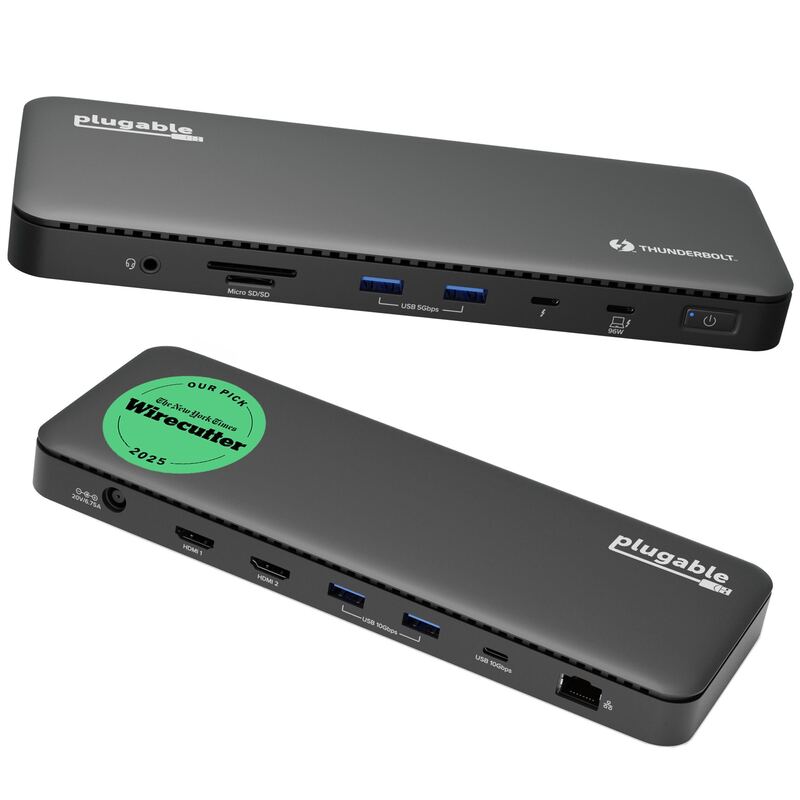
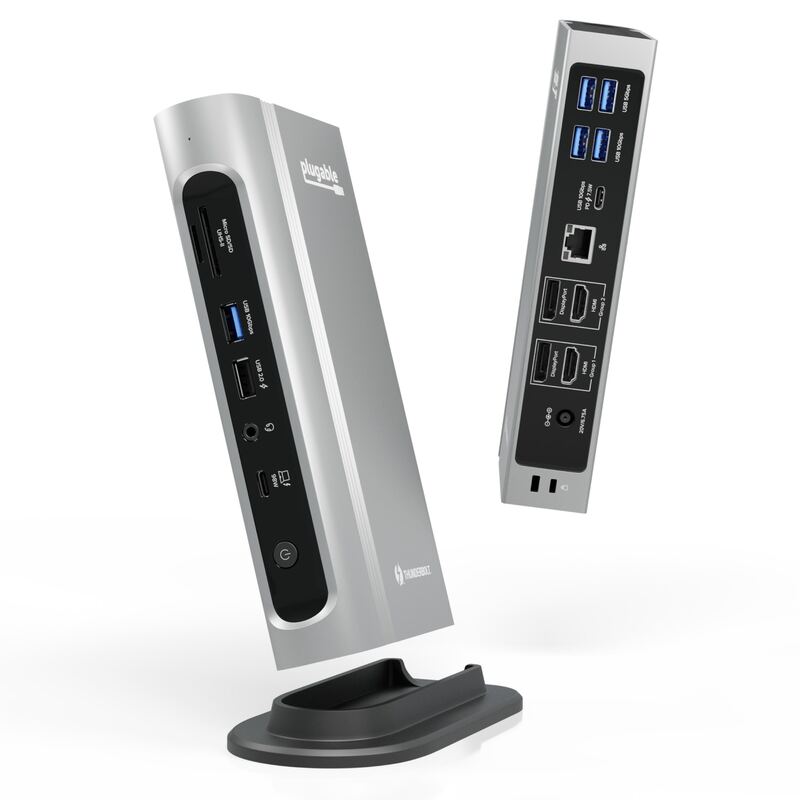
The SD5780T differentiates on displays, offering HDMI 2.1 plus Thunderbolt outputs for dual 4K/6K screens — a higher ceiling than the Plugable TBT4-UD5's dual-4K HDMI. It cannot match the CalDigit TS4 or Plugable TBT4-UDZ on total ports, nor the OWC Thunderbolt 4 Dock on downstream Thunderbolt daisy-chaining. Where it wins is high-resolution display support and a three-year warranty, making it a focused choice for a permanent dual-monitor workstation.
Best under $300 for dual 4K/6K displays
Choose the SD5780T if you are building a permanent dual-monitor workstation, want high-resolution display support via HDMI 2.1 and Thunderbolt, and value a long three-year warranty — especially if you can catch it on discount under $300. Look elsewhere if desk space is tight (its horizontal design is bulky) or if you need maximum ports (CalDigit TS4) or Thunderbolt daisy-chaining (OWC Thunderbolt 4 Dock).
Strengths
- +Dual 4K/6K display support with HDMI 2.1 and Thunderbolt outputs
- +Up to 96W charging for the host laptop
- +Built-in SD card reader and broad port selection
- +Three-year warranty for peace of mind
- +Prices have dropped well below its original MSRP over time
Watch-outs
- −Horizontal design takes up more desk space
- −Originally launched at a high $350-plus price
- −Fewer total ports than the CalDigit TS4 or Plugable TBT4-UDZ
- −Mounting bracket for vertical use is sold separately
How it compares
Leans on display flexibility, pairing HDMI 2.1 with Thunderbolt outputs for dual 4K/6K screens — a step beyond the dual-4K HDMI of the Plugable TBT4-UD5. It carries fewer total ports than the CalDigit TS4 and Plugable TBT4-UDZ, and lacks the downstream Thunderbolt daisy-chaining of the OWC Thunderbolt 4 Dock, but its three-year warranty and higher display ceiling set it apart.
Rating sources
“Kensington irons out some wrinkles and delivers its best dock yet, the new best Thunderbolt 4 docking station Kensington has to offer.”
“If you can indeed find the SD5780T at around $300 or less, it's well worth the investment for those looking to create a more permanent workstation.”
Our 4.2 score is the average of these published ratings. Ratings marked * were derived from the reviewer’s written analysis or video transcript — the publisher didn’t print an explicit numeric score, so we inferred one from their own words. Click through to verify. More about methodology.