The GMKtec G10 utilizes an older AMD Ryzen 5 3500U processor that struggles with 4K video playback in default settings and requires manual BIOS configuration to unlock higher performance tiers. Layer3labs.io identified the chip's Zen+ architecture as a significant limitation for modern workloads, while techradar confirmed it still outperforms Intel N-series alternatives when properly tuned. The system offers dual M.2 slots supporting up to 16TB of storage and triple display output, though blog.lon.tv noted that high-performance modes introduce disruptive fan noise during stress tests. Users comfortable with tinkering will appreciate the upgradeable RAM and robust connectivity, but those seeking a plug-and-play experience without adjusting power limits should look elsewhere.
Full review
The Ryzen 5 3500U is a 2019-era Zen+ chip
Layer3labs.io noted that the single most important specification to scrutinize on this device is its processor, identifying the AMD Ryzen 5 3500U as a quad-core mobile part built on the older Zen+ architecture and a 12nm process. The chip features a base clock of 2.1GHz with boost capabilities up to 3.7GHz, but it lacks modern instruction sets or an NPU for local artificial intelligence tasks. TechRadar confirmed that while this silicon is not new, it still provides a genuine edge in multitasking and video decoding compared to the sluggish Intel N-series chips like the N100 or N150 that dominate the ultra-budget segment.
The Vega 8 integrated graphics handle display output and light media duties adequately but fall short for demanding graphical workloads. Layer3labs.io emphasized that this architecture is a poor fit for anyone expecting current-generation processing speeds, noting that the Ryzen badge on older chips often misleads buyers into expecting significantly higher performance than what is actually delivered in modern contexts.
Default BIOS settings throttle performance to 15W
Blog.lon.tv recorded that the system ships from the factory with a balanced power mode that restricts the processor to just 15 watts of thermal design power. In this default state, minipc-review found that the G10's speedometer score sits at 7.63 points, which is comparable to or even slightly lower than similarly priced Intel N150 machines. This severe throttling means that users who do not open the BIOS and manually switch the configuration will experience sluggish performance in everyday office tasks and web browsing.
However, this performance gain introduces significant thermal challenges. Blog.lon.tv reported that running a 3DMark stress test initially yielded poor stability until the fan was manually forced to run at 100 percent, generating noise levels that many users will find disruptive during quiet office hours.
4K video playback struggles without firmware updates
Minipc-review documented early firmware issues where the system experienced dropped frames and choppy performance when playing 4K YouTube videos. Blog.lon.tv observed similar behavior, noting that even after switching to high-performance mode, the older CPU architecture still caused frame drops during 4K60 playback from streaming services, failing to match the smoothness of newer Intel chips in the same price bracket. The issue was eventually resolved by adjusting BIOS settings and updating Windows drivers, but it represents a notable friction point for media consumers.
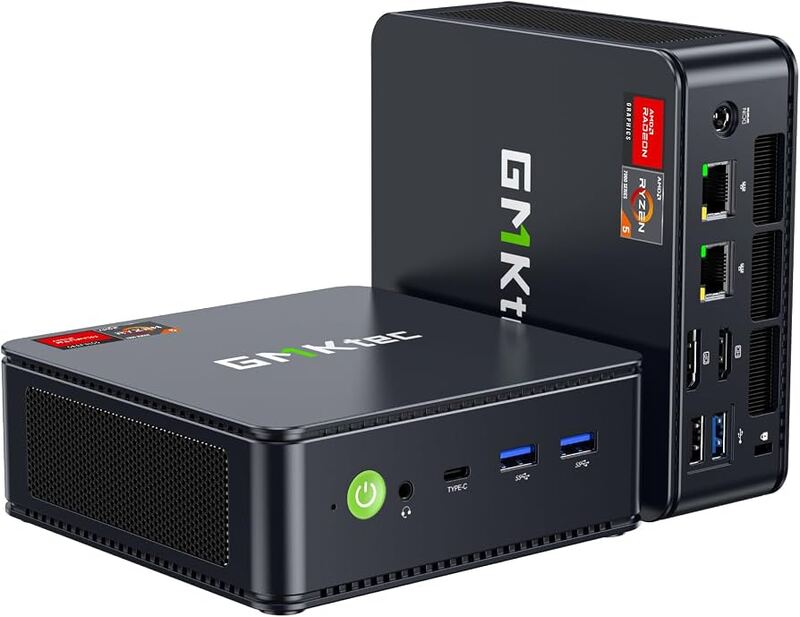
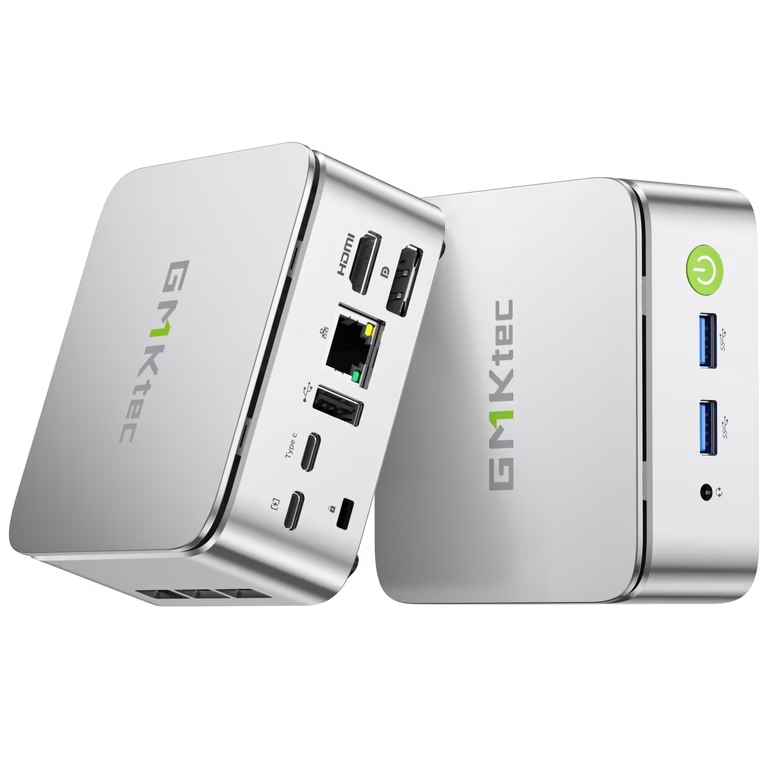
The hardware supports triple display output via HDMI 2.1 at 4K60Hz, DisplayPort 1.4 up to 8K resolution, and USB-C supporting DP 1.4 at 4K30Hz. While the physical connectivity is robust enough to drive three monitors simultaneously, the underlying video decoding capabilities of the Zen+ architecture limit its fluidity with high-bitrate modern codecs unless the system is heavily tuned by an experienced user.
Dual M.2 slots support up to 16TB of storage
TechRadar highlighted that the G10 offers generous room for expansion with two SO-DIMM RAM slots supporting up to 64GB and dual M.2 280 PCIe 3.0 drive bays capable of holding a combined 16TB of storage. This configuration allows users to clone an existing installation onto a larger drive easily, making the system highly adaptable for home server applications or network-attached storage front-ends without requiring expensive enterprise hardware.
Minipc-review confirmed that both RAM and SSD configurations are user-upgradeable, though blog.lon.tv warned about the physical layout. The internal space is extremely tight, with one of the NVMe slots overlapping the RAM modules, which makes installing or swapping components somewhat cramped for first-time builders. Despite the spatial constraints, the inclusion of dual drive bays remains a standout feature that separates this model from many single-slot competitors in its price range.
Wi-Fi 5 connectivity and legacy port selection
TechRadar pointed out the absence of USB 4.0 or Thunderbolt support, restricting external storage speeds to USB 3.2 Gen 1 limits on the available ports. Minipc-review noted that while the machine includes a fast 2.5GbE Ethernet port for wired networking, its wireless capabilities are limited to Wi-Fi 5 and Bluetooth 5.0 rather than modern Wi-Fi 6 standards. This lack of newer wireless technology can be a bottleneck if high-speed local network transfers or dense wireless environments are part of the user's workflow.
The rear I/O panel includes a USB-C port that supports data, video output, and power delivery alongside a second USB-C port dedicated solely to charging. On the front, users get two USB-A ports and an audio jack. Blog.lon.tv observed that relying on dongles becomes necessary for heavy peripheral setups because the limited number of high-speed USB-A ports can be quickly consumed by mice, keyboards, and printers.
Gaming performance is restricted to older titles
Blog.lon.tv benchmarked the system's gaming capabilities using 3DMark Time Spy, recording a score of 756 in high-performance mode compared to just 394 in balanced mode. While these numbers indicate better integrated graphics performance than entry-level Intel chips, actual gameplay revealed limitations. The reviewer noted that Grand Theft Auto V ran at an average of 45 to 50 frames per second only when set to 720p resolution and minimum graphical settings.
Emulation performance proved mixed according to blog.lon.tv's testing. While retro-style games and older console titles generally run smoothly, more demanding emulators like those for the PlayStation 2 struggled; Burnout Revenge failed to maintain a consistent frame rate even with all BIOS optimizations enabled. Layer3labs.io concluded that while the Vega 8 graphics are fine for light gaming, they cannot replace discrete GPU hardware for modern or graphically intensive applications.
Linux support is solid but Windows requires tuning
Blog.lon.tv found that Linux distributions like Ubuntu 25.04 correctly detected all internal components, including the Ethernet, Wi-Fi, Bluetooth, audio, and video hardware without requiring manual driver intervention. The reviewer noted that the system felt more responsive in Linux balanced mode than it did in Windows, likely due to lower background overhead from the operating system itself.
Windows 11 Pro comes pre-installed and activated, but techradar warned about potential stability issues if Microsoft releases aggressive code-breaking updates for older hardware architectures. The machine requires manual BIOS intervention to unlock its full potential, meaning that shoppers who need a plug-and-play experience without tinkering with power limits or fan curves should look elsewhere.
Strengths
- +Includes dual M.2 PCIe 3.0 slots supporting up to 16TB of total storage expansion
- +Features triple display output via HDMI 2.1, DisplayPort 1.4, and USB-C
- +Supports USB-C power delivery allowing operation from a portable power bank or laptop charger
- +Offers significantly higher performance than Intel N-series chips when BIOS is set to Performance mode
Watch-outs
- −Uses an older 2019 Zen+ architecture Ryzen 5 3500U processor that struggles with 4K video playback in default settings
- −Limited to Wi-Fi 5 connectivity and lacks USB 4.0 or Thunderbolt ports
- −Requires manual BIOS configuration for optimal performance as the default Balanced mode limits power to 15W
How it compares
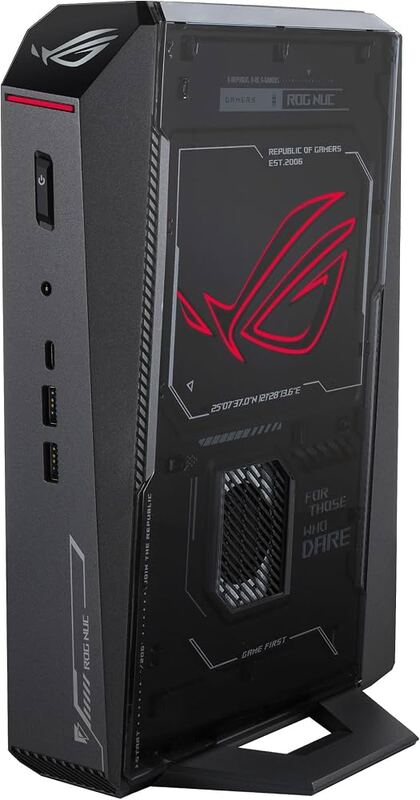
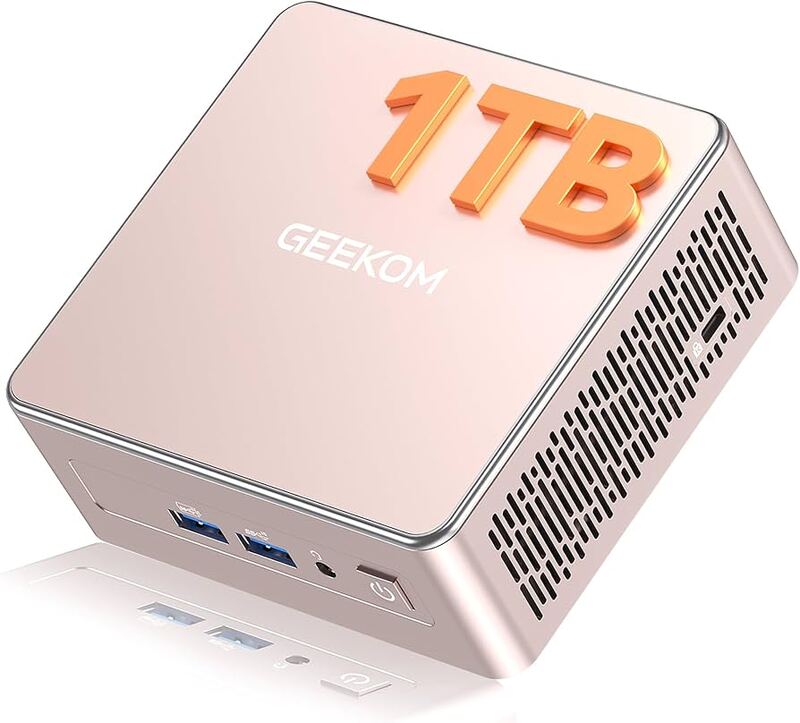
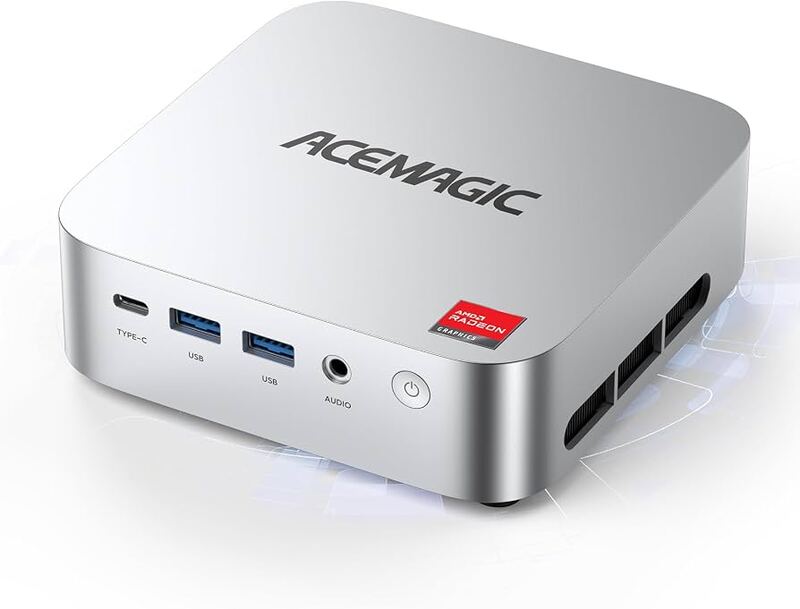
The GMKtec G10 supports up to 16TB of storage across dual M.2 slots, offering significantly higher total capacity than the AceMagic K1's 4TB limit or the Geekom A5's single NVMe plus SATA bay combination. However, it relies on an older Ryzen 5 3500U processor and Wi-Fi 5 connectivity, making it less capable for modern workloads compared to the newer architectures in the GMKtec NucBox M6 Ultra and Geekom A9 Max.
Rating sources
“If youre looking for an affordable AMD mini PC for everyday work, office use, or retro emulation, and you dont mind tinkering with the BIOS, the G10 is a solid buy.”
Our 4.0 score is the average of the 2 scored reviews above; 2 more reviewed it without printing a score and are not in the average. Ratings marked * were derived from the reviewer’s written analysis or video transcript — the publisher didn’t print an explicit numeric score, so we inferred one from their own words. Click through to verify. More about methodology.