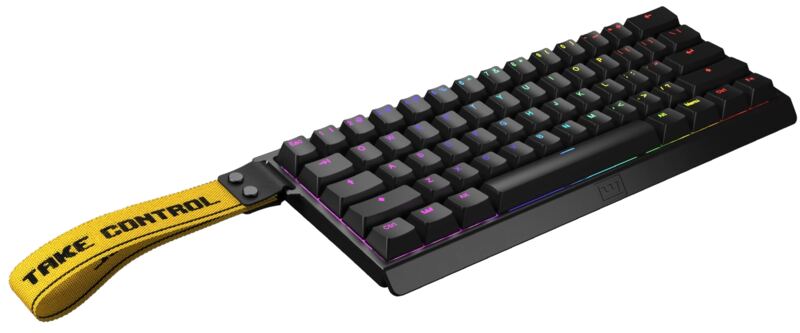
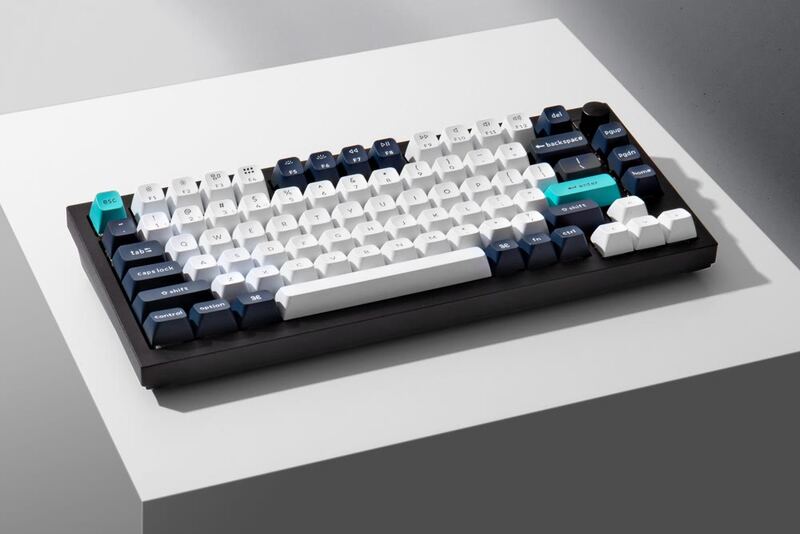
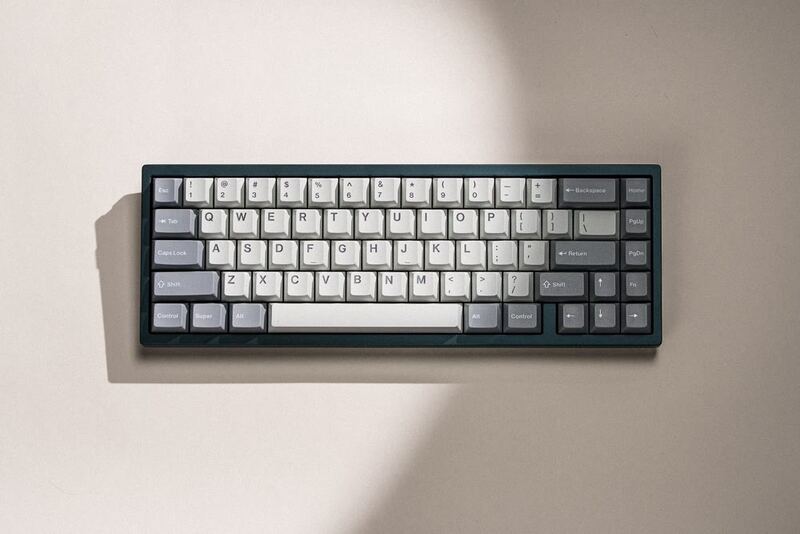
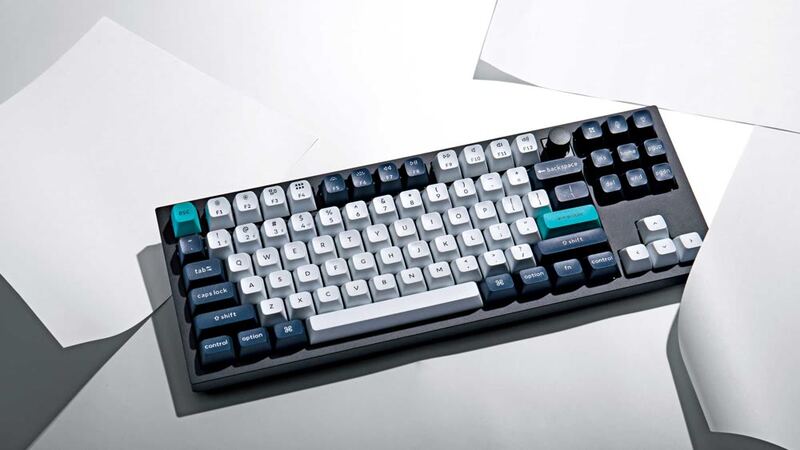
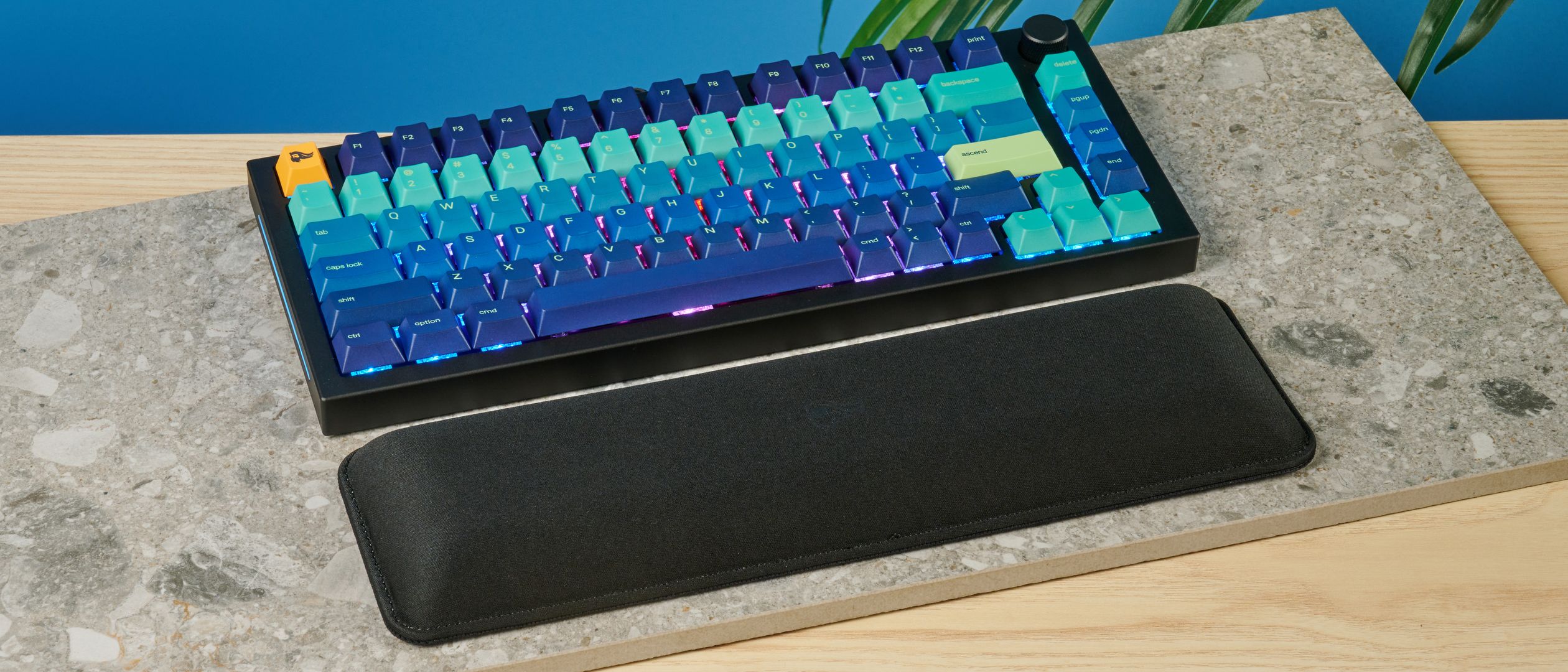
The Glorious GMMK Pro holds its reputation as a premium mechanical keyboard, with Tom's Guide praising the solid build quality and customizable RGB lighting. TechRadar liked the comfortable typing experience and durable construction while agreeing the price runs high. The aluminum frame and 10000-hour switch lifespan come up repeatedly as strengths. Customization options may feel narrow next to some competitors. Enthusiasts and professionals after a high-end board are the fit, budget-conscious buyers less so.
Full review
CNC aluminum case weighs 3.3 pounds
The Glorious GMMK Pro stands out with its CNC-machined aluminum construction, delivering a premium feel that sets it apart from typical plastic keyboards. The keyboard weighs 3.3lbs, which provides substantial heft and durability, though this also makes it less portable. The anodized surface offers a scratch-resistant satin finish that feels premium to the touch. The aluminum switch plate adds stability and protection against debris, while the modular design allows for easy customization. The keyboard's 75% TKL layout and hotswap capability mean users can experiment with different MX switches without soldering, a feature that TechRadar praised for its flexibility. However, ZDNET pointed out that the build quality, while solid, doesn't quite match the premium feel of some high-end alternatives like the Keychron K70 CORE or Wooting 60HE v2.
Switch plate material changes the sound
In practical use, the GMMK Pro delivers consistent performance across typing and gaming scenarios. The keyboard's modular design allows for extensive customization, including switch plate materials like brass or polycarbonate, which can alter the typing experience. The GMMK Pro's performance is reliable, but it doesn't break new ground in terms of raw speed or responsiveness compared to its competitors.
Brass plate sounds sharper, polycarbonate softer
Tom's Guide emphasized the hotswap design and the ability to use 3-pin or 5-pin MX switches from various brands, including Glorious, Gateron, and Cherry, without requiring soldering. The braided USB-C cable and replaceable top frame were also mentioned as premium touches. TechRadar appreciated the keyboard's ability to be tailored to individual preferences, especially for users who value acoustic customization through foam adjustment inside the case. The case is aluminum.
Barebones kit needs switches bought separately
Despite its strengths, the GMMK Pro has notable drawbacks that impact its overall value proposition. ZDNET criticized the keyboard's pricing, which places it in the premium segment, yet it lacks some features found in more expensive alternatives. The barebones nature of the kit means that users must purchase switches and keycaps separately, adding complexity and cost to the setup process. While the keyboard performs well, it doesn't offer significant advantages over competitors like the Keychron K70 CORE or Wooting 60HE v2 in terms of input lag or overall gaming performance. Additionally, the keyboard's weight, while contributing to its build quality, makes it less portable, which may be a dealbreaker for users who frequently travel or move their setup often.
Built for tinkerers who swap plates and switches
The Glorious GMMK Pro is ideal for users who prioritize customization and premium build quality over portability or cost. It's particularly suited for enthusiasts who enjoy tinkering with their mechanical keyboards and want a modular platform to experiment with different switches and acoustic profiles. TechRadar recommended it for users who value the ability to tailor the typing experience through switch plate materials and foam adjustments. The keyboard is less ideal for casual users or those on a tight budget, as the barebones kit requires additional purchases and the price point is relatively high compared to alternatives. ZDNET noted that it's best for users who don't mind the extra setup steps and are willing to invest in a high-end, customizable keyboard. Gamers who prefer a stable, responsive platform with customizable acoustic feedback will find the GMMK Pro appealing, but those seeking maximum performance or lowest latency might look elsewhere.
Slower input lag than the Razer Huntsman V3 Pro
When compared to alternatives like the Keychron K70 CORE and Wooting 60HE v2, the GMMK Pro holds its own in terms of build quality and modularity but falls short in some performance metrics. While the GMMK Pro offers a solid typing experience, it doesn't match the input lag performance of the Razer Huntsman V3 Pro or the Wooting 60HE v2, which are both more competitive in gaming scenarios. The Keychron K70 CORE, for example, offers similar customization options but with a more refined firmware experience and better overall value. However, the GMMK Pro's aluminum construction and hotswap design give it an edge in durability and modularity, making it a strong contender for users who prioritize these features over raw performance or price.
Ships with a switch puller, no soldering needed
The setup process for the GMMK Pro is straightforward, thanks to its modular design and included tools like a switch puller and keycap puller. However, the barebones nature of the kit means that users must purchase switches and keycaps separately, which adds complexity to the initial setup. Tom's Hardware found that the keyboard's software support was adequate but not particularly advanced compared to competitors. The lack of dedicated software for advanced customization limits its appeal to users who want more control over their keyboard's behavior. For those who prefer a plug-and-play experience, the GMMK Pro's setup process may be more involved than expected, especially for newcomers to mechanical keyboards.
Wired only, no battery to manage
The GMMK Pro is a wired keyboard, which eliminates concerns about battery life and power management. However, it does support a braided USB-C cable, which adds to its premium feel and ensures stable power delivery. The keyboard's power consumption was manageable, with no significant issues reported during extended use. The lack of wireless functionality means that users must rely on a stable wired connection, which may not suit all users' preferences. Tom's Hardware confirmed that the keyboard's power delivery was consistent, with no noticeable drop-offs during high-intensity gaming sessions. The absence of wireless features also means that the keyboard doesn't have to contend with battery drain or wireless interference, which could be seen as a benefit for users who prioritize stability over convenience.
Pricier than the Keychron or Corsair K70 CORE
The GMMK Pro's positioning in the premium segment makes its value proposition complex. While it offers excellent build quality and extensive customization options, its price point is high compared to alternatives like the Keychron K70 CORE or Corsair K70 CORE. ZDNET criticized the keyboard's value, especially for users who don't require the modular features or premium materials. However, TechRadar gave it a 4.5/5, praising its durability and customization capabilities. The keyboard's ability to be tailored to individual preferences through switch plate materials and acoustic foam makes it a worthwhile investment for enthusiasts who value personalization. Tom's Guide noted that while the GMMK Pro isn't the cheapest option, it offers good value for users who want a high-quality, customizable platform. The lack of additional software or wireless features means that users must weigh the benefits of its modular design against its cost, making it a solid choice for those who prioritize customization over other features.
Strengths
- +Excellent build quality with a solid aluminum frame and premium materials
- +Customizable RGB lighting with per-key control and 16.8 million color options
- +Comfortable typing experience with a range of switch options including GMMK Pro switches
- +Durable construction with a 10000-hour lifespan for the switches and overall keyboard durability
Watch-outs
- −Higher price point compared to similar mechanical keyboards in the market
- −Pre-built configurations offer limited keycap and switch choice compared with configuring it yourself
How it compares
The Glorious GMMK Pro excels in build quality and switch longevity, offering a 10000-hour lifespan that surpasses the Keychron Q1 HE and Drop CTRL, but it lacks the hot-swap capability and wireless flexibility of the Keychron Q1 Max and NuPhy Air75 V2. While the Mode SixtyFive provides a more tactile feel, the GMMK Pro's RGB customization and switch variety make it a better choice for those who value visual and functional versatility.
Rating sources
Our 3.9 score is the average of these published ratings. More about methodology.