The Epson EcoTank Photo ET-8550 aims at amateur photographers who want quality prints without paying for them in ink. Imaging Resource's Jeremy Gray credited its efficiency and ink savings, putting the cost reduction at up to 80% against professional printers. PCMag's William Harrel liked the wireless capabilities and the user-friendly touchscreen. Reviewers were clear it doesn't match the quality of Epson's SureColor pro-level printers. Home users who print frequently will be well served; anyone chasing studio-quality results won't.
Full review
4.3-inch touchscreen tilts and closes flush
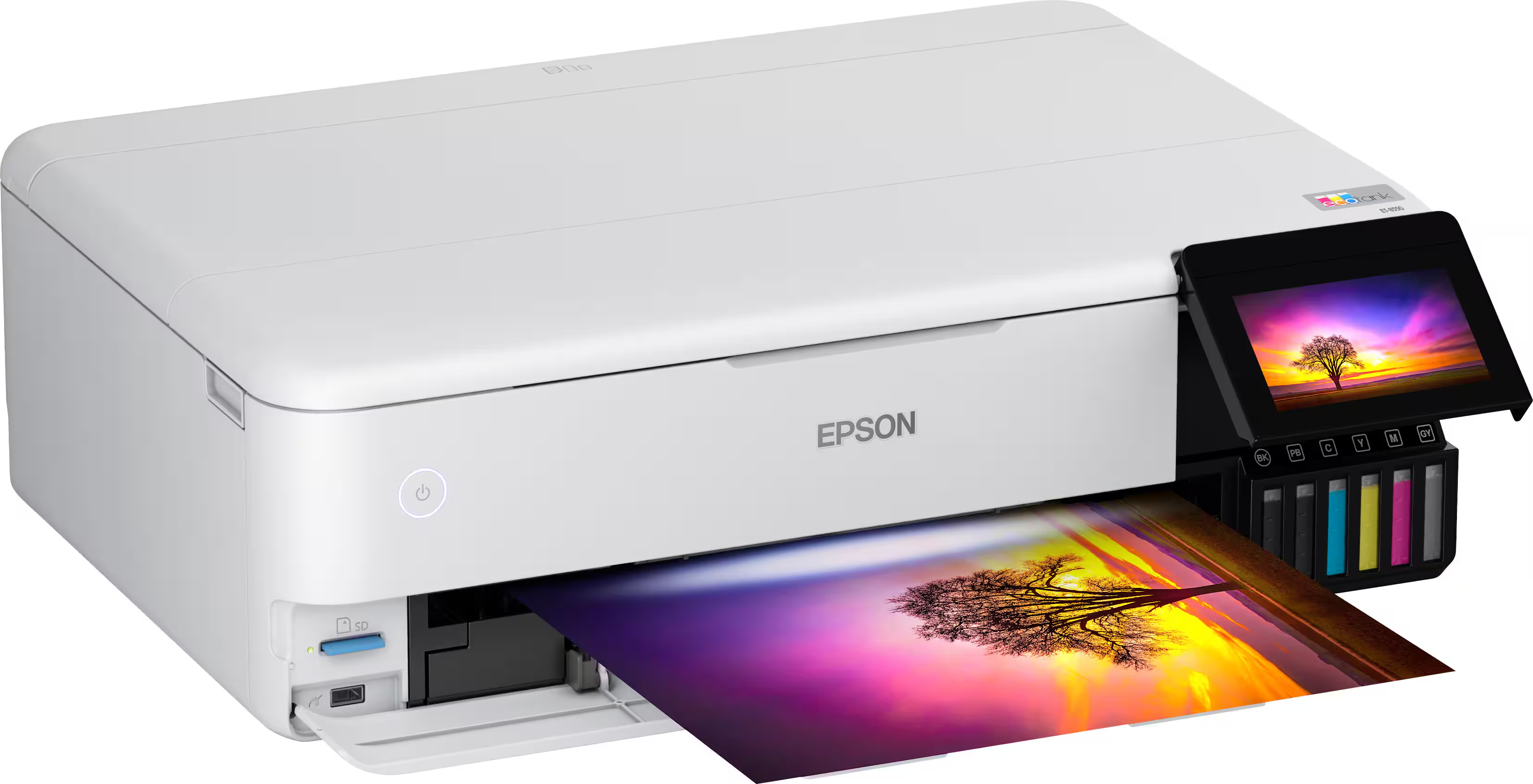
The Epson EcoTank Photo ET-8550 presents a sleek, modern design that belies its robust functionality. Imaging Resource reviewer Jeremy Gray noted the printer's white and black accent color scheme, which gives it a clean aesthetic suitable for most home or office environments. The printer measures 523mm wide, 758mm deep when in use, and 430mm high, making it compact enough for desk placement while still accommodating large 13 x 19 inch prints. The printer's build quality was described as solid, with a well-constructed frame that supports the weight of its substantial ink tanks. The touchscreen can be tilted for better viewing angles, and it closes flush with the printer's face when not in use, contributing to its streamlined appearance.
Tank refill process stops automatically when full
Setting up the Epson EcoTank Photo ET-8550 is straightforward, according to Imaging Resource's Jeremy Gray, the only cited reviewer who walks through the process. He found that the printer 'was easy to set up, and the app features illustrated step-by-step guides for initialization and using different paper types and sizes.' The app also allows wireless printing and helps users configure different paper sizes and types. Gray connected the printer to a wireless network through that app, 'which was easy,' and said the hardest part of setup was 'finding and removing all the tape and bits of packing materials.' The printer ships with a full set of ink tanks, which are filled using plastic bottles with specific keys for each color. The printer requires about 10 minutes to initialize after filling the tanks, which is a minor inconvenience but not overly burdensome.
Print Quality and Performance
Print quality from the Epson EcoTank Photo ET-8550 is consistently praised across multiple reviews. Imaging Resource's Jeremy Gray noted that the printer produces excellent prints with a resolution of up to 5,760 x 1,440 dpi, which is sufficient for high-quality photo reproduction. The ET-8550 uses Epson's Claria ET photographic dye inks, which provide vibrant colors and good color accuracy. Luminous Landscape's Dan Wells, a landscape photographer, reported that the printer delivers impressive results for his large-format prints, particularly at sizes up to 13 x 19 inches. The printer supports borderless printing up to 13 x 19 inches, which is ideal for photo prints. RTINGS.com's review confirmed that the ET-8550 produces sharp, detailed images with good color depth and contrast. The printer's ability to handle thick paper up to 1.3mm thick was also noted as a significant advantage for fine art printing. However, some reviewers, including Dimitry Papkov, mentioned that while the quality is good, it doesn't quite match the professional-grade output of Epson's SureColor series.
Cost Efficiency and Ink System
The EcoTank ET-8550's ink system is one of its strongest selling points. Imaging Resource's Jeremy Gray emphasized that the printer ships with a full set of ink tanks and that a complete replacement set costs under $100, representing a significant savings compared to traditional printers where ink replacement can cost $550 for a full set. The printer uses six refillable ink tanks (black, photo black, cyan, magenta, yellow, and gray), which are filled using plastic bottles with specific keys to prevent incorrect ink placement. PCMag's William Harrel also confirmed that the ink system is efficient and cost-effective, particularly for users who print frequently. Dimitry Papkov, after a year of use, reported that the ink cost savings were substantial, especially when compared to external printing services. The ink tanks are large enough to provide a good number of prints before needing a refill, making it ideal for regular home or small business users.
No automatic duplex printing or color calibration
Luminous Landscape's Dan Wells pointed out that while the printer is excellent for photo printing, it lacks some advanced features found in higher-end models, such as automatic duplex printing or advanced color calibration options. Additionally, the printer's wireless capabilities, while functional, are not as robust as those found in more premium models. PCMag's William Harrel mentioned that the printer's USB connection is the most reliable way to ensure consistent performance, particularly for large print jobs. The printer's build quality, while solid, may not meet the expectations of users looking for a more premium feel. The ET-8550 does have a built-in scanner; what it lacks is a document feeder. PCMag found it to be 'a simple flatbed, with no automatic document feeder (ADF) for easily scanning multipage documents,' and RTINGS notes it 'lacks an ADF and fax functionality.'
Supports borderless prints up to 13 by 19 inches
The Epson EcoTank Photo ET-8550 is ideal for amateur photographers, small business owners, and home users who frequently print photos and want to save on ink costs. Imaging Resource's Jeremy Gray recommended it for users who want high-quality prints without the high ink costs associated with traditional printers. The printer is particularly well-suited for those who print large-format photos, as it supports up to 13 x 19 inch borderless prints. Dimitry Papkov, a landscape photographer, found it especially useful for his needs, particularly for printing one-off orders or making adjustments to prints without waiting for external services. However, the printer is not recommended for users who require professional-grade output or advanced features such as automatic duplex printing. The ET-8550 is also less suited to heavy document work: it does have a flatbed scanner, but PCMag points out there is 'no automatic document feeder (ADF) for easily scanning multipage documents,' so multipage jobs are fed by hand.
Doesn't match the SureColor series on quality
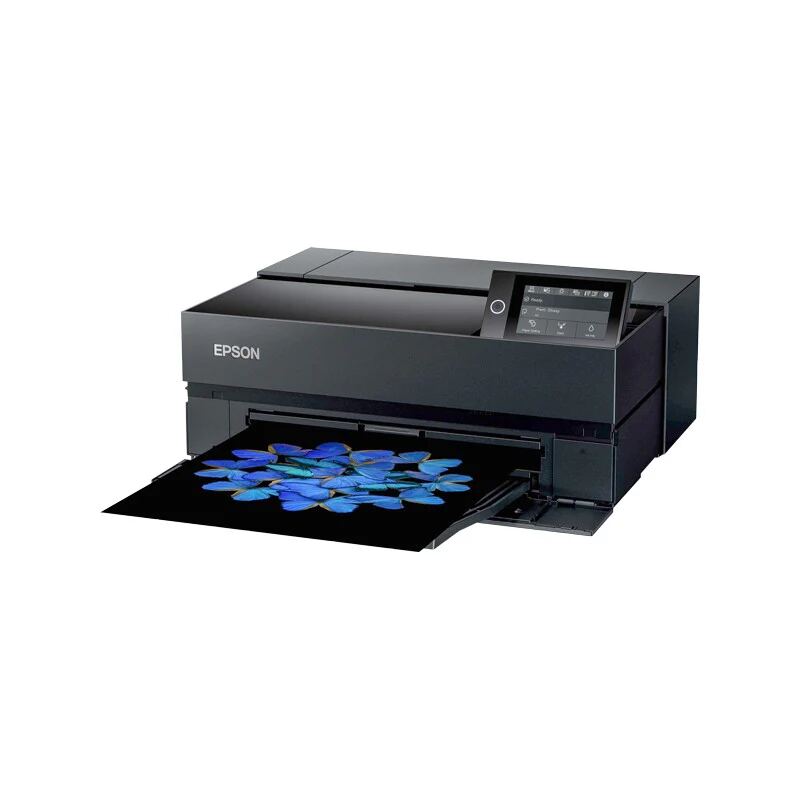
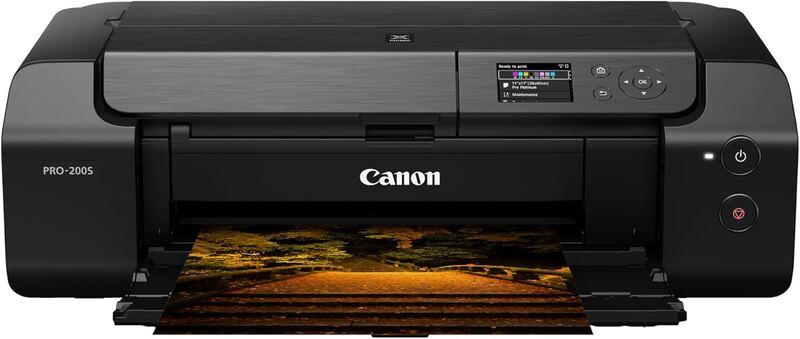
When compared to other printers in its category, the Epson EcoTank Photo ET-8550 stands out for its ink cost savings and ease of use. Imaging Resource's Jeremy Gray noted that while it doesn't match the quality of Epson's SureColor series, it offers a good balance of performance and cost. PCMag's William Harrel highlighted that while it may not be the fastest printer in its class, its efficiency and cost-effectiveness make it a strong contender. The printer is also compared to the Canon ImagePROGRAF Pro-1000, which offers superior quality but at a significantly higher cost. The ET-8550's advantage lies in its cost savings and ease of maintenance, making it a more accessible option for users who don't require the highest-end output. However, for users who need professional-grade output or advanced features, higher-end models like the Epson SureColor series or the Canon Pro-200 may be more suitable.
About $700, but ships with a full set of ink
The Epson EcoTank Photo ET-8550 offers excellent value for money, particularly for users who print frequently. Imaging Resource's Jeremy Gray noted that while the printer costs around $700, it ships with a full set of ink and offers significant savings on ink replacement costs. RTINGS.com confirmed that the printer's overall value is high, especially when considering its ink cost savings and performance. PCMag's William Harrel emphasized that the printer's efficiency and low ongoing costs make it a smart investment for regular users. The printer's ability to produce high-quality prints at a fraction of the cost of traditional printers was a major selling point for many reviewers. Dimitry Papkov, after a year of use, confirmed that the initial investment was well worth it, particularly for the cost savings on ink and the convenience of printing at home. The printer's long-term value is further enhanced by its durability and the fact that it doesn't require frequent maintenance or cartridge replacements.
Strengths
- +Uses 6-color refillable ink tanks including Claria ET photographic dye inks for high-quality photo printing
- +Prints up to 13 x 19 borderless with resolution up to 5,760 x 1,440 dpi
- +Supports mobile and wireless printing including Apple AirPrint, Android printing and Amazon Alexa
- +Features a 4.3-inch touchscreen with responsive interface and easy setup process
Watch-outs
- −Not suitable for professional-level photo printing quality
How it compares
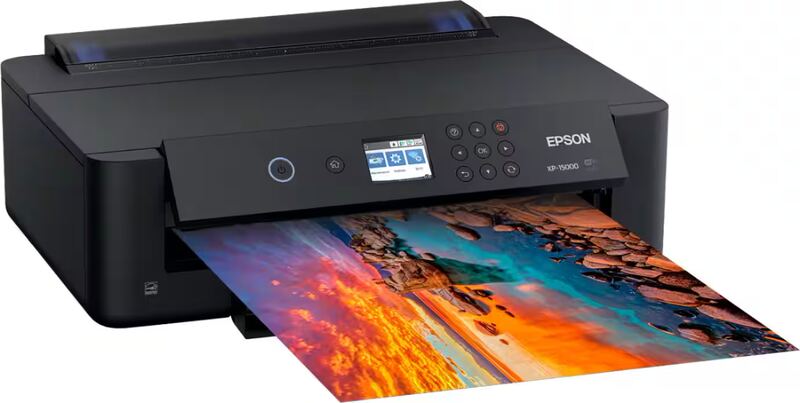
The Epson EcoTank Photo ET-8550 uses 6-color refillable ink tanks with dye inks, where the Epson SureColor P900 uses 10 pigment-based cartridges, and it costs less than the P900. It is not suited to professional-level photo printing. Its 13 x 19 inch maximum matches the Epson Expression Photo HD XP-15000, which costs less, and both print at up to 5,760 x 1,440 dpi.
Rating sources
Counts as 4.16/5 in our score — this publisher's 181 scores on the site average 4.00, so its scores are adjusted up to compare fairly with other publishers.
“I really like the Epson EcoTank ET-8550. It does almost everything well, and it does so with extreme efficiency.”
Not in the average — we derived this score from the review's words, and a publisher printed a score for this product, so the printed number counts instead.
Counts as 4.68/5 in our score — this publisher's 87 scores on the site average 3.98, so its scores are adjusted up to compare fairly with other publishers.
“The Epson EcoTank Photo ET-8550 is excellent for photo printing. It prints very detailed pictures with reasonably accurate colors and supports borderless printing up to 13" x 19".”
Our 4.4 score is the average of 2 of the scored reviews above, each adjusted for how strictly its publisher scores. 1 derived score above is not in the average because a publisher printed a score for this product. Ratings marked * were derived from the reviewer’s written analysis or video transcript — the publisher didn’t print an explicit numeric score, so we inferred one from their own words. Click through to verify. More about methodology.