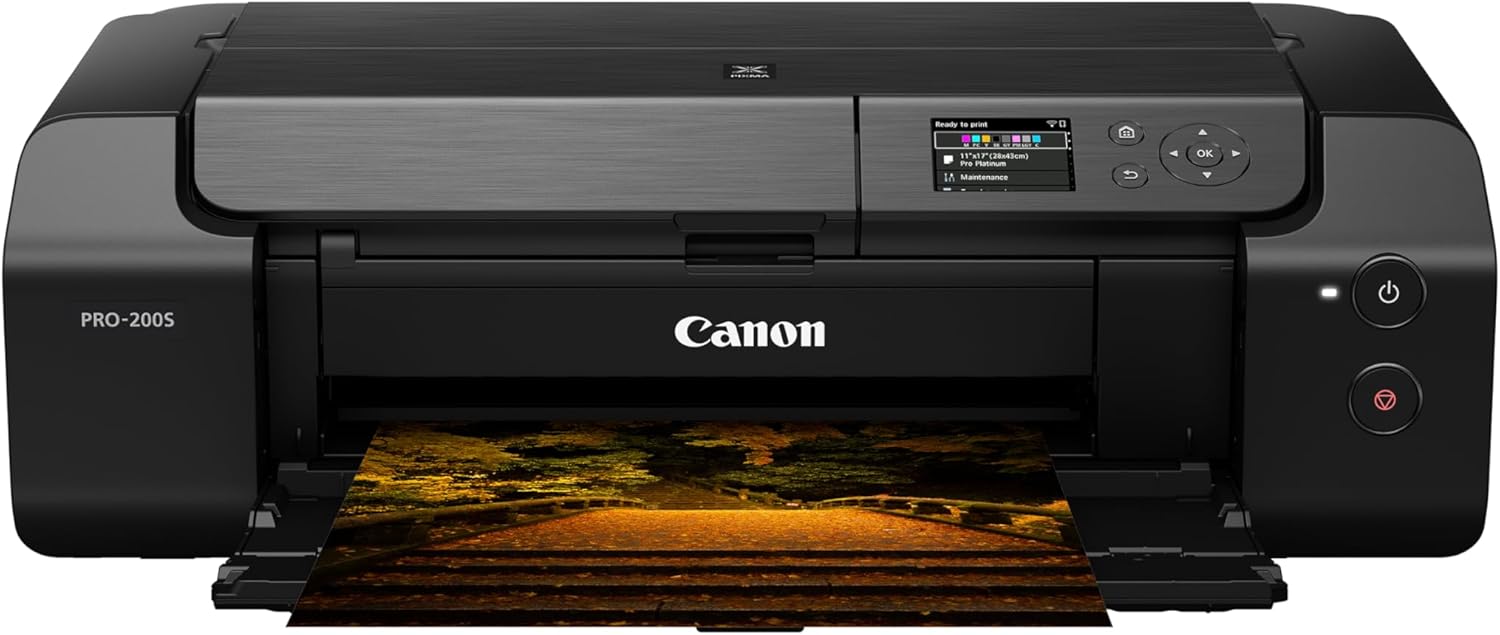
The Canon Pixma PRO-200S is a 13-inch wide photo and fine art inkjet sitting between enthusiast and professional use, running Canon's ChromaLife dye-based ink system. Reviewers noted the eight-color inkset hits maximum color gamut and black density, with fade resistance rated past 20 years. It prints up to 13" x 39", and the build is sturdy with accessories included. The S revision adds improved Wi-Fi security protocols and, per Digital Camera World, auto-connects to the strongest Wi-Fi signal, but reviewers found no significant print quality difference from the original PRO-200. Professional photographers and artists who want high-quality dye-based printing are the fit.
Full review
Adds WPA3, TLS1.3 and steadier Wi-Fi over the original PRO-200
The Canon Pixma PRO-200S maintains the robust metal-chassis construction that defines its professional lineage, measuring 25.2 x 15 x 7.9 inches in closed position and expanding to 33 inches in width when trays are extended. This sturdy build, weighing 32 pounds, reflects Canon's intent to create a reliable workhorse printer for serious photographers and artists. The printer ships in a large, well-protected box with all components neatly organized, including a setup CD, manual, eight CLI-65 ink tanks, a print head, and a power cord. The control panel features a 3-inch color LCD display with intuitive navigation, showing ink levels, paper loading guides, and printer settings. The design has remained largely unchanged from the original PRO-200, with the PRO-200S offering only minor updates such as improved Wi-Fi security protocols (WPA3 and TLS1.3) and firmware enhancements. Reviewers from Digital Camera World noted that the printer's build quality is consistent with Canon's professional-grade offerings, providing the stability needed for large-format printing without sacrificing portability for its size.
Ink System and Media Compatibility
The PRO-200S employs Canon's ChromaLife dye-based ink system, featuring eight individual inks—cyan, photo cyan, magenta, photo magenta, yellow, black, gray, and light gray—which deliver exceptional color gamut and black density. According to Red River Catalog's review, these dye inks offer remarkable resistance to fading, with prints expected to retain quality for over 20 years under ideal display conditions. The printer supports a wide range of media, from 3.5" x 5" to 13" x 39" banners, with the top tray accommodating paper thicknesses from 3 mil to 13.9 mil and the manual feed path handling 14 mil and up. The ink cartridges are 12.6 ml each, totaling 101 ml for a full set, priced at approximately $13.99 per cartridge. However, the printer's dye-based inks are not ideal for matte or fine art papers, limiting its versatility for certain applications. The printer's ability to handle various paper types is further enhanced by its dual paper feed options, though documentation lacks specific weight guidelines for each path.
Print Quality and Performance
Digital Camera World's review highlighted the PRO-200S's exceptional performance in glossy and luster photo printing, where it delivers vibrant colors and fine detail that rival more expensive pigment-based alternatives. The printer achieves a maximum resolution of 4800 x 2400 dpi, with the ability to print A3+ sizes in just 1 minute and 30 seconds for borderless prints. However, the printer's performance varies depending on the paper type and software used. The Canon PRO-200S supports multiple connectivity options including USB 2.0, Ethernet, and Wi-Fi, with the latter offering improved security in the PRO-200S model. The printer's control panel allows for nozzle checks, print head cleaning, and firmware updates, ensuring optimal performance over time. According to Red River Catalog, the printer's borderless printing capabilities are particularly impressive, with minimal unprintable margins on non-fine art media, though fine art papers require a 0.98-inch margin on all sides.
Software and Connectivity
The PRO-200S includes a comprehensive suite of software tools for both Windows and Mac, including Canon Professional Print & Layout Software and Media Configuration Tool, which facilitate precise color management and media-specific settings. The printer supports multiple connection methods, including AirPrint (though not recommended), Mopria Print Service, Canon PRINT app, Canon Print Service (Android only), Easy-PhotoPrint Editor app, and Cloud Link. However, some users have reported issues with firmware updates, particularly in the early versions, where the printer's performance degraded after cartridge changes. The printer's software interface is intuitive, with a dedicated driver tour available for both Windows and Mac systems. The control panel provides access to printer settings, maintenance functions, and firmware updates, ensuring that users can maintain optimal performance over time.
Real-World Performance and User Experience
In practical use, the Canon Pixma PRO-200S excels in producing high-quality glossy and luster prints, as demonstrated by Digital Camera World's testing. The printer's speed and color accuracy make it ideal for photographers who need to produce large-format prints quickly and efficiently. However, some users have encountered issues with streaky prints, particularly after cartridge changes, as reported by a user on Canon's community forum. The user noted that despite multiple troubleshooting attempts, including deep cleaning and print head alignment, the problem persisted, suggesting a potential hardware or firmware issue. Additionally, the printer's performance can be affected by the quality of the paper used, with some users reporting inconsistent results when using non-Canon papers. The printer's ability to handle various paper weights and sizes is commendable, but the lack of clear documentation on paper specifications for each feed path can lead to confusion. The PRO-200S's dual paper feed options provide flexibility, but users must carefully match paper thickness to the appropriate tray to avoid jams or misfeeds.
Dye-based inks can't handle matte or fine art paper
The printer's dye-based ink system, while excellent for glossy and luster prints, is not suitable for matte or fine art papers, which limits its versatility. RTINGS.com noted that the printer's ink cost, while competitive, can add up quickly for heavy users. The printer's software interface, though functional, lacks advanced features found in more expensive alternatives, such as detailed color management tools or advanced print queue controls. Additionally, the printer's performance can be affected by firmware bugs, as reported by users in Canon's community forums, where issues with streaky prints persisted even after multiple troubleshooting attempts. The lack of a built-in scanner and limited connectivity options, such as the absence of Bluetooth, may also be drawbacks for some users. The printer's unprintable margins, particularly on fine art papers, can be restrictive for certain applications, requiring users to plan their prints carefully to avoid losing valuable image space.
Built for glossy prints up to 13 by 39 inches
The Canon Pixma PRO-200S is ideal for photographers and artists who prioritize glossy and luster photo prints, particularly those working with large-format media up to 13" x 39". Users who require vibrant colors, excellent tonal range, and fast print speeds will find the printer's eight-ink dye system particularly appealing. The printer's robust build and dual paper feed options make it suitable for both home and small studio environments. However, it's not recommended for users who primarily work with matte or fine art papers, as the dye-based inks are not optimized for these media types. The printer's software and connectivity options are adequate for most users, but those requiring advanced color management or wireless printing capabilities may find the system limiting. The PRO-200S is best suited for professionals who value reliability and consistent performance over a wide range of paper types, particularly in high-volume printing environments. For users who need a versatile printer for multiple paper types, including matte and fine art, alternative models with pigment-based inks may be more appropriate.
$549, with ink costing $1.12 per milliliter
At a price point of $549, the Canon Pixma PRO-200S offers excellent value for photographers and artists who primarily work with glossy and luster photo prints. Digital Camera World's review emphasized that the printer's performance is among the best in its category, particularly for large-format glossy prints. The ink cost of $1.12 per milliliter is competitive with other professional-grade printers, making it economical for frequent users. However, the printer's limitations in handling matte and fine art papers may reduce its overall value for users with diverse printing needs. The PRO-200S's dual paper feed options and robust build quality justify its price for those requiring a reliable, high-performance printer for large-format work. The printer's ability to produce high-quality prints quickly and consistently makes it a strong contender in the professional photo printing market, despite its niche focus on dye-based inks. For users who prioritize glossy photo prints and need a printer that can handle large formats efficiently, the PRO-200S represents a solid investment.
Strengths
- +Eight-color ChromaLife dye-based ink system offers maximum color gamut, black density, and media compatibility
- +13-inch wide printing capability supports sizes up to 13" x 39" banners
- +Dye inks show remarkable fade resistance, expected to last 20+ years under ideal display conditions
- +Robust build with well-protected packaging and included accessories including 8 ink tanks
Watch-outs
- −Canon's manual gives no paper weight or thickness guidance for each feed path
How it compares
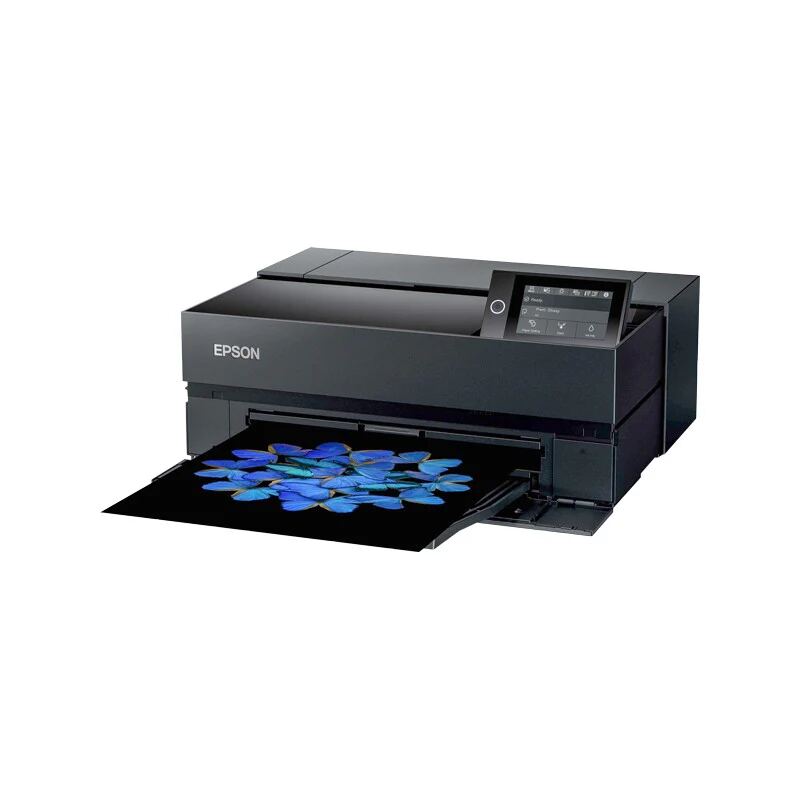
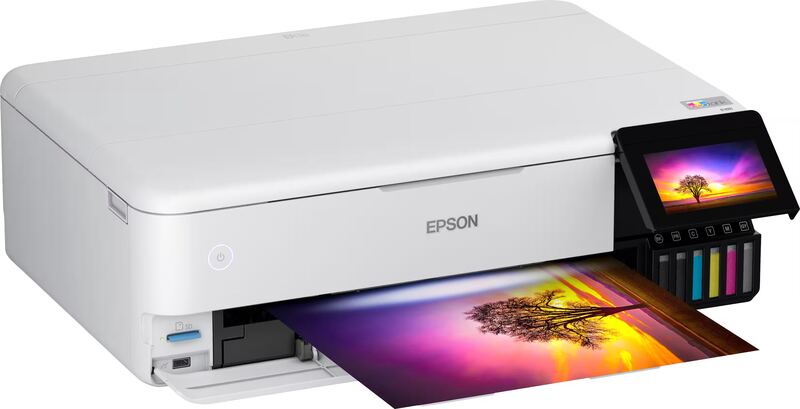
The Canon Pixma PRO-200S uses an eight-color dye-based ChromaLife ink system, where the Epson SureColor P900 uses 10 pigment-based inks, and it costs less than the P900. It prints 13 inches wide and up to 39 inches long, against a 13 x 19 inch maximum for the Epson EcoTank Photo ET-8550 and a 17 x 22 inch maximum for the P900.
Rating sources
Counts as 4.77/5 in our score — this publisher's 55 scores on the site average 4.42, so its scores are adjusted down to compare fairly with other publishers.
“We rate is a printer to "strong buy" if you are want a dye-ink based printer”
Not in the average — we derived this score from the review's words, and a publisher printed a score for this product, so the printed number counts instead.
“if your Pro 200 is working but saying that if you have a a cheaper printer or a smaller printer from Canon... the pro 10s is definitely a great option”
Counts as 4.63/5 in our score — this publisher's 87 scores on the site average 3.98, so its scores are adjusted up to compare fairly with other publishers.
“The Canon PIXMA PRO-200S is excellent for photo printing. It produces outstanding, high-quality photos that look detailed and colorful.”
Our 4.7 score is the average of 2 of the scored reviews above, each adjusted for how strictly its publisher scores; 1 more reviewed it without printing a score and is not in the average. 1 derived score above is not in the average because a publisher printed a score for this product. Ratings marked * were derived from the reviewer’s written analysis or video transcript — the publisher didn’t print an explicit numeric score, so we inferred one from their own words. Click through to verify. More about methodology.