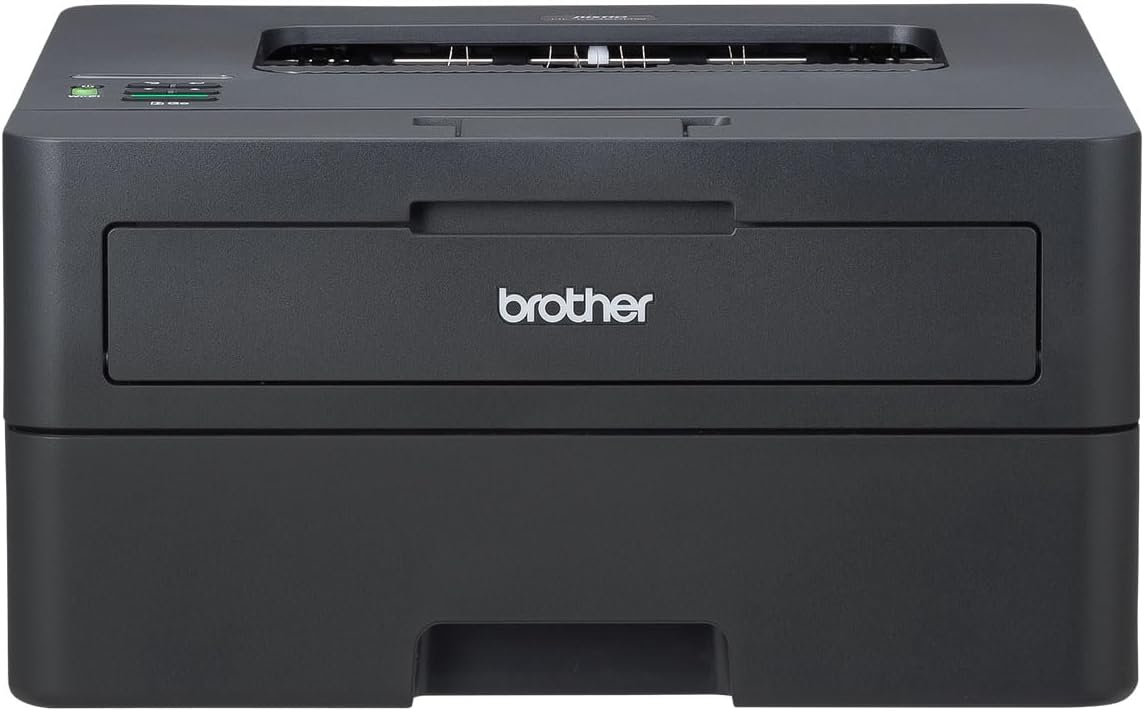
The Brother HL-L2460DW is a compact black-and-white laser printer for home and small office desks. PCMag's M. David Stone praised its fast printing speed and wireless capabilities and pegged it as a fit for low-volume document needs. There's no fax and no color printing, which will rule it out for anyone who needs either.
Full review
Design and Setup
The Brother HL-L2460DW presents a classic, no-frills design that harks back to earlier printer generations. Weighing just 15.6 pounds and measuring 7.2 by 14.0 by 14.2 inches, it's compact enough for small offices or home use. Setup is straightforward, typical of a basic laser printer, requiring only a power cable connection and driver installation from Brother's website. The printer ships with separate toner and drum units, which must be installed manually—a minor inconvenience but standard for this category. The control panel, a one-line mono LCD, is functional but not intuitive, making navigation more cumbersome than necessary. As M. David Stone noted in his PCMag review, 'Any LCD is better than none, but a one-line text display is harder to navigate than a color touch screen or even a multi-line mono LCD.' The printer supports Ethernet, USB, and Wi-Fi Direct connections, with mobile printing via Brother's app working reliably in Wi-Fi Direct mode.
36 ppm monochrome speed with smooth duplexing
In terms of printing speed, the HL-L2460DW delivers a solid 36 pages per minute in monochrome mode, which is competitive for a printer in its class. RTINGS.com tested it against similar models and found it to be among the faster options in its category, though not the absolute fastest. The printer handles both simplex and duplex printing with ease, and the automatic duplexing feature works smoothly without jamming issues during extended use. PCMag's testing confirmed that the printer's performance is consistent, with no noticeable slowdowns under typical office loads. However, its speed is not exceptional compared to higher-end models, and it lacks the high-speed capabilities of some all-in-one printers. The printer's ability to handle legal-size paper and its 250-sheet main tray with a bypass tray for different paper sizes make it suitable for small office environments where versatility is needed.
Quality and Output
The HL-L2460DW produces clean, sharp text output that meets the expectations for a monochrome laser printer. In PCMag's testing, the printer delivered consistent quality across various text sizes and styles, with no visible artifacts or streaking. The print resolution is adequate for most office documents, though it may not match the crispness of premium laser models. The printer's ability to handle both standard and legal paper sizes adds to its flexibility. While the printer is not the highest quality in its class, it is reliable and consistent for everyday use. The toner quality is standard, and the printer's performance in terms of sharpness and clarity is commendable for its price point. However, it does not offer color printing capabilities, which may be a limitation for users needing color output.
Cost of Ownership
One of the HL-L2460DW's strongest selling points is its cost of ownership. PCMag reported that the cost per page (CPP) for monochrome printing is 2.4 cents when using Brother's high-capacity twin pack cartridges, which is significantly lower than standard cartridges. The printer's design allows for separate replacement of toner and drum units, helping to reduce long-term costs. RTINGS.com noted that the cost per page is notably low, especially when using high-capacity cartridges. However, the drum unit, which lasts up to 15,000 pages, adds to the overall cost, though it's a long-term investment. The printer's low running costs make it an attractive option for high-volume users, particularly in small offices or home offices where printing is frequent. The availability of Brother's EZ Refresh subscription, which potentially saves 50% on toner costs, further enhances its value proposition for heavy users.
No scanning or fax capability included
The HL-L2460DW supports wired and wireless networking, including Ethernet, USB, and Wi-Fi Direct, making it versatile for different environments. PCMag's review highlighted that while the printer works well with Brother's mobile app for iOS and Android, the setup process can be slightly more complex due to the one-line LCD control panel. The printer also supports automatic duplexing, which is a useful feature for reducing paper waste. However, the lack of a color display or touch interface limits its usability compared to more modern models. The printer does not include scanning or fax capabilities, which may be a drawback for users seeking an all-in-one solution. The inclusion of a one-page multipurpose tray for different paper types enhances its functionality, though it is not a standout feature in the broader market.
One-line display makes navigation harder than a touchscreen
Despite its strengths, the HL-L2460DW has notable drawbacks that may deter some users. The one-line LCD control panel is a significant limitation, as it makes navigation and configuration more difficult than necessary. As noted by PCMag's M. David Stone, 'A one-line text display is harder to navigate than a color touch screen or even a multi-line mono LCD.' Additionally, the printer lacks color printing capabilities, which may be a dealbreaker for users who need color output. The printer's performance, while solid, is not exceptional compared to higher-end models in the same price range. While the printer is reliable, it does not offer the premium features or output quality that justify a higher price point. The lack of advanced connectivity options, such as cloud printing or mobile scanning, further limits its appeal for modern users.
High-capacity cartridges lower long-term ink costs
The Brother HL-L2460DW is ideal for small offices or home users who prioritize low cost of ownership and reliable monochrome printing. It is particularly suited for environments where high-volume, consistent printing is required, such as a shared office printer or a home office with frequent document needs. The printer's low cost per page and support for high-capacity cartridges make it an attractive option for users who print a lot of documents. However, it is not recommended for users who need color printing or advanced features like scanning or faxing. The printer's simple interface and lack of a color display may also be a drawback for users who prefer more intuitive control options. For those seeking a straightforward, budget-friendly monochrome laser printer, the HL-L2460DW is a solid choice, but those looking for more features or better performance may want to consider alternatives.
Better value than the Pantum P2502W
When compared to similar models, the HL-L2460DW holds its own in terms of speed and cost efficiency. However, the HL-L2460DW's lower cost per page and simpler setup make it a more attractive option for budget-conscious users. PCMag's review compared it to the Pantum P2502W, which is a step down in both capability and price, and found that the HL-L2460DW offers better value for money. While the printer is not the most advanced in its category, it provides reliable performance and low operating costs, making it a strong contender for users who prioritize these factors over premium features.
Strengths
- +Prints up to 36 pages per minute in black and white
- +Includes wireless connectivity options including Wi-Fi and AirPrint
- +Automatic duplex printing handles two-sided documents without manual reloading
- +Supports mobile printing from smartphones and tablets
Watch-outs
- −No built-in fax capability
- −Monochrome only — lacks color printing entirely
How it compares
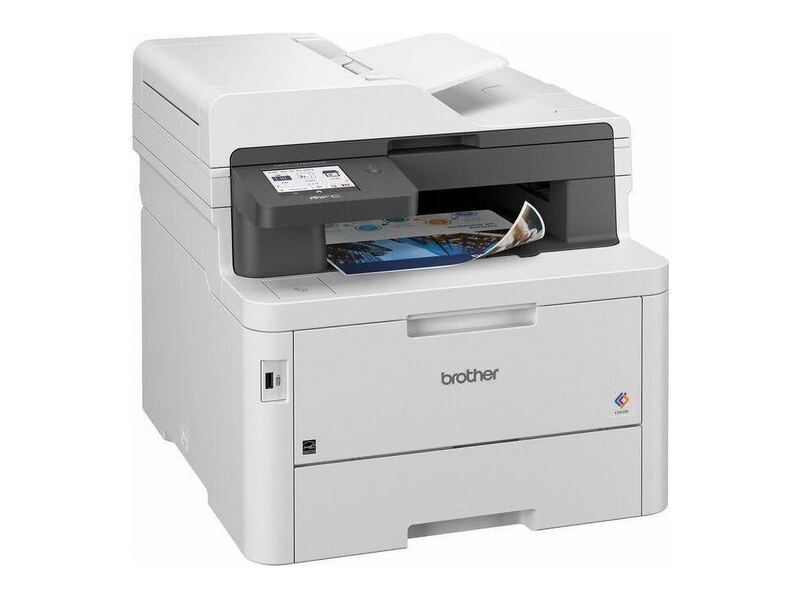
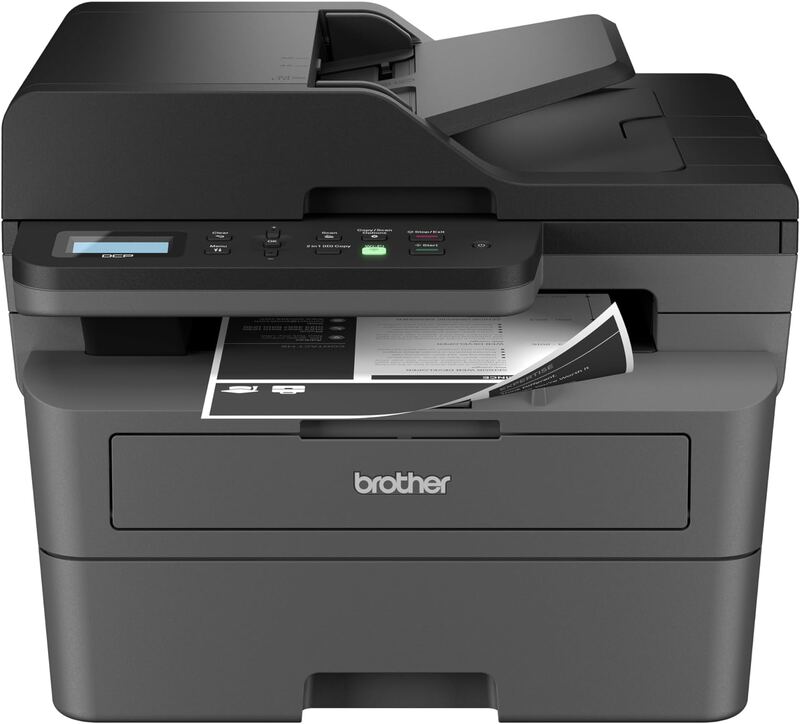
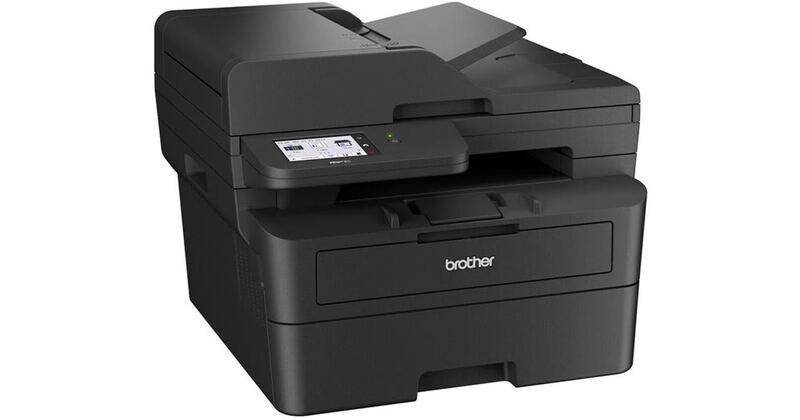
The Brother HL-L2460DW prints black and white at 36 ppm, the same speed as the Brother DCP-L2640DW and Brother MFC-L2900DW XL, but it is a printer only, with no scanning, copying or fax. The DCP-L2640DW scans and copies, and the MFC-L2900DW XL also faxes. The HL-L2460DW costs less than the MFC-L2900DW XL and the color Brother MFC-L3780CDW.
Rating sources
Counts as 4.16/5 in our score — this publisher's 181 scores on the site average 4.00, so its scores are adjusted up to compare fairly with other publishers.
Not in the average — we derived this score from the review's words, and a publisher printed a score for this product, so the printed number counts instead.
“If you're looking for a compact laser printer for a small business or a home office, you really can't do any better than this.”
Not in the average — we derived this score from the review's words, and a publisher printed a score for this product, so the printed number counts instead.
Counts as 4.68/5 in our score — this publisher's 87 scores on the site average 3.98, so its scores are adjusted up to compare fairly with other publishers.
“The Brother HL-L2460DW is an outstanding choice if you're looking for a printer that simply works and is ready to print even after weeks of inactivity.”
Our 4.4 score is the average of 2 of the scored reviews above, each adjusted for how strictly its publisher scores; 1 more reviewed it without printing a score and is not in the average. 2 derived scores above are not in the average because a publisher printed a score for this product. Ratings marked * were derived from the reviewer’s written analysis or video transcript — the publisher didn’t print an explicit numeric score, so we inferred one from their own words. Click through to verify. More about methodology.