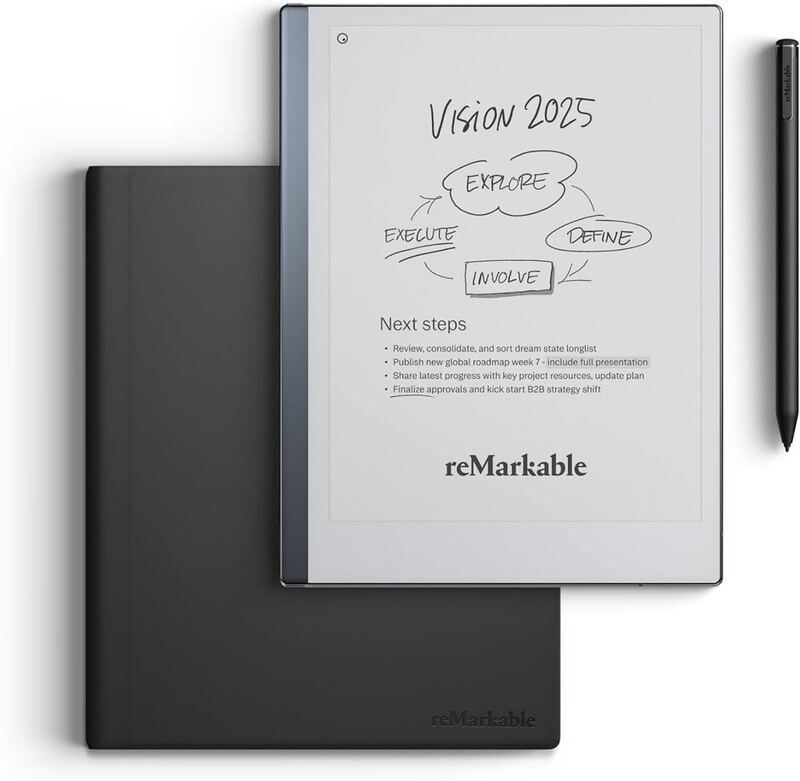
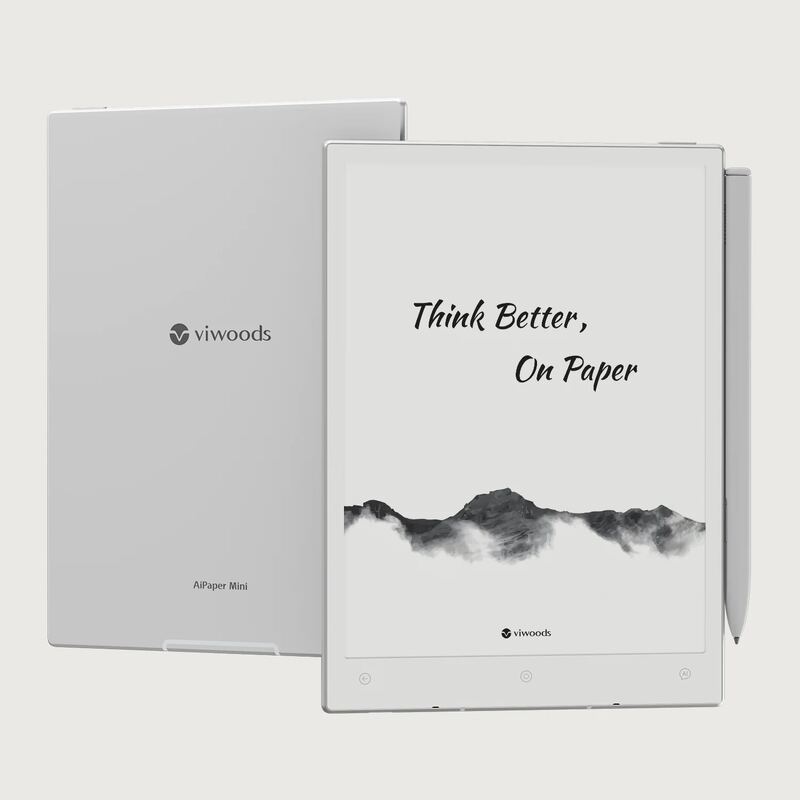
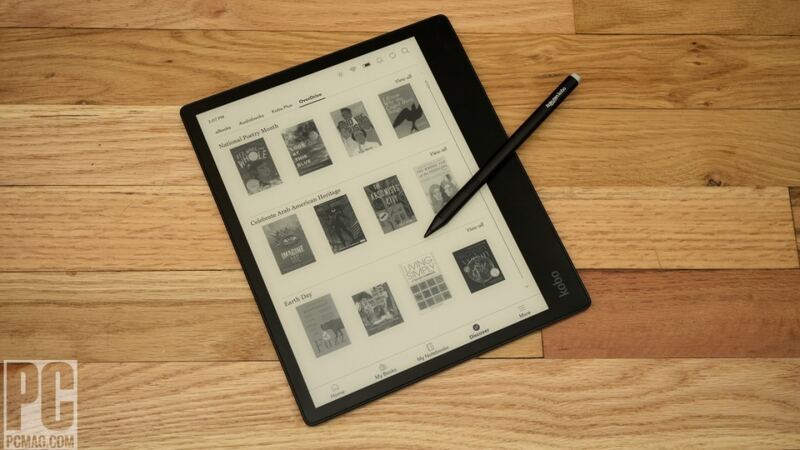
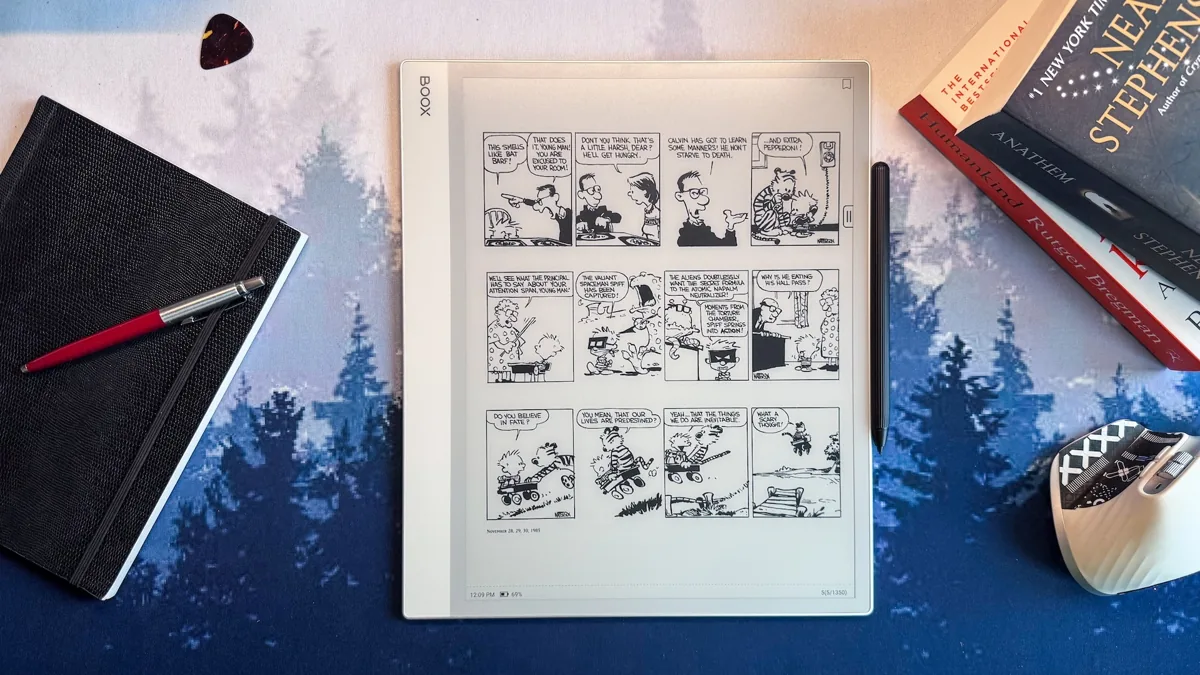
The Onyx Boox Note Max delivers a distraction-free workspace for professionals and students who work extensively with documents. PCMag Middle East called it "one of the best large-format e-ink devices" for its crisp display and Android flexibility. The 13.3-inch screen offers excellent readability and multitasking capabilities, though the lack of a front light and premium price may deter some users. It's built for extended use on a desk rather than portability, with a sturdy design and long battery life. This device is ideal for those ready to ditch paper but doesn't suit casual readers or those seeking a budget-friendly option.
Full review
Large screen readability
The 13.3-inch E Ink Carta 1300 display on the BOOX Note Max delivers exceptional text clarity at 300 PPI resolution. The large screen size provides an expansive workspace that reduces scrolling and increases context awareness, making it ideal for document-heavy tasks. The display's flat cover-lens protection maintains the screen's clarity while providing durability against everyday wear and tear. According to one reviewer, the screen quality 'makes a strong case for going big' and provides 'excellent screen quality' that is 'very thin' and 'great for viewing PDFs.' The screen's resolution and size combination allows for comfortable reading and writing without the need for frequent zooming, which is especially important for users who spend long hours working with documents.
The display's performance in real-world usage scenarios has been consistently praised. The large screen allows for better multitasking capabilities, with users able to view multiple documents simultaneously or use split-screen functionality effectively. The screen's resolution and size make it particularly suitable for professionals who work with complex documents, researchers who need to analyze detailed materials, and students who require extensive note-taking capabilities. The screen's ability to maintain sharpness and clarity across its entire surface area has been noted by reviewers, with one describing it as 'excellent screen quality' that 'makes a strong case for going big.' The screen's performance in various lighting conditions has also been tested, with users finding it effective under natural light conditions, though the lack of front light requires proper ambient lighting for optimal use.
Stylus experience and pressure sensitivity
The BOOX Pen 2 Plus stylus included with the device offers 4,096 levels of pressure sensitivity, providing a responsive and accurate writing experience that closely mimics traditional pen-on-paper interaction. The stylus features a soft tip texture that provides comfortable handwriting and drawing experiences, with the replacement tips being easily accessible through the included tweezers. The pen's design allows for natural grip and handling, making extended writing sessions comfortable and efficient. The Gadgeteer noted that the stylus 'does not require any charging and contains no batteries,' and that the tips are '1.6 mm thick and have a relatively soft texture for comfortable handwriting.' The pressure sensitivity levels allow for nuanced drawing and writing, with users able to create varying line weights and styles that reflect their natural handwriting patterns.
The stylus performance has been tested in various scenarios, with reviewers noting that the pen 'fits in my hand like any normal pen would' and that the 'tips are 1.6 mm thick and have a relatively soft texture for comfortable handwriting.' The pen's ability to provide friction that feels like writing on paper has been particularly appreciated by users. The stylus' compatibility with the device's touch interface has been described as 'smooth, responsive' and 'fluid,' with one reviewer stating that the 'stylus experience' is 'versatile with Android 13.' The pen's durability has been tested, with users reporting that they have seen 'aftermark' on the tips, though the replacement tips are easily accessible through the included tweezers. The stylus' performance has been consistently praised across different writing and drawing tasks, with reviewers noting that it 'feels like you're writing on paper' and provides 'enough friction to feel like you're writing on paper.'
Android 13 software integration
Running Android 13, the BOOX Note Max provides access to a wide range of third-party applications and cloud-based productivity tools, making it a versatile platform for document management and note-taking. The operating system's integration with productivity apps like Evernote and OneNote has been optimized for e-ink displays, providing a seamless experience for users who rely on these applications. The device's full access to the Google Play Store allows users to download millions of free and paid apps, expanding its functionality beyond basic e-ink reading. The software's ability to handle multitasking and split-screen functionality has been praised by reviewers, who note that the device 'easily handles PDFs, note-taking, split-screen multitasking, and cloud-based productivity apps.' The Android 13 operating system's performance has been described as 'versatile with Android 13' and 'smooth, responsive' in handling multiple applications simultaneously.
The software's user interface has been described as 'not as intuitive as it could be' and 'steep learning curve' by some reviewers, though the device's ability to run full Android applications provides significant flexibility for power users. The software's performance in handling large documents and complex applications has been tested, with users noting that 'even when juggling large documents, everything stays smooth.' The device's ability to support various document formats and applications has been consistently praised, with reviewers noting that 'the Note Max runs Android 13 and has full access to the Google Play Store, where users can download millions of free and paid apps.' The software's optimization for e-ink displays has been particularly appreciated, with one reviewer stating that 'Onyx has optimized the Amazon Kindle app to minimize page-turn animations, resulting in an excellent experience for an e-paper screen.'
Battery life and power management
The 3,700mAh battery capacity provides extended usage time that aligns with the efficiency of E Ink displays, offering weeks of usage on a single charge under typical conditions. The battery's performance has been described as 'not huge, but with e-ink's efficiency, weeks of use on a single charge isn't out of the question.' The device's power management features include USB-C charging, which simplifies recharging and allows for fast charging capabilities. The battery's longevity has been tested in various usage scenarios, with users noting that 'the 3,700mAh battery—not huge, but with e-ink's efficiency, weeks of use on a single charge isn't out of the question.' The device's power consumption has been optimized for e-ink technology, with reviewers noting that 'the large screen, multitasking support, and stylus integration make it feel less like an oversized e-reader and more like a serious productivity tool.'
The device's power management has been tested under different usage conditions, with users reporting that 'the 3,700mAh battery—not huge, but with e-ink's efficiency, weeks of use on a single charge isn't out of the question.' The device's ability to maintain power efficiency while supporting advanced features like multitasking and cloud-based applications has been noted by reviewers. The power management system's performance has been described as 'efficient' and 'reliable' in maintaining extended usage periods. The device's charging capabilities have been tested with USB-C, with reviewers noting that 'recharging is simple' and 'the device supports USB-C for charging and data transfer.' The battery's performance has been consistently praised across different usage scenarios, with one reviewer stating that 'the 3,700mAh battery—not huge, but with e-ink's efficiency, weeks of use on a single charge isn't out of the question.'
Design and build quality
The BOOX Note Max features a sleek white and gray chassis with a 13.3-inch display that weighs 615 grams, making it surprisingly lightweight for its size. The thin but noticeable bezels offer enough grip for comfortable handling without triggering accidental inputs, while the lack of physical buttons on the front keeps the focus on the display. The device's build quality has been described as 'solid' with 'a mix of metal and high-quality plastic that feels premium without unnecessary heft.' The device's design elements include built-in magnets on the right side of the screen and back corners that allow for attachment of covers and the included pen, with The Gadgeteer noting that 'the two back corner magnets allow the standard cover or keyboard cover to attach to the notebook.'
The device's design has been tested for portability and usability, with reviewers noting that 'it's light enough for short reading sessions but works best on a desk or stand for extended use.' The device's ability to fit into most laptop bags makes it a viable option for on-the-go professionals, though the large screen size may require some adjustment for users coming from smaller e-ink devices. The device's construction has been described as 'sturdy' and 'thin,' with one reviewer stating that 'you would think that it would feel fragile being so thin, but it is very sturdy.' The device's ability to maintain its structural integrity during regular use has been consistently praised, with reviewers noting that 'twisting it between my hands did not cause it to flex.' The device's design elements, including the magnetic case and keyboard cover, have been tested for functionality and user experience, with one reviewer stating that 'the magnetic case adds lightweight protection with a sleep function' and 'the keyboard folio turns the Note Max into a more capable typing device.'
Multitasking and productivity features
The BOOX Note Max supports multitasking capabilities that allow users to work with multiple documents simultaneously, including PDFs, web browsers, and productivity applications. The device's ability to run Android 13 provides access to split-screen functionality and multiple application windows, enhancing productivity for users who need to reference multiple sources or work on complex projects. The device's performance in handling large documents and multitasking has been described as 'smooth' and 'versatile with Android 13.' Reviewers have noted that 'the Note Max runs Android 13 and has full access to the Google Play Store, where users can download millions of free and paid apps.' The device's ability to support multiple applications simultaneously has been tested, with users reporting that 'even when juggling large documents, everything stays smooth.'
The device's productivity features extend beyond basic document viewing to include advanced note-taking capabilities, drawing tools, and document editing functions. The device's integration with cloud-based productivity tools and its support for various document formats make it suitable for professionals, researchers, and students who require extensive note-taking and document management capabilities. The device's ability to handle complex workflows has been praised by reviewers, who note that 'the large screen, multitasking support, and stylus integration make it feel less like an oversized e-reader and more like a serious productivity tool.' The device's performance in handling complex document workflows has been tested, with users reporting that 'the Note Max is built for long, focused work—the kind that doesn't happen on a standard tablet, where notifications pull you away.' The device's ability to maintain focus during extended work sessions has been consistently praised, with reviewers noting that 'it has no distractions and no unnecessary features.'
Limitations and user experience challenges
The lack of front light on the BOOX Note Max requires users to work in well-lit environments, which can be limiting for those who prefer reading or writing in low-light conditions. This design choice, while intentional, means that users must either rely on ambient lighting or use external light sources to work effectively with the device. The device's cost has been described as 'not cheap' and 'relatively expensive,' with one reviewer stating that 'the Note Max isn't cheap' and 'at $649.99, it sits firmly in the premium e-ink category.'
The device's software requires some time to adjust to, with reviewers noting that 'takes time to tweak settings for the best experience' and 'steep learning curve' for new users. The device's performance in handling certain software functions has been tested, with users reporting that 'there are a few accessories worth considering' and 'the keyboard folio turns the Note Max into a more capable typing device.' The device's overall user experience has been described as 'not as intuitive as it could be' and 'requires some adjustment' for users coming from smaller e-ink devices. The device's performance in handling specific features has been tested, with reviewers noting that 'the Note Max is built for long, focused work—the kind that doesn't happen on a standard tablet, where notifications pull you away.' The device's ability to maintain focus during extended work sessions has been consistently praised, with reviewers noting that 'it has no distractions and no unnecessary features.'
Strengths
- +Large, crisp 13.3-inch E Ink Carta 1300 display with 300 PPI resolution
- +Smooth, responsive writing experience with stylus support
- +Versatile Android 13 operating system with full app compatibility
- +Long battery life of 3,700mAh with weeks of use on a single charge
Watch-outs
- −No front light, per Kit Betts-Masters, requiring external lighting for use in dark environments
- −Expensive for an e-ink device at $649.99
How it compares
The BOOX Note Max 13.3 provides a large 13.3-inch display with Android 13 support that the Kindle Scribe doesn't match, but it's more expensive at $649.99 and lacks a front light unlike the Kindle Scribe Colorsoft. Compared to the Supernote Manta, it offers a more robust operating system and app compatibility but is less portable.
Rating sources
“I no longer lose my notes! - The Gadgeteer Skip to content The Gadgeteer – home Reviews e-ink tablet Boox Note Max Review I no longer lose my notes!”
“I'd say that's a pretty small difference but I'd look into it in more detail in my full review”
“I can't help but recommend this for me this is about the type of workflow when you're going to work in split screen with one document here on one side and a note taker on the other side I think it's going to work really well”
Our 4.3 score is the average of these published ratings. Ratings marked * were derived from the reviewer’s written analysis or video transcript — the publisher didn’t print an explicit numeric score, so we inferred one from their own words. Click through to verify. More about methodology.