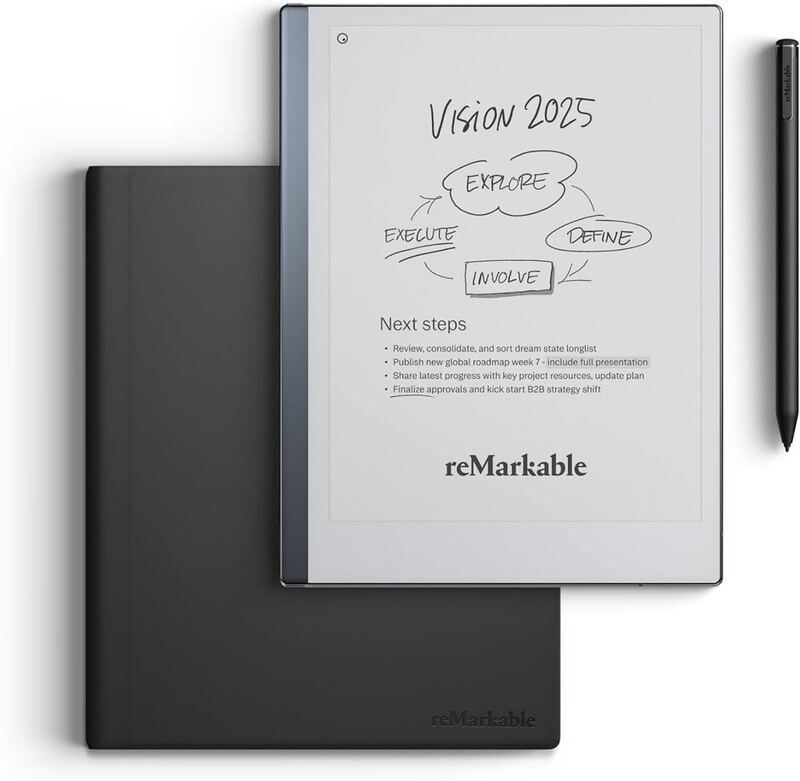
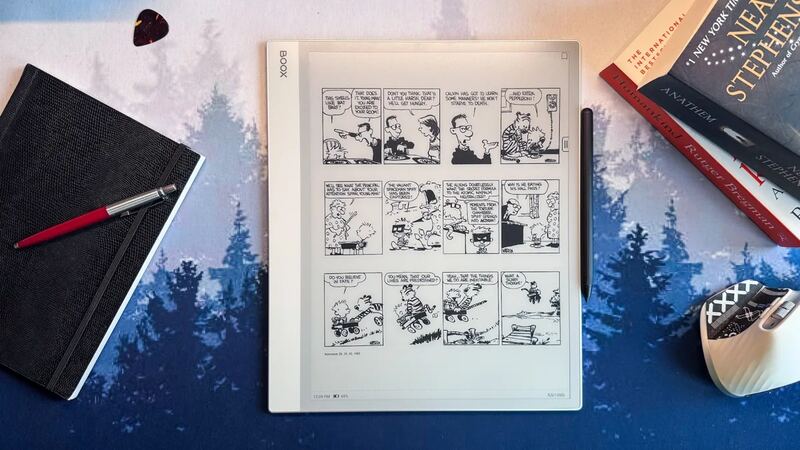
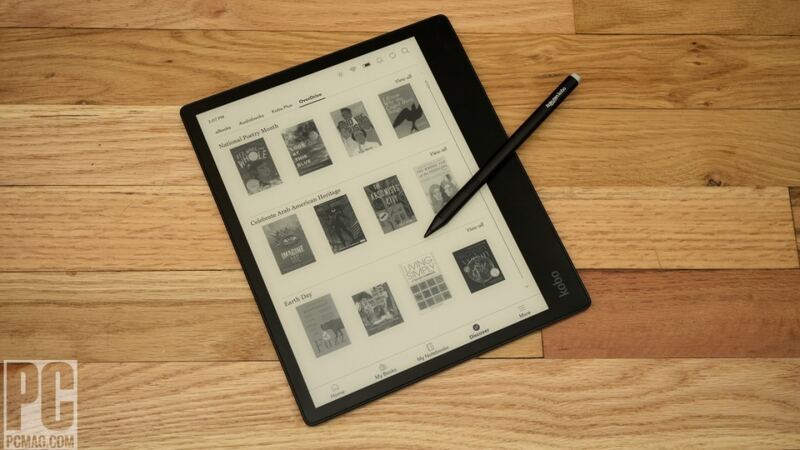
The Viwoods AI Paper Mini is a compact 8.2-inch e-ink tablet designed for portability and reading comfort. Reviewers noted its well-made construction with a metal back and curved sides that make it comfortable to hold, weighing just 230g. The device features a sharp e-ink display with good contrast and includes a frontlight for reading in low light. However, some reviewers mentioned the stylus rattles during use and that the tablet lacks a microSD card slot for additional storage. While it's suitable for reading and light note-taking, its small screen size may be limiting for long-form writing tasks or viewing detailed PDFs.
Full review
Build and design simplicity
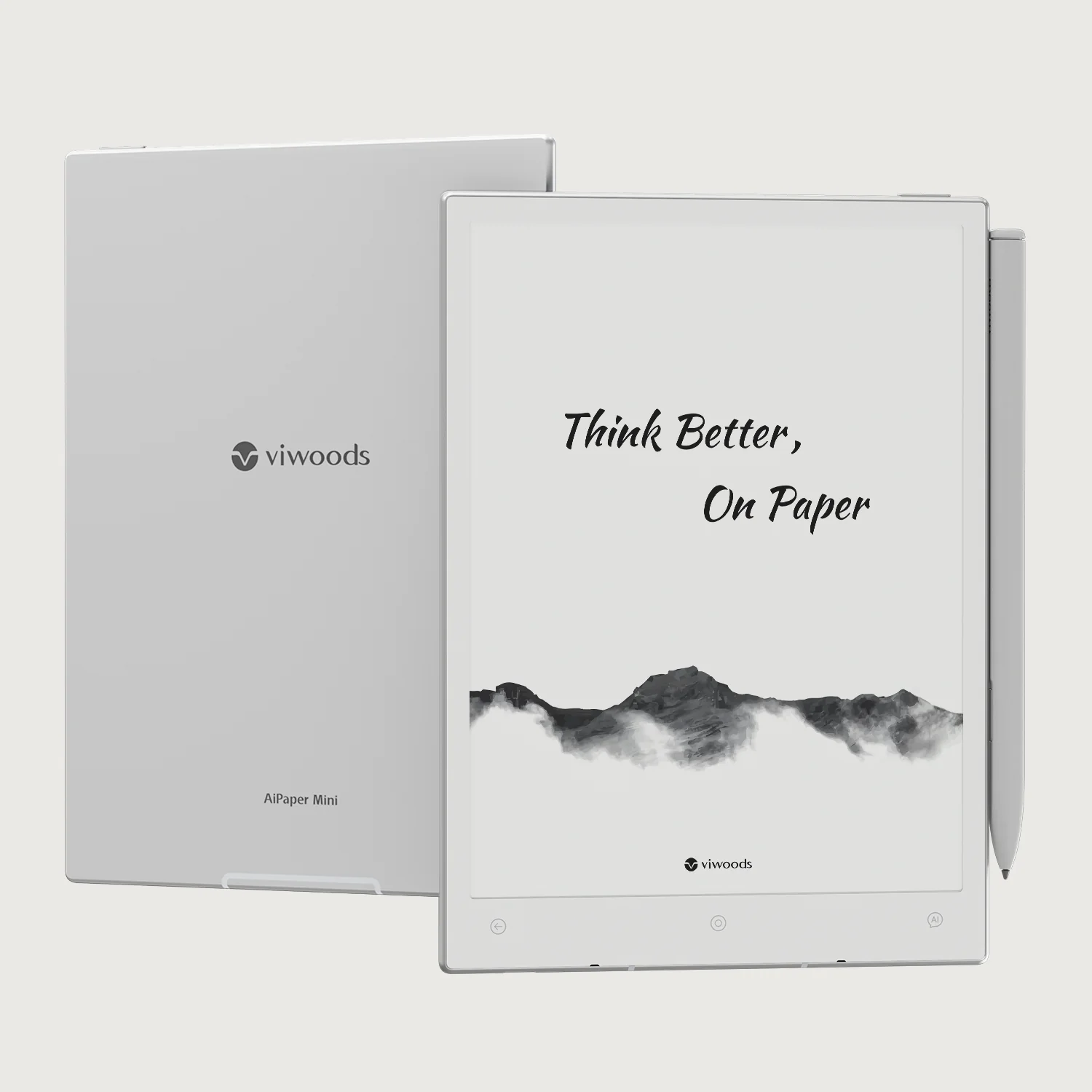
The Viwoods AI Paper Mini features a streamlined, minimalist design that emphasizes portability and functionality. The device measures 191 x 138 x 5.2mm and weighs just 230 grams, making it significantly lighter than its larger sibling, the AiPaper, which weighs 370 grams. The tablet's construction uses a premium silvery metallic finish with a matte texture on the back, contributing to a tactile experience that feels both modern and durable. The compact size and thin profile make it easy to carry and handle, especially for users who prioritize mobility over screen real estate. The device includes a magnetic folio cover that attaches securely and automatically turns the display on when opened, enhancing convenience for daily use. The build quality is solid, with thin bezels on all sides except for a thicker chin that houses the Home, Back, and AI buttons, along with the power button and fingerprint scanner. The overall design prioritizes usability and aesthetics without unnecessary frills.
Display and visual experience
The 8.2-inch E Ink Carta 1000 display delivers sharp text and good contrast, with a resolution of 1920 x 1440 pixels (292 PPI). This resolution is marginally less than the 300 PPI of the larger AiPaper, but still provides excellent clarity for reading and writing tasks. According to Parka Blogs, the display supports three refresh modes: Best, Fast, and Ultra-fast, each offering different trade-offs between visual quality and page refresh speed. In Best mode, there is minimal ghosting and excellent visual fidelity, though page refreshes cause a noticeable flicker. Fast mode introduces more grain and ghosting but allows for faster page transitions, while Ultra-fast mode prioritizes speed over quality with increased grain and contrast issues. The tablet includes an adjustable frontlight with 20 levels of adjustment, which significantly improves readability in low-light environments. However, the matte surface can reflect light sources, potentially causing glare in direct sunlight or bright room conditions. The display's color conversion from grayscale to color is acceptable, though not as refined as the Carta 1300 used in the larger model.
Performance and software integration
Powered by an octa-core 2.0 GHz processor with 4GB of RAM and 128GB of internal storage, the Viwoods AI Paper Mini runs Android 13 and delivers smooth performance for note-taking and multitasking. According to Good e-Reader, the system supports third-party Android apps, although Google Play Store access is not available, requiring users to side-load applications or download them from external sources. The software interface is organized into six main sections on the home screen: Paper, Daily, Meeting, Learning, Picking, and Apps. These sections provide quick access to various note-taking and organizational tools, including calendar integration, AI features, and document management capabilities. The device includes a stylus with tilt functionality and supports multiple pen styles and thickness levels. However, the software can feel cluttered and requires a learning curve, particularly for users unfamiliar with Android-based note-taking systems. Additionally, the lack of handwriting search functionality and multi-device synchronization limits its utility for users seeking seamless cross-platform workflows.
Battery life and power management
The tablet is equipped with a 2450 mAh battery, which is notably smaller than the 4100 mAh battery found in the larger AiPaper model. While specific battery life figures were not reported by reviewers, the smaller capacity suggests that users may experience shorter usage times compared to the AiPaper. The device's power management is standard for e-ink tablets, with the battery life depending largely on usage patterns such as screen refresh modes, frontlight intensity, and frequency of note-taking. Users who rely heavily on AI features or frequent page refreshes may find themselves needing to recharge more often than with larger battery-capacity models. The absence of a MicroSD card slot and limited hardware expansion options also restricts long-term usage flexibility for users who require extended storage capacity.
Stylus functionality and writing experience
The included EMR stylus offers a natural writing experience with tilt support, though it comes with a plastic tip that may not provide the same tactile feedback as higher-end pens. One reviewer noted that the stylus rattles during use, which can be distracting for some users. The pen includes an eraser button and can be turned around for larger erasing, according to splitbrain.org. While the pen works well with the device's capacitive touch screen, some users have reported issues with pen recognition, particularly with older or refurbished units. The writing surface feels slicker and less papery compared to the reMarkable, which some users found more comfortable. The pen's grip is somewhat slippery, and users may experience hand fatigue after extended writing sessions. Despite these drawbacks, the pen's functionality remains adequate for most note-taking and sketching tasks, especially when paired with the tablet's responsive display and low-latency input system.
AI features and smart capabilities
The AI Paper Mini integrates several AI-powered tools designed to enhance note-taking and productivity. Features include handwriting-to-text conversion, AI email generation, content summarization, and article analysis. These tools are accessible through a dedicated AI section within the software interface, allowing users to leverage different language models for various tasks. The AI assistant supports multiple LLMs, giving users flexibility in their preferred models. However, some reviewers noted that reliance on AI for core features can be limiting, especially when offline or without internet connectivity. The system also includes a knowledgebase and 'Picking Tool' for organizing data from third-party apps, which helps streamline information management. While the AI suite is comprehensive, the lack of handwriting search functionality and multi-device synchronization prevents users from fully leveraging these tools in more complex workflows.
User interface and navigation challenges
The software interface of the Viwoods AI Paper Mini is based on Android 13 and provides access to a range of note-taking and organizational tools. However, the interface can feel cluttered and unintuitive, particularly for users new to Android-based e-ink systems. The home screen layout, while functional, lacks customization options, and the absence of an app-focused home screen limits personalization. The device's navigation relies on capacitive touch buttons located on the bottom bezel, which can be accidentally activated during writing. The AI button, while present, is less useful than an app-switcher button, and the lack of physical navigation buttons like those found on the reMarkable Tablet can be frustrating for some users. Additionally, the fingerprint scanner, although present, is difficult to use effectively due to its positioning and the thin profile of the device, often requiring multiple attempts to unlock. The system's reliance on passcodes for security, rather than biometric alternatives, adds an extra step to daily use.
Portability and practical use cases
The Viwoods AI Paper Mini's compact size and lightweight design make it ideal for users who prioritize portability over screen real estate. It excels as a portable e-reader, particularly for reading books and documents in bed or on the go, thanks to its frontlight and adjustable brightness settings. The device is well-suited for light note-taking tasks, including sketching, annotating, and organizing ideas, though the smaller screen can be limiting for complex projects or extensive writing. Users who frequently travel or work in confined spaces will appreciate the device's compactness and ease of handling. However, the tablet's limitations become apparent when dealing with larger documents or PDFs, where the small screen size can make text difficult to read and navigation cumbersome. The device's magnetic folio cover provides protection and automatic screen activation, but it is not designed to withstand drops or impacts. For users seeking a balance between portability and functionality, the AI Paper Mini offers a solid compromise, though it may not satisfy users requiring larger screens or more advanced features.
Strengths
- +Well-built with metal back and curved sides for comfortable hand-holding
- +Thin design at just 5.2 mm and lightweight at 230 g
- +Good text quality with sharp contrast on e-ink display even without frontlight
- +Includes useful accessories like tablet case, charging cable, and extra pen tips
Watch-outs
- −Stylus rattles during use
- −No microSD card slot for expanded storage, per eWritable
How it compares
The Viwoods AI Paper Mini provides a compact design and comfortable hand-holding that the Kindle Scribe Colorsoft doesn't match, but it lacks a microSD card slot unlike the Supernote Manta and has a smaller screen size compared to the BOOX Note Max 13.3. Compared to the Kobo Elipsa 2E, it offers a more modern design but lacks the glare-free screen.
Rating sources
“I cant say that it is my favourite writing tablet (although it is very good in this regard). This is primarily because I find all devices with smaller screens to be too constrictive for the sort of long-form writing tasks that are a major part of my workflows.”
“The display is crisp, I would say better than the RM1. In the official Apps, ghosting is basically non-existent in the default "Fast Mode" with "Auto Ghosting Removal" enabled.”
Our 4.3 score is the average of the 4 scored reviews above; 1 more reviewed it without printing a score and is not in the average. Ratings marked * were derived from the reviewer’s written analysis or video transcript — the publisher didn’t print an explicit numeric score, so we inferred one from their own words. Click through to verify. More about methodology.