Verdict
Ranked #2 of 5Reviewed by Mike Hunter·May 24, 2026

Acer Swift Go 14

Averaged from 1 published rating + 2 derived from review text
The verdict

The Swift Go 14 is the performance-and-portability pick: a thin-and-light 14-incher whose CPU outpaces most budget machines while staying genuinely portable. Laptop Mag praised its "fantastic" multi-core score, XDA scored it 7.5/10 and RTINGS named it among the best laptops under $700. The trade-offs are a flat IPS panel and below-average battery, but for productivity on the move it is excellent value.

Acer Swift Go 14

Full review

Real-World Performance

Performance is the Swift Go 14's headline. Laptop Mag measured a Geekbench multi-core score of 12,612 and called it "fantastic," noting it "puts it far above the category average of 9,910." The AMD Ryzen 7 8845HS configuration in particular brings genuine multi-core muscle to a budget chassis, making it noticeably quicker than the U-series chips in most rivals here for tasks like exporting documents, juggling browser tabs and light content creation.

Integrated graphics are unusually capable too. XDA's reviewer remarked that "with the Acer Swift 14, it's the first time I felt confident in integrated graphics to play the games I install" — a notable statement for a laptop without a discrete GPU. It will not replace a gaming laptop, but it handles older and less demanding titles at playable settings.

Build Quality and Design

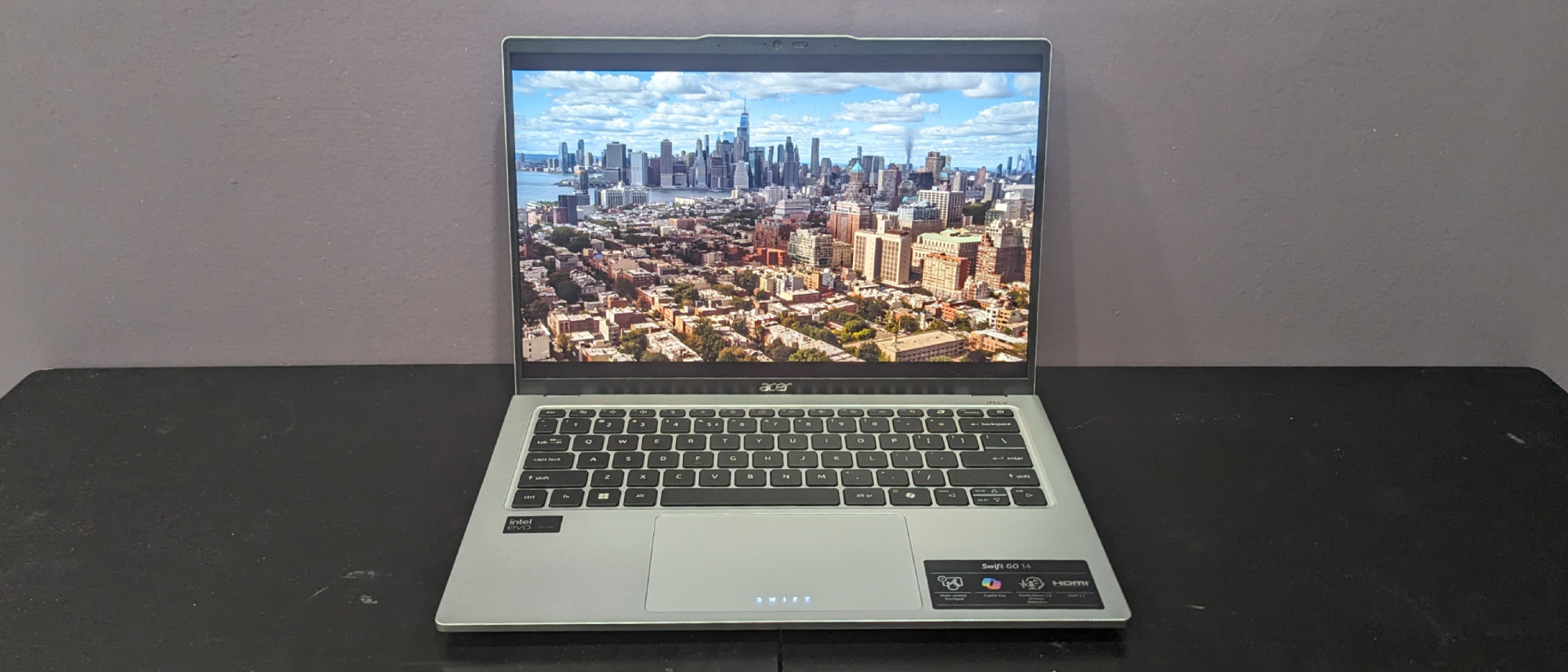
The Swift Go 14 is the most portable laptop in this group, a thin-and-light 14-incher that slips easily into a bag and feels at home on a coffee-shop table or a cramped airline tray. The chassis is sturdy for the price, and despite the slim profile Acer kept a useful port spread including USB-C, full-size USB-A and HDMI, so you can connect a monitor and peripherals without a dongle.

The touch display adds everyday convenience, and the overall package looks more like a premium ultrabook than a budget machine. For buyers who prioritize carrying their laptop everywhere, the size-to-power ratio here is the best in the category.

Display Quality

The 14-inch WUXGA touch panel is good rather than great. XDA measured "99% sRGB, 70% NTSC, 75% Adobe RGB, and 75% P3," which is solid for everyday content and web work. Digital Trends agreed it is "a pretty good IPS display" while noting it cannot rival an OLED for contrast and punch.

Laptop Mag was more critical of the panel on the Intel config, observing that "the image looked flat compared to an OLED screen" and "the contrast in color left much to be desired." The verdict is consistent: a perfectly usable productivity screen that falls short of the OLED options some rivals offer.

Battery Life and Power

Battery is the Swift Go 14's clearest weakness. Laptop Mag recorded 8 hours and 25 minutes in their rundown test, which they noted is "far below the category average of 10 hours and 3 minutes." That is enough for a typical work or class day with a charger nearby, but it is nowhere near the all-day endurance of the best budget machines.

The flip side is that the strong AMD Ryzen 7 chip is what drives that lower endurance — you are trading some battery for meaningfully more performance. Buyers who stay near an outlet will not mind; road warriors who need to go untethered all day should weigh this carefully against the OmniBook 5 14.

Where It Falls Short

The two recurring criticisms are battery life and the display. Digital Trends summed up the overall impression: "it's not a bad laptop — it's reasonably fast, has decent battery life, and sports a pretty good IPS display, but it's not one of our favorite recent laptops." The speakers and webcam are merely adequate, as is typical at this price.

Value also hinges on sale pricing. The configuration that fits this category is the AMD Ryzen 7 build at around $699; the Intel Core Ultra 7 configs reviewers tested often list closer to $999, so shop the AMD version specifically to stay under budget.

How It Compares to Alternatives

The Swift Go 14 is the speed-and-portability counterpoint to the Lenovo IdeaPad Slim 5: it is quicker in multi-core work and far more portable, but smaller-screened and shorter on battery. Against the Acer Aspire 5 and HP Pavilion 15 it is a clear step up in both performance and build refinement. Its main rival on portability is the HP OmniBook 5 14, which trades raw CPU power and app compatibility for an OLED screen and dramatically longer battery life.

Value at This Price

The Swift Go 14's value rests on getting flagship-grade CPU performance in a thin-and-light budget chassis. Laptop Mag's framing — a multi-core score "far above the category average" — is the crux: in the AMD Ryzen 7 8845HS configuration around $699, you get processing power that usually costs more, in a body that is more portable than most rivals here.

The trade is battery life and a merely-good display, so the value proposition is strongest for buyers who specifically prioritize speed and portability and are comfortable plugging in. Shop the AMD configuration deliberately — the Intel Core Ultra 7 builds reviewers tested often push past $999, which would take it out of this category entirely. At the right price, it is one of the best performance-per-dollar ultraportables in the budget tier.

Who It's Best For

Choose the Swift Go 14 if you want the strongest everyday performance in a genuinely portable 14-inch body and you usually have a charger within reach. It is ideal for students and professionals who move around campus or the office all day and value snappy responsiveness and light weight over marathon battery life. Look elsewhere if all-day unplugged battery (OmniBook 5 14) or a larger, more premium-built screen (IdeaPad Slim 5) matters more to you.

Strengths

  • +Fast multi-core performance that beats the budget category average
  • +Thin, light 14-inch chassis that is genuinely portable
  • +Plenty of ports including USB-C and full-size HDMI for a slim laptop
  • +Touch display with good sRGB coverage for everyday content
  • +Strong value when the AMD Ryzen 7 config drops to around $699

Watch-outs

  • Battery life is below the budget category average
  • IPS panel looks flat next to OLED rivals with weaker contrast
  • Speakers and webcam are merely adequate
  • Best pricing depends on sale availability

How it compares

The performance-and-portability choice: its CPU is quicker than the Lenovo IdeaPad Slim 5, Acer Aspire 5 and HP Pavilion 15 in multi-core work, and it is far more portable than those 15-to-16-inch machines. Its weak spot is battery life, where the HP OmniBook 5 14 dramatically outlasts it, and its IPS panel cannot match the OmniBook's OLED for contrast.

Who this is for

At a glance: Buyers who want strong productivity performance in a thin, light 14-inch laptop they can carry all day and are willing to plug in more often.

Why you’d buy the Acer Swift Go 14

  • Fast multi-core performance that beats the budget category average.
  • Thin, light 14-inch chassis that is genuinely portable.
  • Plenty of ports including USB-C and full-size HDMI for a slim laptop.

Why you’d skip it

  • Battery life is below the budget category average.
  • IPS panel looks flat next to OLED rivals with weaker contrast.
  • Speakers and webcam are merely adequate.

Rating sources

Our 4.4 score is the average of these published ratings. Ratings marked * were derived from the reviewer’s written analysis or video transcript — the publisher didn’t print an explicit numeric score, so we inferred one from their own words. Click through to verify. More about methodology.

Frequently asked questions

Is the Acer Swift Go 14 worth buying?
The Swift Go 14 is the performance-and-portability pick: a thin-and-light 14-incher whose CPU outpaces most budget machines while staying genuinely portable. Laptop Mag praised its "fantastic" multi-core score, XDA scored it 7.5/10 and RTINGS named it among the best laptops under $700. The trade-offs are a flat IPS panel and below-average battery, but for productivity on the move it is excellent value.
What is the Acer Swift Go 14's biggest strength?
Fast multi-core performance that beats the budget category average
What is the main drawback of the Acer Swift Go 14?
Battery life is below the budget category average
What sources back the 4.4/5 rating?
Our 4.4/5 rating is the average of scores from 3 independent budget laptops under $700 reviews — xda-developers.com, laptopmag.com, and digitaltrends.com. Click any source on the product page to read the original review.

How it compares

See all 5
Lenovo IdeaPad Slim 5
#1 · Top Score

Lenovo IdeaPad Slim 5

The most balanced pick here: it offers a more premium aluminum build than the plastic Acer Aspire 5 and HP Pavilion 15, and a larger, taller screen than the 14-inch Acer Swift Go 14 and HP OmniBook 5 14. It trades the OmniBook's marathon battery and the Swift Go's snappier CPU for the best overall blend of build, screen size and value.

HP OmniBook 5 14
#3

HP OmniBook 5 14

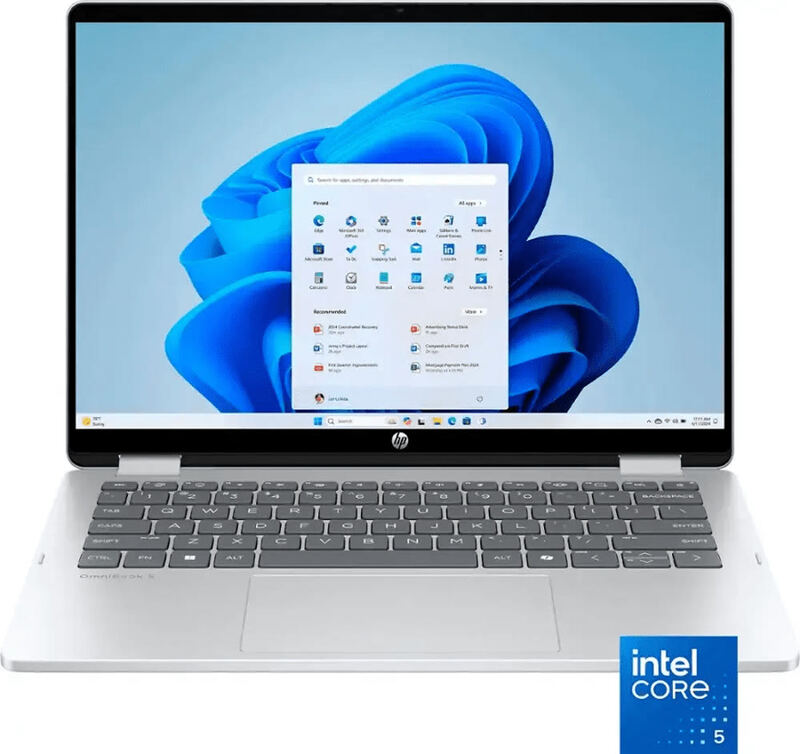
The endurance and screen-quality pick: its battery comfortably outlasts every x86 rival here, including the Acer Swift Go 14, and its OLED panel beats the IPS screens on the Lenovo IdeaPad Slim 5, Acer Aspire 5 and HP Pavilion 15. The trade-off is the ARM Snapdragon platform's app-compatibility limits, which the x86 machines avoid.

HP Pavilion 15
#4

HP Pavilion 15

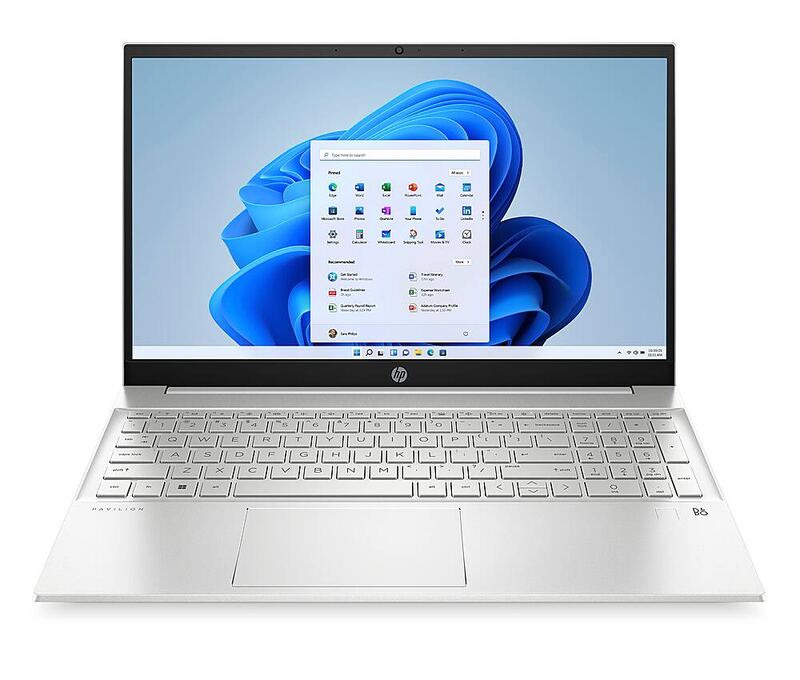
A dependable mainstream alternative to the Lenovo IdeaPad Slim 5 and Acer Aspire 5, with a touchscreen the Aspire 5 lacks. It trails the IdeaPad Slim 5 on RAM, storage and build material, and cannot match the Acer Swift Go 14 on CPU speed or the HP OmniBook 5 14 on battery and screen, but it is a well-rounded, well-liked everyday laptop.

Acer Aspire 5
#5

Acer Aspire 5

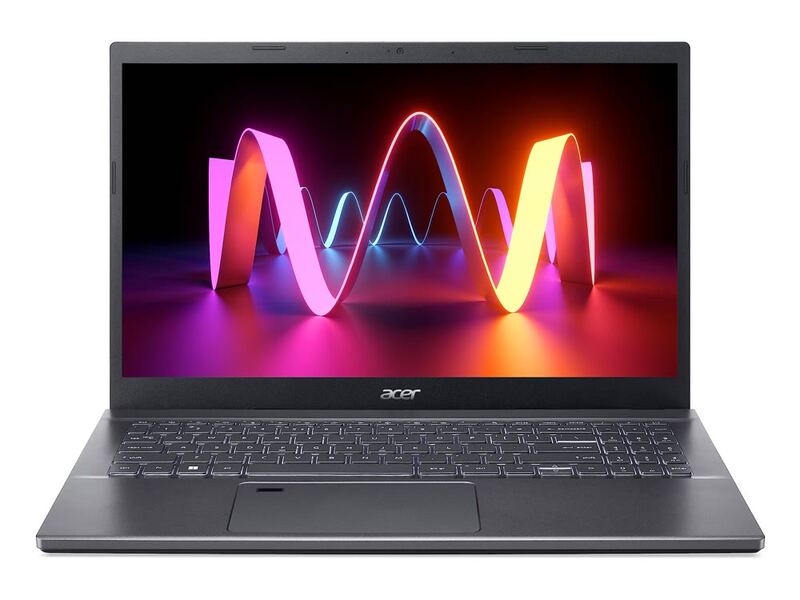
The cheapest way into this group by a wide margin, undercutting the Lenovo IdeaPad Slim 5, HP Pavilion 15, Acer Swift Go 14 and HP OmniBook 5 14 on price. It gives up the IdeaPad's premium aluminum build, the Pavilion's touchscreen, the Swift Go's faster CPU and the OmniBook's battery and OLED, but its likable IPS panel and rock-bottom price make it the value floor of the category.

Acer Swift Go 14
4.4/5· $794.96
Check Price on Amazon