Verdict
Head-to-head · Best iPad Stylus Alternatives

Adonit Note+ 2 vs Logitech Crayon (USB-C)

Which is the better buy? Side-by-side on rating, price, strengths, and watch-outs — with the published ratings we averaged to get there.

The short answer

Logitech Crayon (USB-C) comes out ahead by a narrow margin (4.4 vs 4.7). The gap is mostly about students and note-takers with any iPad from 2018+ — read the strengths below before deciding.

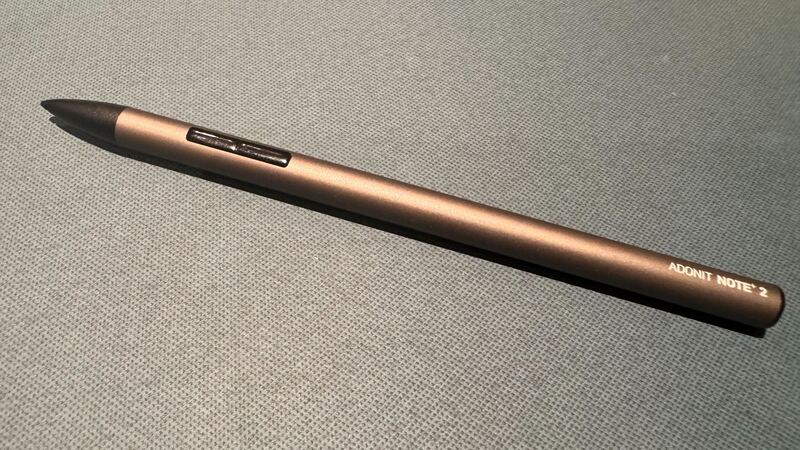
Adonit Note+ 2
Ranked #3 in Best iPad Stylus Alternatives
Adonit Note+ 2
$60

The Note+ 2 is the pressure-sensitive pick. Adonit's SDK partnership with art apps unlocks pressure sensitivity in Procreate, Concepts, ZenBrush, and others. Best for digital sketchers and casual artists who don't want to pay Apple Pencil 2 prices.

Strengths
  • 2,048 levels of pressure sensitivity — rare in non-Apple iPad styluses
  • Bluetooth shortcut buttons for app actions
  • Palm rejection on apps that support Adonit SDK
Watch-outs
  • Pressure works only in apps that integrate Adonit SDK (Procreate yes, GoodNotes no)
  • Bluetooth-based — initial pairing required (vs Crayon's instant)
  • Battery 12 hr — half some Apple Pencil claims
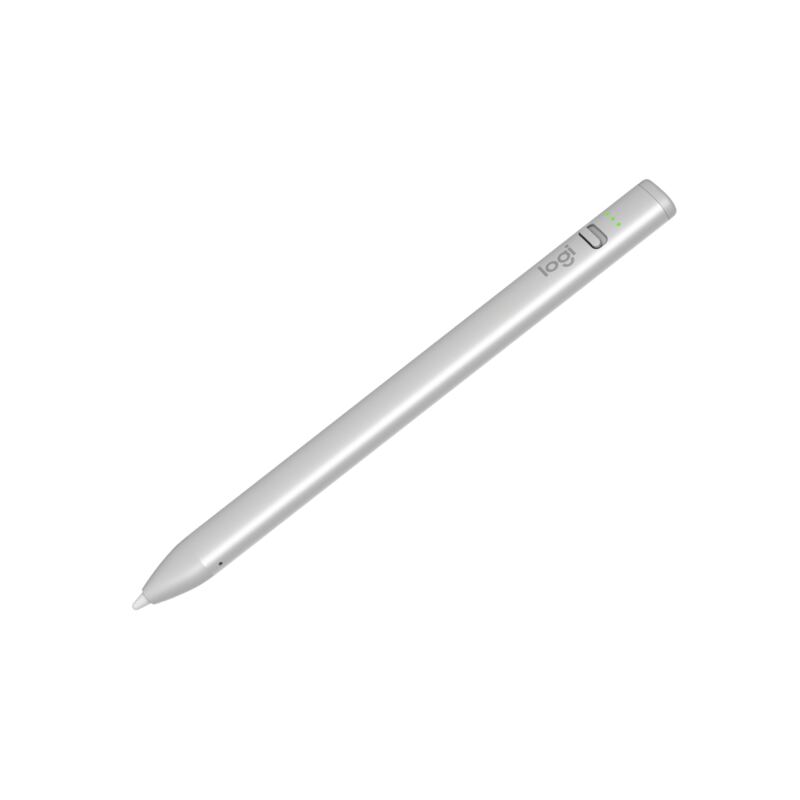
Logitech Crayon (USB-C)
Higher ratedRanked #1 in Best iPad Stylus Alternatives
Logitech Crayon (USB-C)
$70

The Crayon USB-C is the best-overall Apple Pencil alternative. Works with every iPad from 2018+ (Apple Pencil 2nd gen is restricted to iPad Pro / Air). Best for note-takers and casual sketchers.

Strengths
  • Works with every iPad from 2018 onward — universal compatibility
  • Instant pairing — flip the power switch and write
  • Tilt support for shading
Watch-outs
  • No pressure sensitivity — not for digital painting
  • Flat side (anti-roll design) feels different than Apple Pencil round shape
  • 7 hours battery vs Apple Pencil's longer life

How they stack up

Adonit Note+ 2

Only pressure-sensitive pick. App-specific support (Procreate yes, GoodNotes no). Cheaper than ZAGG.

Logitech Crayon (USB-C)

Most universal iPad compatibility. No pressure sensitivity (ZAGG Pro Stylus also lacks it). Tilt support unique among non-Apple sticks.

Specs side-by-side

SpecAdonit Note+ 2Logitech Crayon (USB-C)
Pressure2048 levels (Adonit SDK)No
Tip1.9mm replaceable
ButtonsBluetooth shortcuts
Battery12 hours7 hours
CompatibilityAll iPads since 2018
TiltYes
ChargingUSB-C
← See the full ranking of best ipad stylus alternatives