Verdict
Head-to-head · Best Chromebooks Under $500

Acer Chromebook Spin 315 vs ASUS Chromebook CX15

Which is the better buy? Side-by-side on rating, price, strengths, and watch-outs — with the published ratings we averaged to get there.

The short answer

ASUS Chromebook CX15 comes out ahead by a narrow margin (4.3 vs 4.4). The gap is mostly about first-time buyers, kids, grandparents, and anyone doing browser-only work on a tight budget — read the strengths below before deciding.

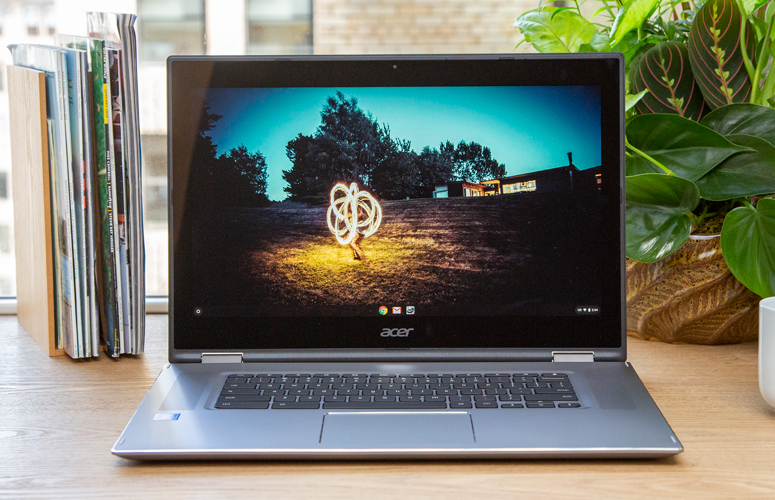
Acer Chromebook Spin 315
Ranked #4 in Best Chromebooks Under $500
Acer Chromebook Spin 315
$349

The Spin 315 is the long-battery 2-in-1 pick. MediaTek ARM chip means 12+ hours of battery — beats every other pick here. Trade-off is occasional ARM compatibility quirks for power users. Best for travelers and students who prioritize battery life over CPU peak.

Strengths
  • 2-in-1 convertible like the Lenovo Flex 5i
  • MediaTek Kompanio 828 chip — ARM-based, very long battery (12+ hours)
  • Quiet fanless operation
Watch-outs
  • ARM CPU compatibility quirks with some Linux apps and Android emulation
  • Big bezels — looks dated next to the ASUS Plus CX34
  • Display is 1080p but trails IPS panels in color accuracy
ASUS Chromebook CX15
Higher ratedRanked #3 in Best Chromebooks Under $500
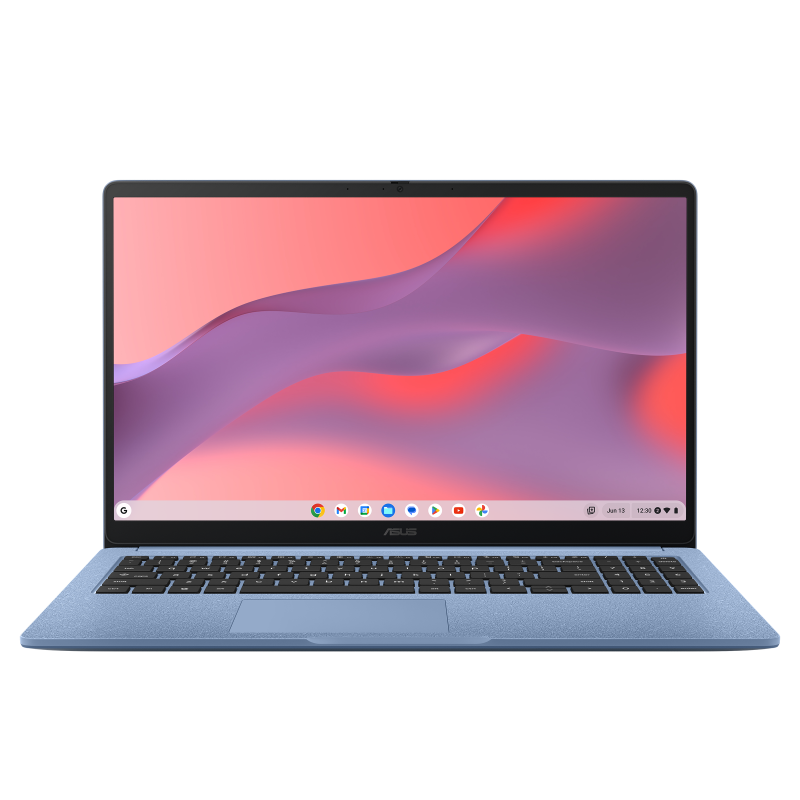
ASUS Chromebook CX15
$199

The CX15 is the budget pick. $199 for a 15.6" 1080p Chromebook makes sense for first-time buyers, students, and grandparents who do email and browsing. Outgrown faster than every other pick if your tab count exceeds 10.

Strengths
  • 15.6" 1080p display — largest screen in this lineup
  • Cheapest pick at $199 — best budget Chromebook for first-time buyers
  • 10-hour battery
Watch-outs
  • Intel Celeron N4500 is slow — fine for browsing, struggles with 10+ tabs
  • 4GB RAM (not Plus tier) — multitasking hits a wall
  • Plastic build feels lighter-duty than every other pick

How they stack up

Acer Chromebook Spin 315

ARM chip (vs Intel x86 on every other pick). Best battery life. Fanless design. Bigger bezels than the ASUS CX34.

ASUS Chromebook CX15

Cheapest pick. Largest screen. Slowest CPU (Celeron vs i3/i5). Not Chromebook Plus tier.

Specs side-by-side

SpecAcer Chromebook Spin 315ASUS Chromebook CX15
CPUMediaTek Kompanio 828Intel Celeron N4500
RAM4GB4GB
Storage64GB64GB eMMC
Display15.6" 1080p 2-in-115.6" 1080p
Battery12+ hours10 hours
← See the full ranking of best chromebooks under $500