Verdict
The Best 5Reviewed by Mike Hun·May 20, 2026

Best Chromebooks Under $500

Top 5 Chromebooks under $500 reviewed and ranked.

Quick answer

ASUS Chromebook Plus CX34 is our top pick for chromebooks under $500 — an averaged 4.6/5 across 1 published review at about $449. Runner-up: Lenovo IdeaPad Flex 5i Chromebook Plus (~$399).

At a glance

Tap any product for the full review
(1 source)
$449Best for: students, knowledge workers, and home users who want a fast Chromebook without breaking $500
$449 · Check Price on Amazon
(1 source)
$399Best for: students who take handwritten notes and casual users who want a tablet/laptop hybrid
$399 · Check Price on Amazon
(1 source)
$199Best for: first-time buyers, kids, grandparents, and anyone doing browser-only work on a tight budget
$199 · Check Price on Amazon
(1 source)
$349Best for: travelers and students who prioritize battery life and don't run Linux dev tools
$349 · Check Price on Amazon
(1 source)
$299Best for: spreadsheet users who want a numeric keypad and HP's brand support network
$299 · Check Price on Amazon
Verdict is reader-supported. As an Amazon Associate we earn from qualifying purchases. Some links on this page are affiliate links — if you click through and buy, we may earn a small commission at no extra cost to you. Our ratings are sourced from independent publications, not sponsors.

The full ranking

How we rank →
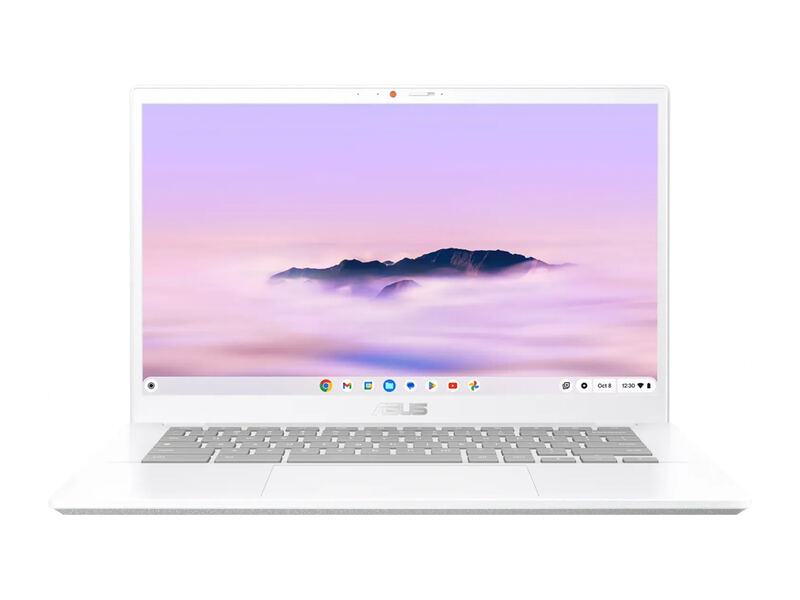
ASUS Chromebook Plus CX34
#1 · Top Score
Best for: students, knowledge workers, and home users who want a fast Chromebook without breaking $500
ASUS Chromebook Plus CX34
from 1 source$449

The CX34 is the best-overall Chromebook under $500. Chromebook Plus tier means Google's higher hardware floor — i5 CPU, 8GB RAM, 128GB SSD — which puts it ahead of bargain bin Celeron Chromebooks. Best for everyday productivity, browser-based work, and student use.

Strengths
  • Intel Core i5 (12th gen) — most CPU horsepower at this price
  • 14" 1080p IPS display with anti-glare coating
Watch-outs
  • Plastic chassis trails MacBook-grade ultrabooks on feel
  • No backlit keyboard at the base SKU
Lenovo IdeaPad Flex 5i Chromebook Plus
#2
Best for: students who take handwritten notes and casual users who want a tablet/laptop hybrid
Lenovo IdeaPad Flex 5i Chromebook Plus
from 1 source$399

The Flex 5i is the convertible pick. 2-in-1 hinge plus touchscreen plus Chromebook Plus tier hardware makes it the right buy for note-takers and Netflix-on-the-couch users. Trade-off vs the ASUS CX34 is raw CPU.

Strengths
  • 2-in-1 360° hinge — tablet, tent, and laptop modes
  • Chromebook Plus tier with Intel Core i3 / 8GB RAM / 128GB SSD
Watch-outs
  • i3 CPU trails the i5 in the ASUS CX34 on raw throughput
  • Heavier than the ASUS CX15 at 3.2 lbs
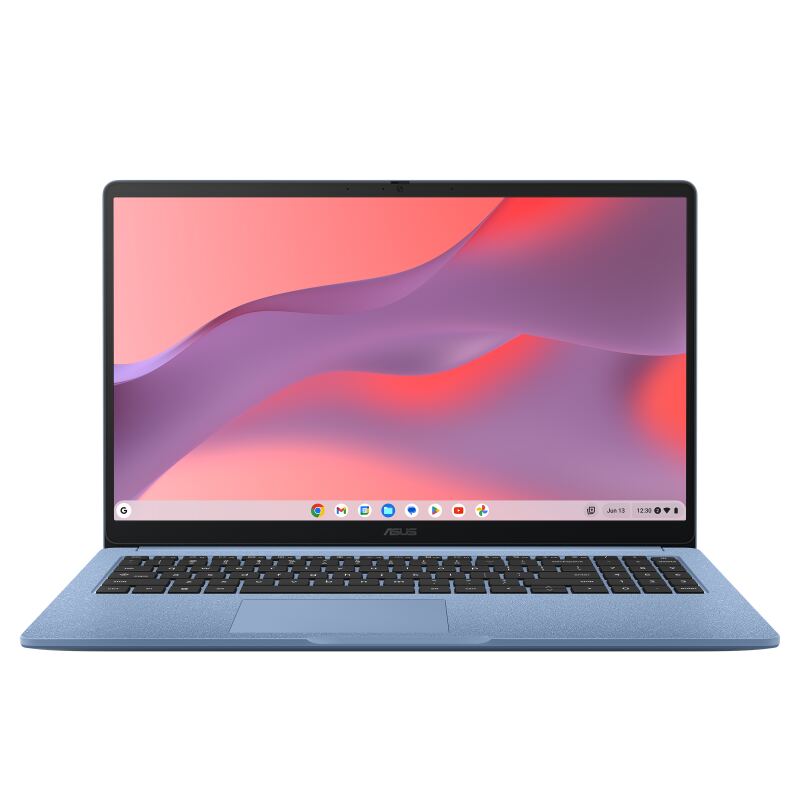
ASUS Chromebook CX15
#3
Best for: first-time buyers, kids, grandparents, and anyone doing browser-only work on a tight budget
ASUS Chromebook CX15
from 1 source$199

The CX15 is the budget pick. $199 for a 15.6" 1080p Chromebook makes sense for first-time buyers, students, and grandparents who do email and browsing. Outgrown faster than every other pick if your tab count exceeds 10.

Strengths
  • 15.6" 1080p display — largest screen in this lineup
  • Cheapest pick at $199 — best budget Chromebook for first-time buyers
Watch-outs
  • Intel Celeron N4500 is slow — fine for browsing, struggles with 10+ tabs
  • 4GB RAM (not Plus tier) — multitasking hits a wall
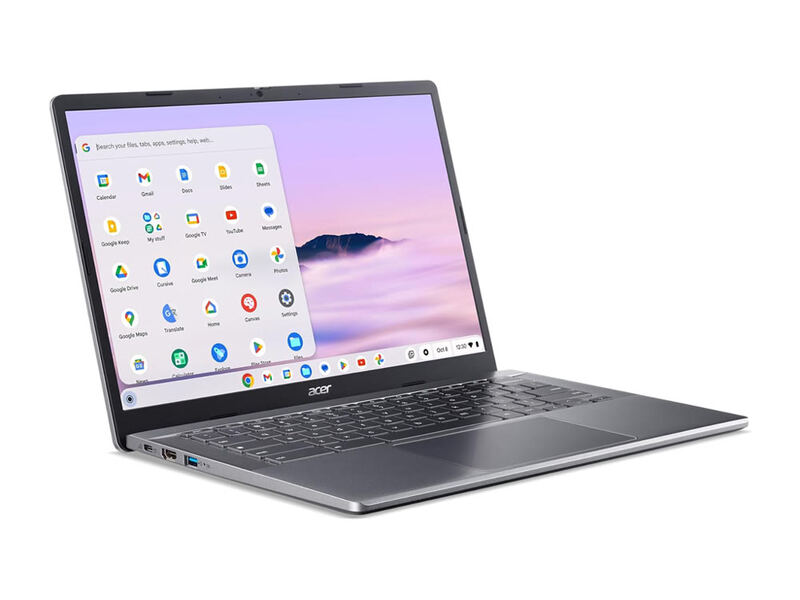
Acer Chromebook Spin 315
#4
Best for: travelers and students who prioritize battery life and don't run Linux dev tools
Acer Chromebook Spin 315
from 1 source$349

The Spin 315 is the long-battery 2-in-1 pick. MediaTek ARM chip means 12+ hours of battery — beats every other pick here. Trade-off is occasional ARM compatibility quirks for power users. Best for travelers and students who prioritize battery life over CPU peak.

Strengths
  • 2-in-1 convertible like the Lenovo Flex 5i
  • MediaTek Kompanio 828 chip — ARM-based, very long battery (12+ hours)
Watch-outs
  • ARM CPU compatibility quirks with some Linux apps and Android emulation
  • Big bezels — looks dated next to the ASUS Plus CX34
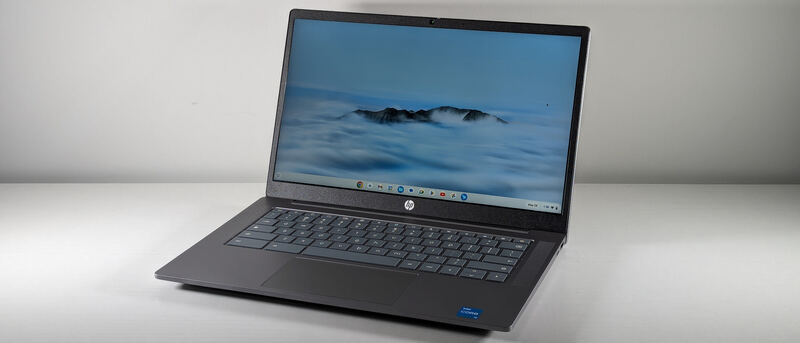
HP Chromebook 15a-na
#5
Best for: spreadsheet users who want a numeric keypad and HP's brand support network
HP Chromebook 15a-na
from 1 source$299

The Chromebook 15a is the HP value pick. Numeric keypad plus i3 plus 1080p at $299 is a solid spec sheet for budget productivity. Trade-off is the 4GB RAM ceiling — Chromebook Plus tier (CX34 / Flex 5i) is the better long-term buy.

Strengths
  • 15.6" 1080p display + numeric keypad
  • Intel Core i3 12th gen at this price tier
Watch-outs
  • Not Chromebook Plus tier — 4GB RAM and entry-level i3
  • Plastic chassis feels lighter than the Lenovo Flex 5i

Spec comparison

5 products
SpecASUS Chromebook Plus CX34Lenovo IdeaPad Flex 5i Chromebook PlusASUS Chromebook CX15Acer Chromebook Spin 315HP Chromebook 15a-na
CPUIntel Core i5 12th genIntel Core i3 12th genIntel Celeron N4500MediaTek Kompanio 828Intel Core i3 N305
RAM8GB8GB4GB4GB4GB
Storage128GB128GB64GB eMMC64GB128GB
Display14" 1080p IPS14" 1080p touchscreen15.6" 1080p15.6" 1080p 2-in-115.6" 1080p
Battery10 hours12+ hours

Frequently asked questions

What is the best chromebooks under $500?
ASUS Chromebook Plus CX34 is our top pick for chromebooks under $500, with an averaged rating of 4.6/5 from 1 published reviews. The CX34 is the best-overall Chromebook under $500. Chromebook Plus tier means Google's higher hardware floor — i5 CPU, 8GB RAM, 128GB SSD — which puts it ahead of bargain bin Celeron Chromebooks. Best for everyday productivity, browser-based work, and student use.
Is there a cheaper alternative worth considering?
ASUS Chromebook CX15 (around $199) rates 4.4/5 in our analysis. The CX15 is the budget pick. $199 for a 15.6" 1080p Chromebook makes sense for first-time buyers, students, and grandparents who do email and browsing. Outgrown faster than every other pick if your tab count exceeds 10.
How does Verdict rank these products?
Every rating on Verdict is the numerical average of scores published by independent review sites, YouTube reviewers, and Reddit buyer reports. No editor adjusts the order — the ranking is whatever the source data produces. See our methodology page for the full process.
When was this guide last updated?
This guide was last re-checked in May 2026. We re-run our research pipeline for each category on a rolling basis so prices and rankings reflect current market reality.

Related guides

Browse all →