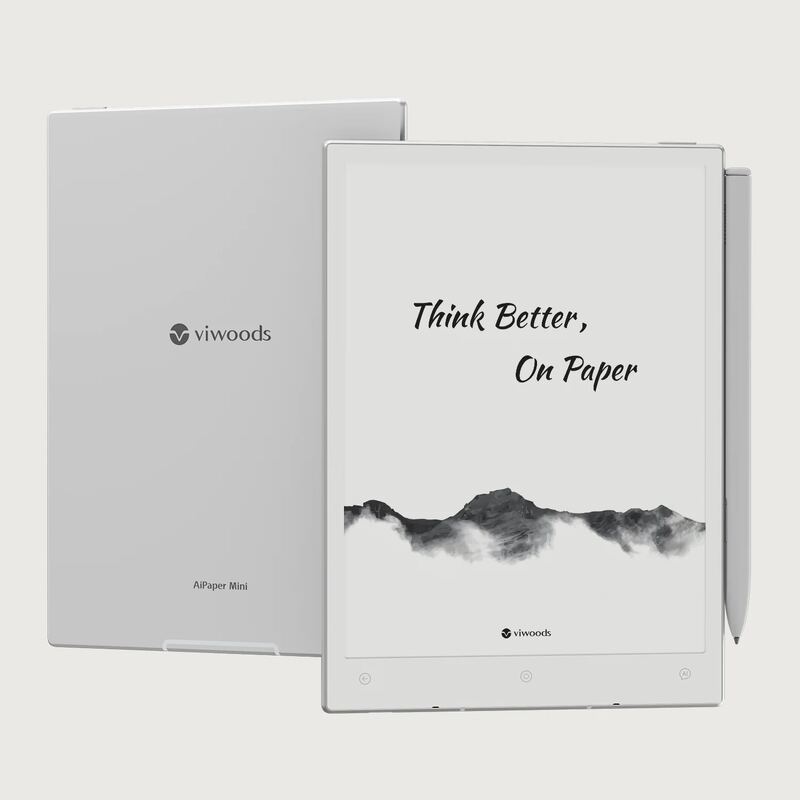
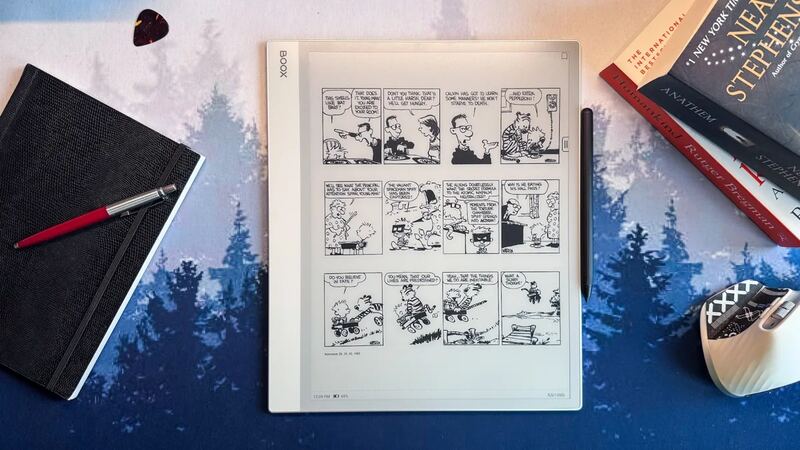
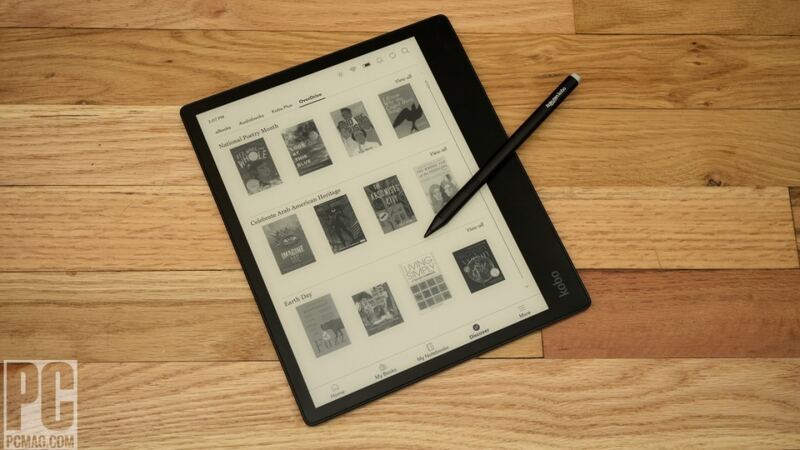
CNET called the reMarkable 2 a refined version of its predecessor, noting improvements in screen whiteness and refresh speed. The tablet's E Ink display offers a natural writing feel with minimal eye strain. Reddit users praised its distraction-free interface and superior writing experience compared to iPads and Kindle Scribes. While the device lacks backlighting, it's designed to be used in ambient light, making it ideal for note-taking and sketching. It's best suited for users seeking a paper-like experience without digital distractions.
Full review
Minimalist design with premium feel
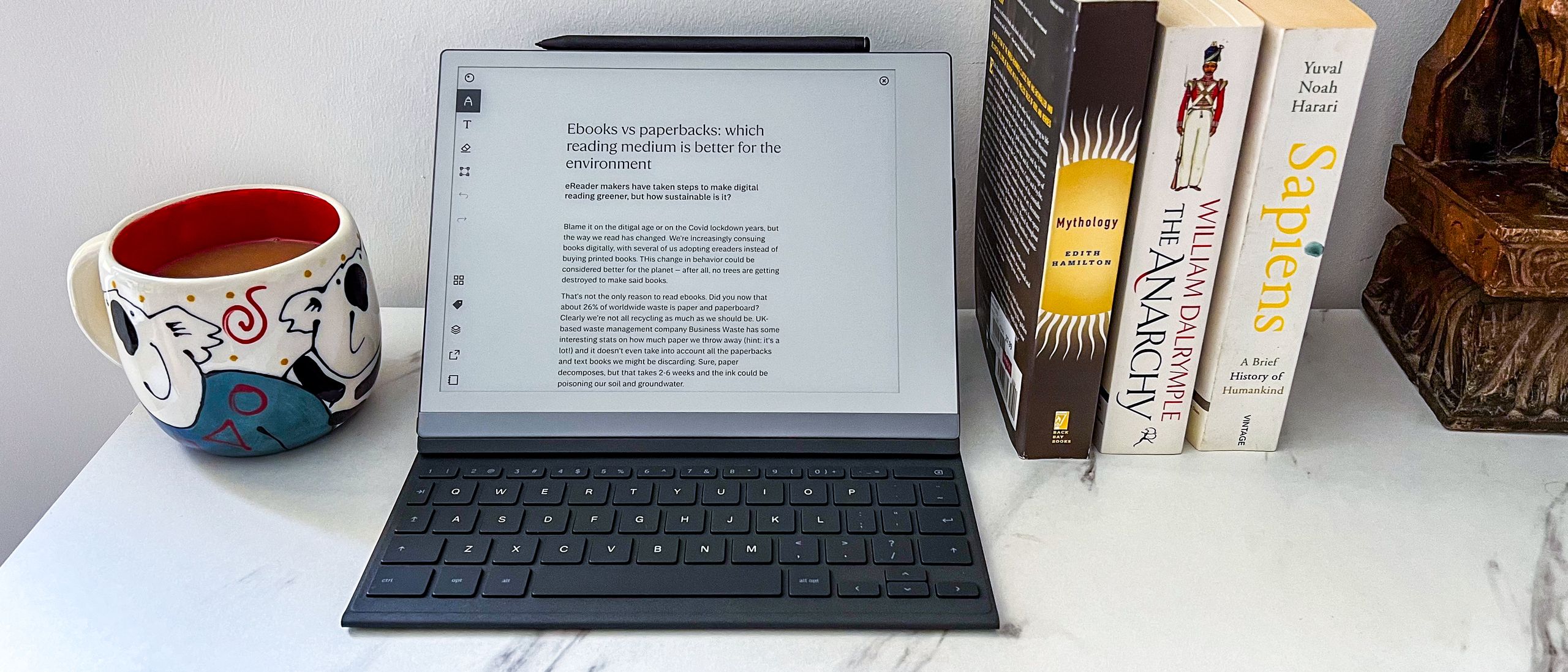
The reMarkable 2 presents a sleek, minimalist aesthetic that prioritizes functionality over ornamentation. cnet's Scott Stein noted that the device feels 'more welcoming' with its smaller footprint and lighter weight at 12.6 ounces, compared to the 14.2 ounces of its predecessor. The tablet's construction uses a magnesium interior that gives it a sturdy, non-flexible feel, while the exterior plastic case, though not as ultra-sleek as previous models, remains inviting to hold. The device's dimensions are 10.3 inches with a 1,872×1,404 pixel grayscale display, and its thickness is just 4.7mm, making it one of the slimmest e-ink tablets on the market. The build quality is such that it can withstand being carried in a rucksack for years without significant wear, as noted by no-kill-switch. The screen is flush with an off-white bezel, creating a soft contrast, and the aluminium edging mimics the spine of a book, both aesthetically and functionally housing the USB-C port and power button.
Writing experience that mimics paper
The writing experience on the reMarkable 2 is widely praised for its authenticity. stdennard.substack's Susan Dennard described how the tactile sensation of the pen on the screen is so convincing that she occasionally brushes away eraser bits when erasing, a testament to how well it simulates actual paper. The device's screen provides a smooth, responsive surface for handwriting, with the marker's tip being a removable rod that touches the screen, ensuring precision and durability. According to no-kill-switch's Sebastian Gebski, the marker works surprisingly well with both accuracy and latency that are more than acceptable, with no frustration from the writing feedback. The device's screen is designed to be used with ambient room light, and there is no backlight, which aligns with its purpose as a paper-like writing tool. The marker, while not required, is essential for the full experience, and the more expensive version with an eraser works, although it requires poking rather than rubbing for erasing, which some find unintuitive but functional.
Software and ecosystem limitations
The software on the reMarkable 2 is described as minimalistic, which is not necessarily a drawback but does mean that the device lacks many of the features one might expect from a modern tablet. ewritable.net's review points out that the software is simple, clean, and intuitive, but also lacks versatility and sophisticated note-taking features. The tablet firmware does not include dictionaries, bookmarking, or indexing, and note-taking is limited to three colors. The OCR functionality is also limited, offering whole page or nothing, and there is zero integration with popular note-taking tools like Evernote or Roam. The software does support document scanning via a mobile app and offers disk encryption and enterprise-level management tools, but these are not standard features. The lack of a browser, email, or word processor means that the device is focused purely on note-taking and document annotation, which is both a strength and a limitation depending on user needs.
The reMarkable 2 is tightly integrated into its own ecosystem, which can be both a benefit and a limitation. While the desktop and mobile companion apps are well-optimized, they are primarily focused on syncing and organizing notes. The software does not support reading e-books in a sophisticated way, and the reading app is described as unsophisticated. Additionally, some features require a monthly subscription, which can add to the overall cost of ownership. The lack of additional hardware such as speakers, microphones, or MicroSD slots limits the device's functionality, and accessories like the keyboard folio and marker are expensive, adding significantly to the total cost of ownership.
Battery life and performance
Battery life is one of the standout features of the reMarkable 2, with the device claiming to last up to three weeks on a single charge, according to cnet's Scott Stein. The actual performance can vary based on usage, but the device is designed for extended use without frequent recharging. The battery life is particularly impressive for a device that is used for writing and note-taking, where users may not want to be interrupted by charging. However, the device does experience occasional performance bottlenecks, as noted by ewritable.net's review, which can be a minor inconvenience during intensive use. The screen refresh rate is 21 milliseconds, which is twice as fast as the previous model, contributing to a smoother writing experience. The device's performance is adequate for its intended use, though it may not be suitable for users who require high-speed multitasking or complex applications.
In practical use, the battery life of the reMarkable 2 is sufficient for most users, especially those who use it primarily for note-taking and document annotation. The device's design allows for extended use without needing to recharge, which is a significant advantage for users who are on the go. However, the device's performance can be affected by the lack of additional hardware, such as a front light or speaker, which may limit its appeal for users who want a more versatile device. The device's performance is optimized for its specific use case, and while it may not be the fastest or most powerful tablet on the market, it is well-suited for its intended purpose.
Use cases and user scenarios
The reMarkable 2 is particularly suited for professionals and individuals who rely heavily on handwritten notes and document annotation. everydaycommentary's Anthony Sculimbrene, a trial lawyer, found the device invaluable for both notetaking and discovery review, where he processes hundreds of pages of documents. The device's e-ink display is easy on the eyes and allows for efficient annotation and searching, making it ideal for legal professionals and researchers. The device's ability to convert handwriting to text is also a significant advantage for users who want to digitize their notes quickly and accurately. stdennard.substack's Susan Dennard, a writer, uses the device for all her pre-writing and editing work, including macro brainstorming, outlining, and scene-level planning. She notes that the device's ability to convert handwriting to text and sync to cloud services has streamlined her workflow significantly.
The device is also well-suited for students, educators, and anyone who wants to replace physical notebooks with a digital alternative. The ability to organize notes by folders and notebooks, and the search functionality, make it easy to find specific information. The device's portability and long battery life make it ideal for use in various environments, from a quiet study to a busy coffee shop. The lack of a front light and limited software features may be drawbacks for some users, but for those who value the simplicity and focus of a dedicated note-taking device, the reMarkable 2 is a strong choice. The device's price point of $399 for the base model and $449 for the bundle with a case and upgraded pen makes it accessible to a wide range of users, though the cost of accessories can add up quickly.
Strengths
- +Flicker-free E Ink display easy on the eyes
- +Fast 21ms refresh rate for smoother page turns
- +Lightweight at 12.6 ounces with improved screen whiteness
- +Distraction-free interface suitable for sketching and outlines
Watch-outs
- −No front or back light like color tablets
- −Battery life estimated at three weeks vs. two for Remarkable 2
How it compares
The reMarkable 2 offers a distraction-free interface and fast refresh rate that the Kindle Scribe lacks, but unlike the reMarkable Paper Pro, it doesn't feature a color display or subscription-based storage. Compared to the Supernote Manta, it's heavier and lacks the flexible screen design, though it provides a more traditional note-taking experience.
Rating sources
“The Remarkable Paper Pure is an update and replacement to the Remarkable 2, a black-and-white/grayscale tablet that was released back in 2000. The $399 Pure, available for preor”
“TDLR: For the right person, the Remarkable 2 is a game-changing tool.”
“I just really freaking love this thing.”
“reMarkable 2 Review Originally published on April 19, 2024 by Dan (Last update: September 15, 2025 ) reMarkable 2 * ~$550 * [Affiliate link] * 🏆 WINNER Most User-Friendly 83% 👍 Recommended 85% Tablet Rating 78% Firmware Rating 85% Brand Rating”
Our 4.6 score is the average of the 4 scored reviews above; 5 more reviewed it without printing a score and are not in the average. Ratings marked * were derived from the reviewer’s written analysis or video transcript — the publisher didn’t print an explicit numeric score, so we inferred one from their own words. Click through to verify. More about methodology.