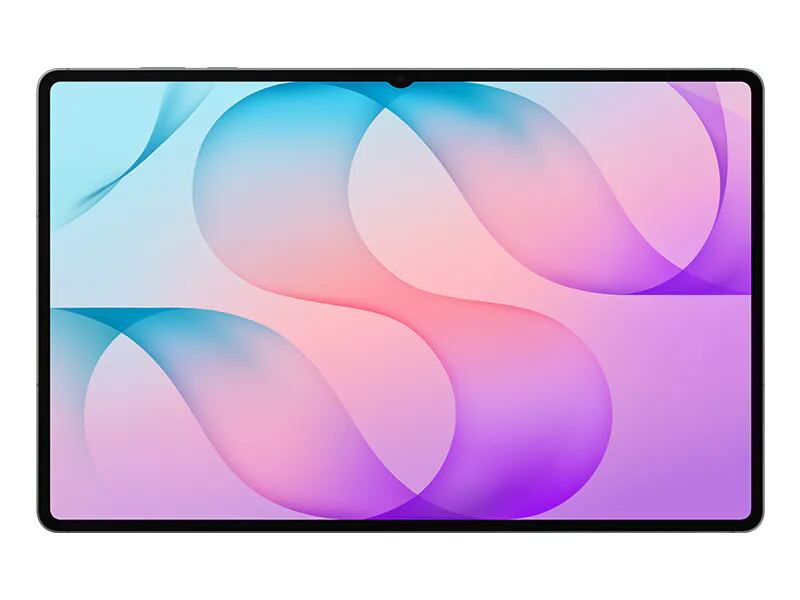
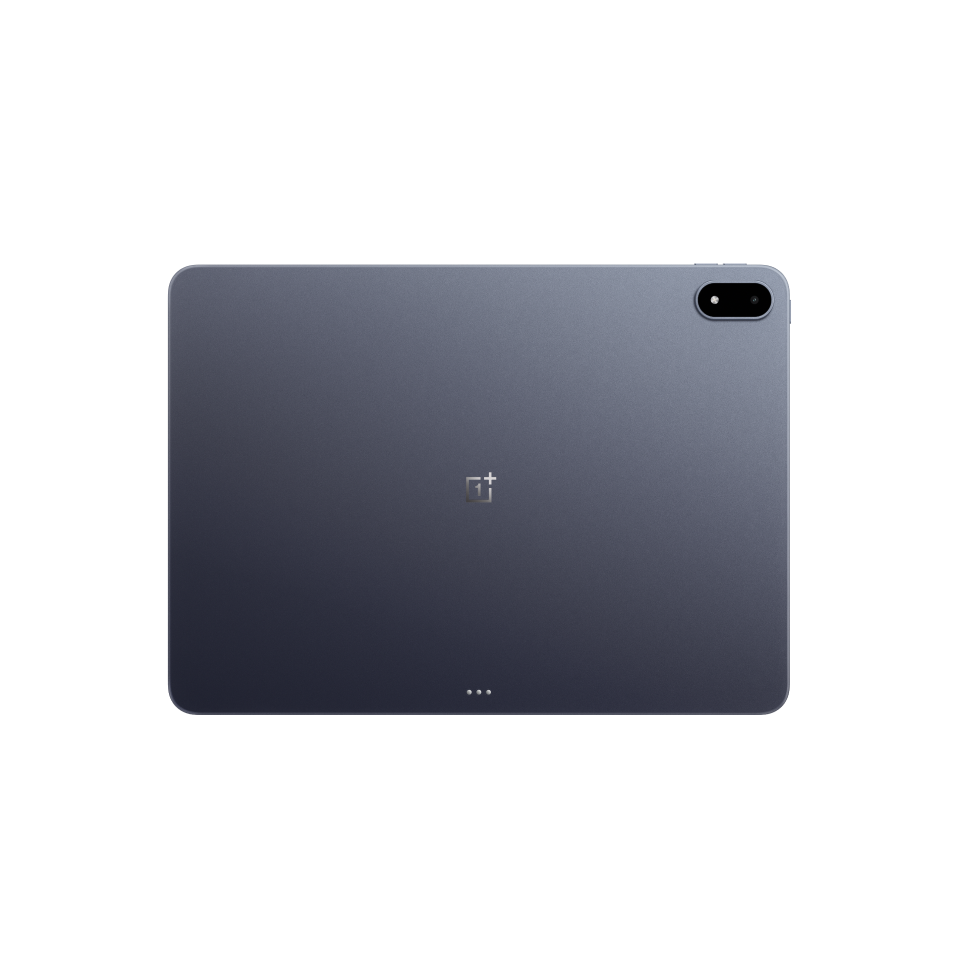
The OnePlus Pad 3 is a 13.2-inch, 144Hz Android tablet built around the Snapdragon 8 Elite, with 12GB of RAM, 256GB of storage and a 12,140mAh battery, priced at $699.99 from OnePlus. TechRadar, Android Central and Trusted Reviews each rated it 4.5 out of 5. All three praise the performance, the screen and the Open Canvas split-screen software; their complaints are the LCD panel where rivals use OLED, the lack of a microSD slot and fingerprint reader, and a keyboard and stylus that cost extra.
Full review
Flagship phone chip in a tablet
The Pad 3 uses the Snapdragon 8 Elite with 12GB of RAM and 256GB of storage; TechRadar and Android Central note that this is the only configuration sold in the US. TechRadar wrote its whole review on the tablet with Google Docs, a PDF, several Chrome tabs, a WhatsApp overlay and a Disney Plus stream open together and saw no slowdown, and scored performance 5/5.
Android Central's reviewer used it for Windows-game emulation and reported Hades 2 dropping below 100 frames per second only once or twice. Trusted Reviews says it outpaces much more expensive Android tablets.
A 13.2-inch, 144Hz LCD
The screen grew from 12.1 inches on the Pad 2 to 13.2 inches and keeps the 144Hz refresh rate. TechRadar scored the display 5/5 and credits the 7:5 aspect ratio for making several windows usable at once; Trusted Reviews adds that the same ratio puts black bars on films.
It is an IPS LCD, not OLED. Trusted Reviews saw a hint of grey in blacks but judged the trade-off sensible given what OLED tablets of this size cost. Android Central lists the LCD as a reason to avoid, while noting it suits people sensitive to OLED flicker.
Open Canvas and Android's tablet-app problem
OnePlus's Open Canvas system runs up to three apps at once and, new on this model, offers to split the screen when it notices switching between two apps. TechRadar scored the software 4/5 and called OxygenOS 15 clean and easy to understand.
TechRadar also ran into app problems: Notion would not accept typing until it was reinstalled, and Google Docs did not recognise scrolling on the Smart Keyboard's trackpad. Android Central found the trackpad cursor stuttered and notes there is no fingerprint scanner, and that OnePlus's O+ Connect remote access works only with macOS.
Battery life and the cost of accessories
TechRadar worked from 9:30am to 5:30pm with six hours of screen-on time and had about 35% left; with a 65W charger the tablet went from 5% to 100% in 121 minutes. Trusted Reviews ended a work day at 30% and found the tablet still at 82% after five days unused.
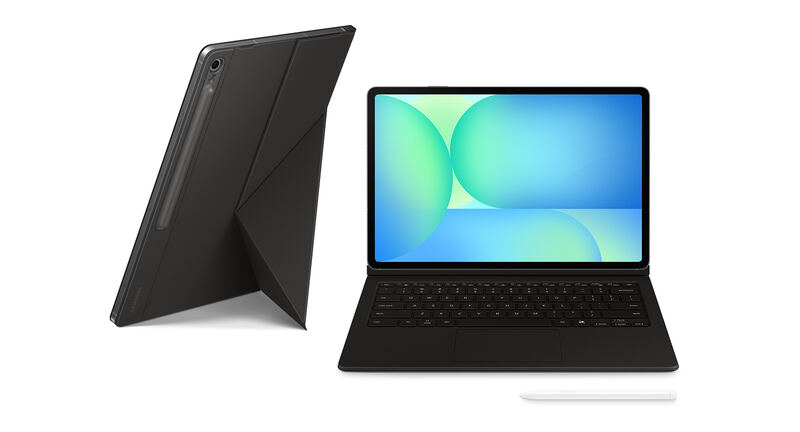
The stylus and keyboard are not included. TechRadar prices the Stylo 2 at $99, the Smart Keyboard at $199 and the folio case at $49, and lists the accessory cost among its reasons to avoid. Trusted Reviews regrets that the new keyboard no longer works over Bluetooth when detached.
Strengths
- +Snapdragon 8 Elite performance: TechRadar ran Docs, a PDF, Chrome tabs, a WhatsApp overlay and a video at once with no slowdown
- +13.2-inch 144Hz display that TechRadar scored 5/5
- +80W charger included in the US box, per TechRadar
- +Open Canvas runs up to three apps side by side and now suggests split-screen pairs, per TechRadar
Watch-outs
- −IPS LCD rather than OLED, listed as a con by Android Central and Trusted Reviews
- −No microSD card slot and no fingerprint scanner, per Android Central
- −Stylus ($99) and Smart Keyboard ($199) are sold separately, which TechRadar says makes the full setup pricey
- −TechRadar hit Android tablet app problems: Notion would not accept typing until reinstalled and Google Docs ignored trackpad scrolling
- −Only three OS upgrades promised, per Trusted Reviews
How it compares
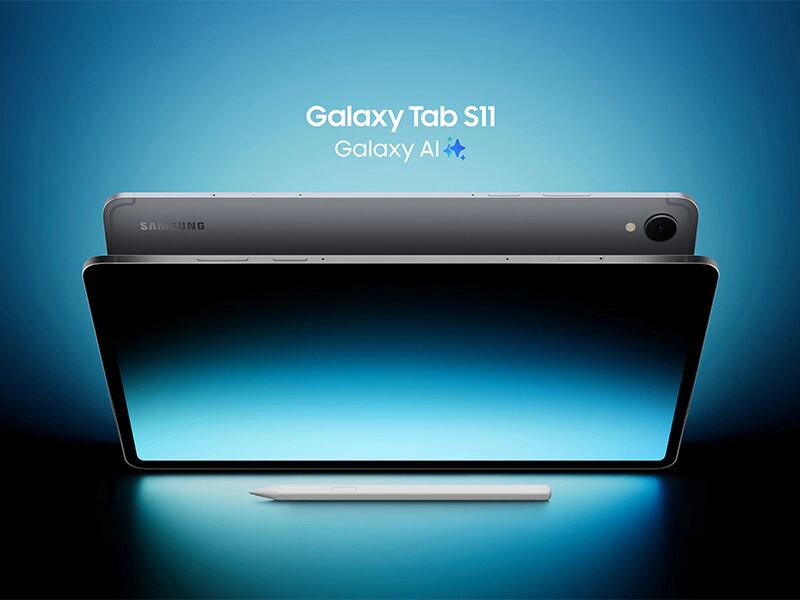
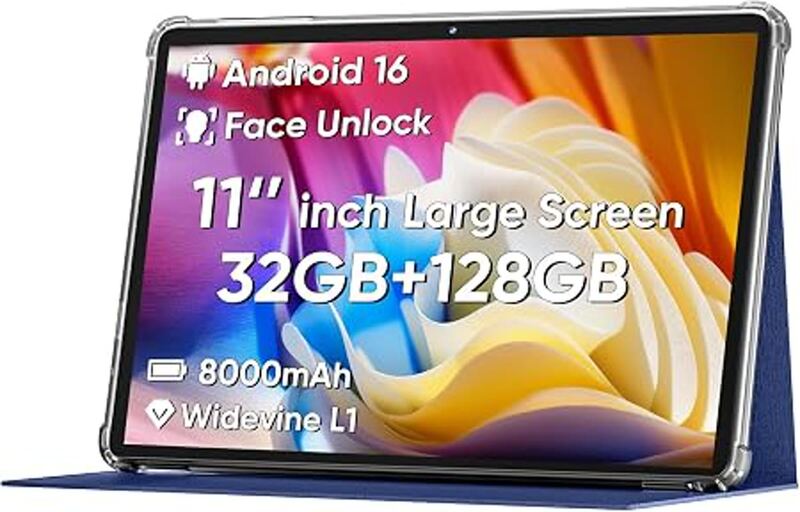
Trusted Reviews tested it against the Samsung Galaxy Tab S10 FE Plus and found the OnePlus significantly faster, with a higher refresh rate and better battery life; it uses a Snapdragon 8 Elite and a 12,140mAh battery where the Samsung has an Exynos 1580 and 10,090mAh. The Samsung includes its S Pen, has IP68 water resistance and takes microSD cards, none of which the OnePlus offers. It costs several times as much as the COLORROOM tablet on this page.
Rating sources
Counts as 4.42/5 in our score — this publisher's 195 scores on the site average 4.25, so its scores are adjusted down to compare fairly with other publishers.
Counts as 4.34/5 in our score — this publisher's 8 scores on the site average 4.44, so its scores are adjusted down to compare fairly with other publishers.
Counts as 4.45/5 in our score — this publisher's 43 scores on the site average 4.22, so its scores are adjusted down to compare fairly with other publishers.
Our 4.4 score is the average of these published ratings, each adjusted for how strictly its publisher scores. More about methodology.