Digital Camera World praised the Neewer X11 as an easy-to-use, budget-friendly performer that excels at its core function of allowing creators to read scripts while maintaining eye contact with the lens. Eleven Shadows noted that while the build quality relies heavily on plastic and feels somewhat cheap in areas like the sunhood hinge, the essential mounting components are solid enough for reliable content creation. ScrollCue highlighted a limitation: text on the compact display loses contrast through the beam splitter glass, so font size and brightness settings matter for readability. Ultimately, this unit is best suited for solo creators and streamers who need a portable, all-in-one solution without the complexity of dedicated software ecosystems.
Full review
Dual-function monitor and teleprompter workflow
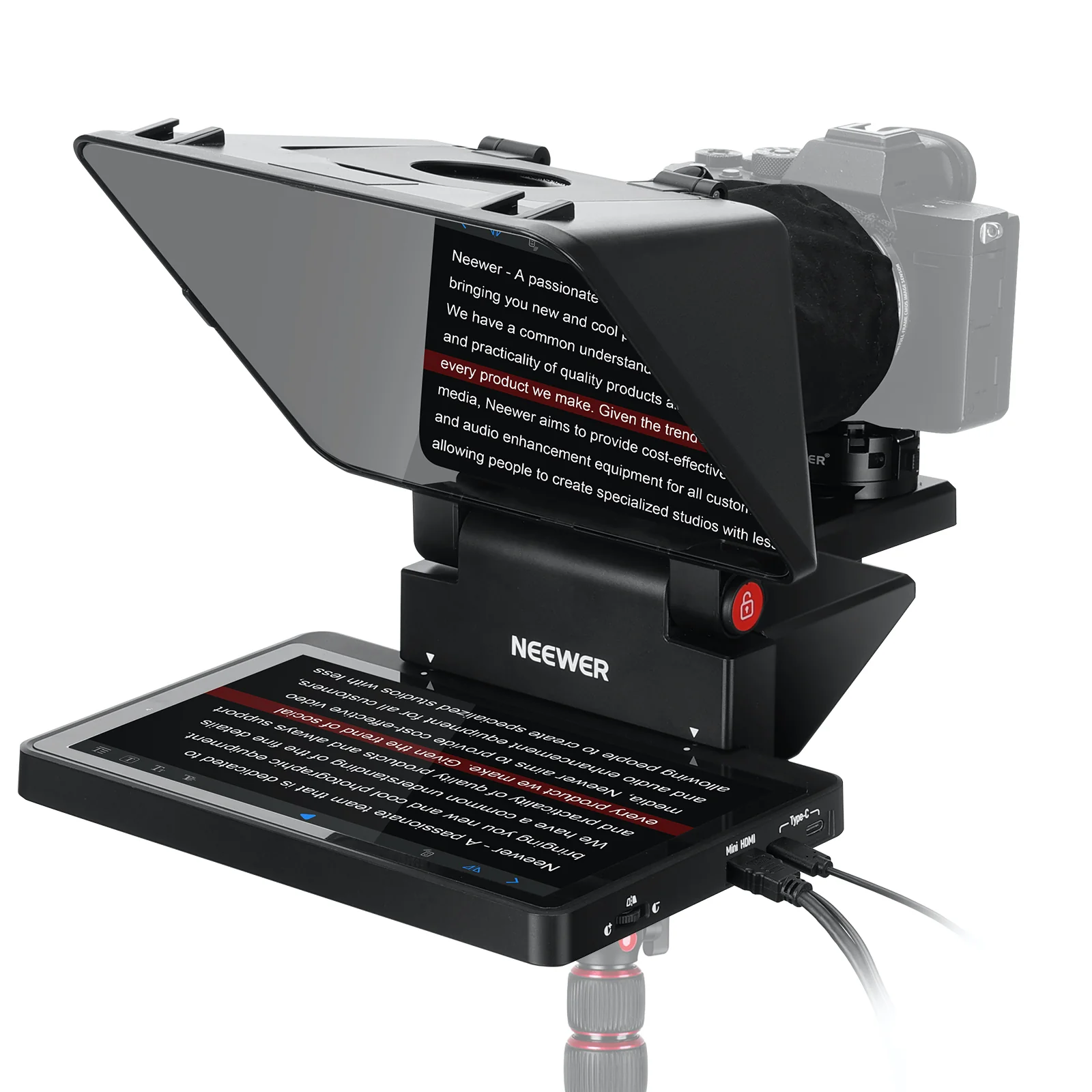
The Neewer X11 distinguishes itself by combining a dedicated external display with the traditional beam-splitter rig, allowing creators to use it as a fully independent secondary monitor for Windows, macOS, or Android devices. This dual capability means users can mirror their phone or tablet directly via cable without requiring proprietary software, and the unit can even function as a live chat window during streaming sessions while keeping eye contact with the lens.
Setting up this dual functionality is straightforward because connecting a phone or computer to the monitor requires no proprietary software downloads. The unit features two USB-C ports and a micro HDMI port, enabling flexible input options from various devices. Once connected via cable, the screen mirrors vertically or horizontally with ease, allowing streamers to track comments or preview footage without breaking their gaze into the camera lens. This setup removes the friction of launching separate applications or dealing with voice-sync features that often fail midway through a recording session.
The ability to detach the monitor for travel adds significant practical value compared to rigid teleprompter designs. The screen portion can be separated from the beam-splitter glass, allowing it to serve as a normal preview screen in different locations. This modularity means the X11 is not just a static piece of equipment that must remain bolted to a specific camera rig; it adapts to changing studio layouts and travel requirements without requiring complex disassembly or risking damage to delicate optical components.
Build quality flaws in the sunhood hinge
While the core mounting system is robust, Eleven Shadows found that the plastic hinge connecting the sunhood to the rest of the unit feels flimsy and represents a potential weak point for long-term durability. The reviewer noted that if any part of the device were to break under normal use, this specific hinge would be the most likely candidate due to its requirement for periodic angle adjustments during setup. This structural fragility contrasts sharply with the metal quick-release plate used for camera attachment, highlighting an uneven distribution of material quality within the plastic chassis.
The sunhood also incorporates a swinging door mechanism designed to accommodate different camera and lens sizes, but this component similarly feels fragile when pulled apart from the main body. Despite these concerns about the materials used in the hood assembly, Eleven Shadows confirmed that once deployed, the door stays firmly in place without wobbling during operation. The quick-release plate itself wiggles slightly when twisting cameras attached to it, though the reviewer did not believe this minor movement posed any actual risk of dropping equipment during content creation.
Digital Camera World echoed these observations regarding material quality, noting that while certain parts are not confidence-inspiringly solid, the components that matter most for camera stability are excellent. The manufacturer has clearly prioritized cost-efficiency in the sunhood construction to maintain a competitive price point, resulting in a device where the structural integrity of the optical housing does not match the reliability of the mounting hardware. Users who frequently adjust their hood angles or transport the unit often should handle these plastic components with extra care.
Camera mount stability and lens compatibility
The camera attachment system utilizes a full metal Arca-Swiss style quick-release plate that provides a secure and reliable mounting interface for DSLRs, mirrorless cameras, and webcams. Digital Camera World specifically praised this mount as being of good quality with a rotating lock mechanism designed to prevent accidental detachment during filming. The plate allows for both front-to-back and up-and-down adjustments, enabling users to precisely align their camera lens with the opening in the beam-splitter glass regardless of the specific camera body size or tripod height.
The X11 supports lenses with maximum diameters up to 72mm, making it compatible with a wide range of standard photographic equipment. The quick-release system allows for rapid mounting and dismounting of cameras without needing additional tools, which is particularly useful for creators who frequently switch between different shooting setups or locations. This mechanical reliability stands in contrast to some competing designs that hang directly off the lens barrel, which can be prone to slipping or falling if not perfectly balanced.
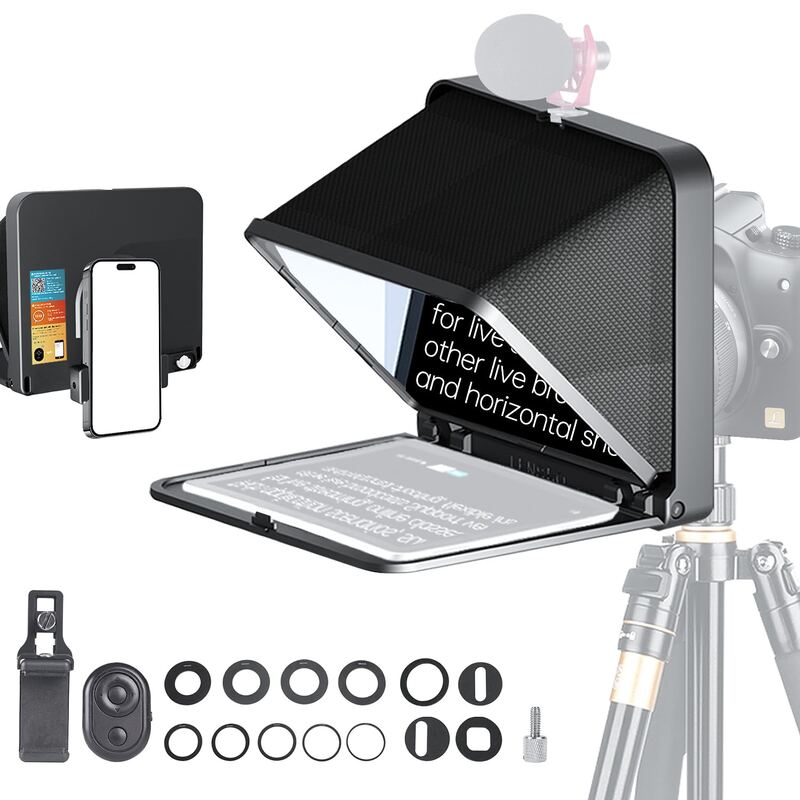
For users employing smaller devices like webcams or smartphones, the unit includes an optional phone clamp that velcros onto the sunhood, replacing the lens sock. This adapter provides a simple and effective way to secure mobile devices for vertical or horizontal content creation. The base of the unit feels reasonably solid when placed on a desk, though Eleven Shadows noted that full-frame DSLRs might feel slightly large for this compact desktop rig. The overall design is better suited to smaller cameras, webcams, or smartphones where portability and ease of setup are prioritized over heavy-duty studio mounting.
Display brightness limitations through beam-splitter glass
The inherent light loss caused by installing the 11-inch beam-splitter glass reduces perceived brightness during teleprompter operation. An Alibaba buying guide puts the drop in perceived brightness at approximately 20 percent when the standard 65 percent transmittance glass is installed due to this physics-based limitation rather than a manufacturing defect.
ScrollCue emphasized that font settings become critically important on this smaller screen because users have less surface area and must read through glass that reduces contrast. The recommendation for phone-sized rigs involves setting font sizes between 48 and 56 pixels with the column width at 100 percent to maximize readability. Narrowing the column further wastes the limited screen space, while reducing brightness below 60 percent can cause the text to appear grey and difficult to parse when viewed through the reflective mirror.
The monitor features a dedicated dimmer knob on the side that allows users to adjust brightness from 0 to 100 percent. This physical control is particularly useful for matching the screen output to ambient lighting conditions, ensuring that reflections do not wash out the text or create distracting glare. The high native brightness of the panel compensates somewhat for the glass attenuation, but creators operating in bright studios may still need to carefully balance their environmental lighting to maintain optimal script legibility.
Bundled app limitations and third-party alternatives
The bundled Neewer teleprompter application offers basic functionality for writing scripts directly within the software or pasting text from external sources. Users can adjust opacity, scroll speed, line spacing, and set their preferred line of sight while reading through a control hub interface. However, Eleven Shadows noted that the app lacks advanced features such as voice-sync scrolling, which requires users to manually manage pacing or purchase an optional remote pedal for better performance control during live recordings.
ScrollCue described the bundled software as an afterthought that shows its limitations compared to dedicated third-party solutions. The recommendation is to use browser-based teleprompter applications like ScrollCue, which run directly in the browser without requiring downloads or account creation. These alternatives support mirror mode natively and work seamlessly with any beam-splitter rig, eliminating the friction of installing proprietary drivers or dealing with app compatibility issues across different operating systems.
For users who prefer not to rely on external applications, Neewer provides a downloadable teleprompter app that allows direct script entry and control. The experience can feel bare bones compared to professional broadcasting software, but it remains sufficient for creators who need a simple way to get their thoughts onto the screen without complex configuration. The lack of voice detection means users must learn to adjust their speaking pace to match the scrolling text or utilize external hardware controllers for more dynamic presentations.
Cable length constraints and connectivity options
One frequently cited drawback across multiple reviews is the short length of the included USB-C cable, which can restrict placement flexibility in larger studio setups. Reviewers noted that if their camera or computer was positioned at a distance from the tripod base, they would definitely need to invest in longer cables to maintain a functional workflow. This limitation requires users to plan their desk or studio layout carefully around the fixed cable length provided by the manufacturer.
The unit features dual USB-C ports and a micro HDMI port that support various input configurations for different devices. The included data cable set allows for straightforward connections to computers, tablets, and smartphones without requiring additional adapters in most cases. However, the reliance on physical cables for screen mirroring means that wireless streaming solutions are not natively supported by the hardware itself, though users can still mirror their devices using third-party software if desired.
For streamers and content creators who frequently change their studio setup, the flexibility of wired connections offers reliable performance without the latency or compatibility issues sometimes associated with wireless mirroring. The X11 can act as a secondary PC display to track live chat while looking directly into the lens, provided users install the necessary drivers on their Mac or Windows machine. This capability transforms the teleprompter from a simple script-reading tool into a comprehensive communication hub for modern digital content creation.
Strengths
- +Versatile dual-functionality as both a teleprompter and a detachable secondary monitor
- +High-quality metal Arca-Swiss style camera mount with quick-release system
- +Simple setup process that requires no proprietary software for basic operation
- +Bright 9-inch HD display capable of acting as an external screen
Watch-outs
- −Flimsy plastic hinge on the sunhood and a fragile swinging door mechanism
How it compares
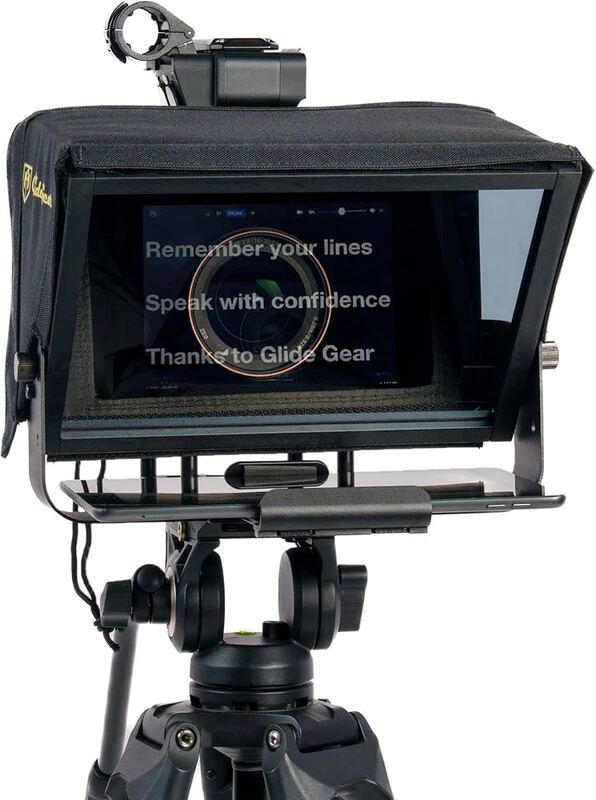
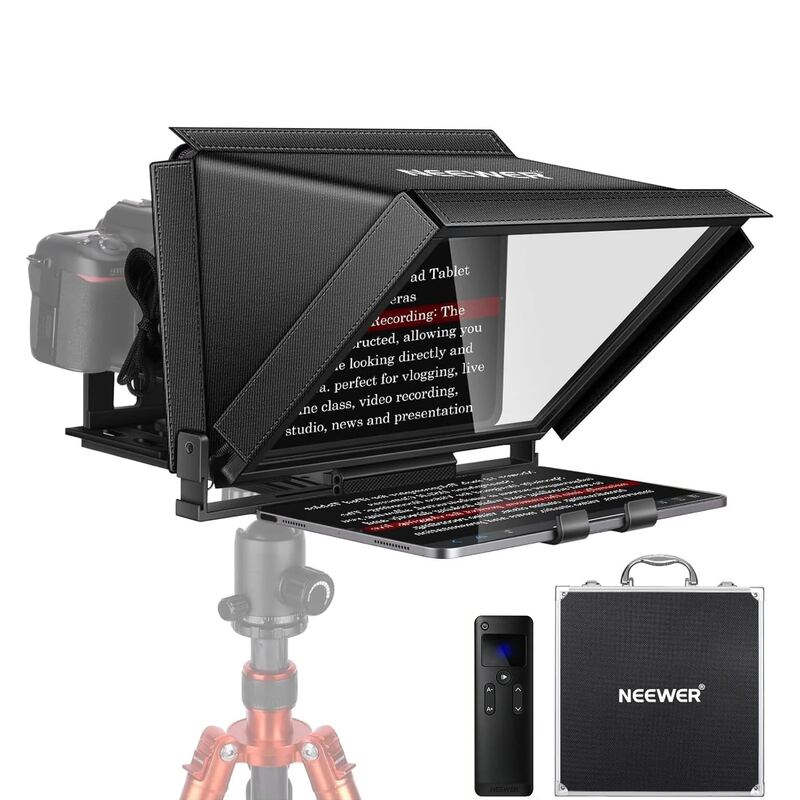
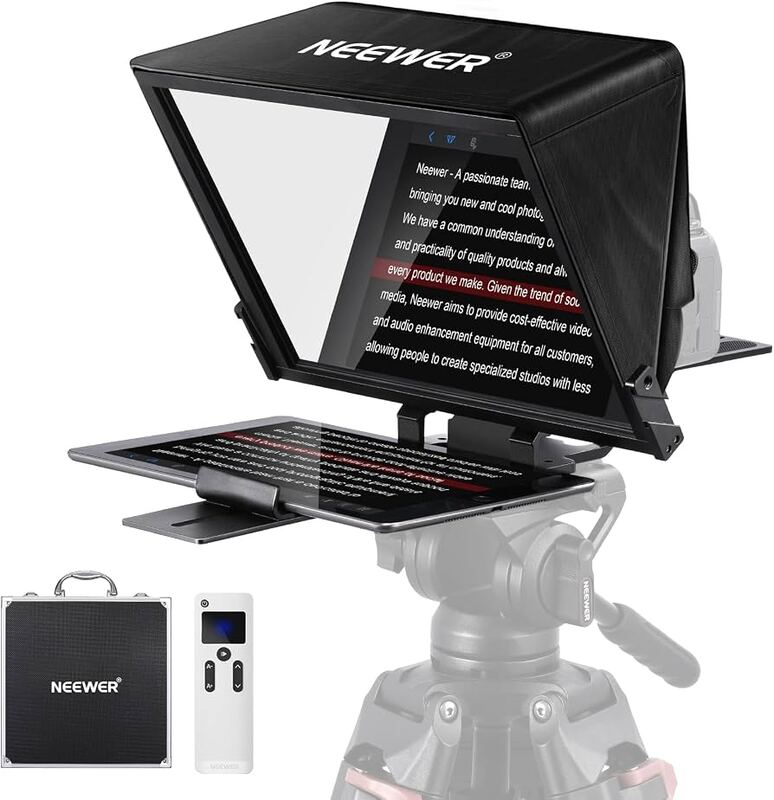
The Neewer X11 distinguishes itself by including a built-in 9-inch HD display that functions as both a teleprompter and a secondary monitor, whereas the Glide Gear TMP 100 and NEEWER X14 require external smartphones or tablets. While it offers this all-in-one convenience, its plastic construction contrasts with the aluminum alloy builds of the NEEWER X12 and X14, which provide greater structural rigidity.
Rating sources
Counts as 3.77/5 in our score — this publisher's 55 scores on the site average 4.42, so its scores are adjusted down to compare fairly with other publishers.
Our 3.8 score is the average of the 1 scored review above, each adjusted for how strictly its publisher scores; 3 more reviewed it without printing a score and are not in the average. More about methodology.