Thermals are the Lian Li Lancool 207's selling point, particularly around the GPU, which makes it a solid pick for gamers. Reviewers credited the sturdy construction and the innovative fan placement that aims airflow straight at the graphics card. Building in it is less pleasant: cable management is poor and the PSU doesn't fit cleanly, which hurts usability. Gamers who want strong cooling without spending much will be pleased with the performance, but anyone who values an easy build should consider alternatives.
Full review
Thermal Performance
The Lian Li Lancool 207 delivers exceptional thermal performance, particularly for GPU cooling, according to TechPowerUp's testing. The case's innovative fan layout pushes significant airflow directly at the graphics card, resulting in the second-best GPU thermal performance among tested cases at 1900 RPM. The design features two 140mm front fans and two 120mm bottom fans, with the PSU positioned at the front to accommodate two shroud-top fans that are closer to the floor for direct intake. This configuration allows for better airflow management, especially in the GPU area, where the case excels. However, the thermal performance is somewhat dependent on adding rear exhaust fans, as the stock configuration only includes intake fans, which can limit overall airflow efficiency under heavy loads.
Tom's Hardware's review highlighted that the Lancool 207 is one of the best-performing cases in thermal charts, especially for GPU cooling. The case's unique design, with the PSU at the front and intake fans positioned to draw air directly into the GPU area, contributes to its strong performance. The case's ability to maintain low GPU temperatures under load makes it a solid choice for gamers and enthusiasts who prioritize cooling efficiency. Despite its thermal strengths, the case's performance is somewhat limited by its cable management and PSU fit issues, which can impact overall airflow and component longevity.
The Provoked Prawn built in the case twice for his review — once with the stock fans and a Hydroshift AIO, then again with a different motherboard and Noctua chromax fans — and reported a GPU peak around 59 °C with the memory junction at 64 °C, and CPU cores staying under 90 °C through a sustained load. He ran it the way it ships, four intake fans plus the radiator's three as exhaust and no rear fan fitted, and still found it "wasn't obnoxiously loud"; after swapping the fans the temperatures came out "just below 60°" again, which is his own evidence that the bundled fans are not the limiting factor. All four of the case's pre-installed fans are intake — the two 140mm at the front and the two 120mm at the bottom — with the rear panel left as open ventilation; there is no bottom exhaust.
Fixed the top-panel wobble that plagued the Lancool 216
The Lancool 207's build quality is robust, with reinforced steel panels that avoid the wobble issues found in cheaper alternatives. GamersNexus noted that the top panel uses heavy-duty studs and folded-over steel columns for reinforcement, addressing a problem that plagued previous Lancool models like the Lancool 216. The front panel also employs folded-over steel, doubling as a catch for magnets at the top of the easily removable filter, making cleaning straightforward. The case's panels are exceptionally sturdy for its price point, with the right side panel being tool-less and the back compartment being shallow, though the PSU's orientation complicates power supply length and cable bends. The case's dimensions are 455.6mm x 219mm x 456mm, making it a compact yet spacious option for mid-tower builds.
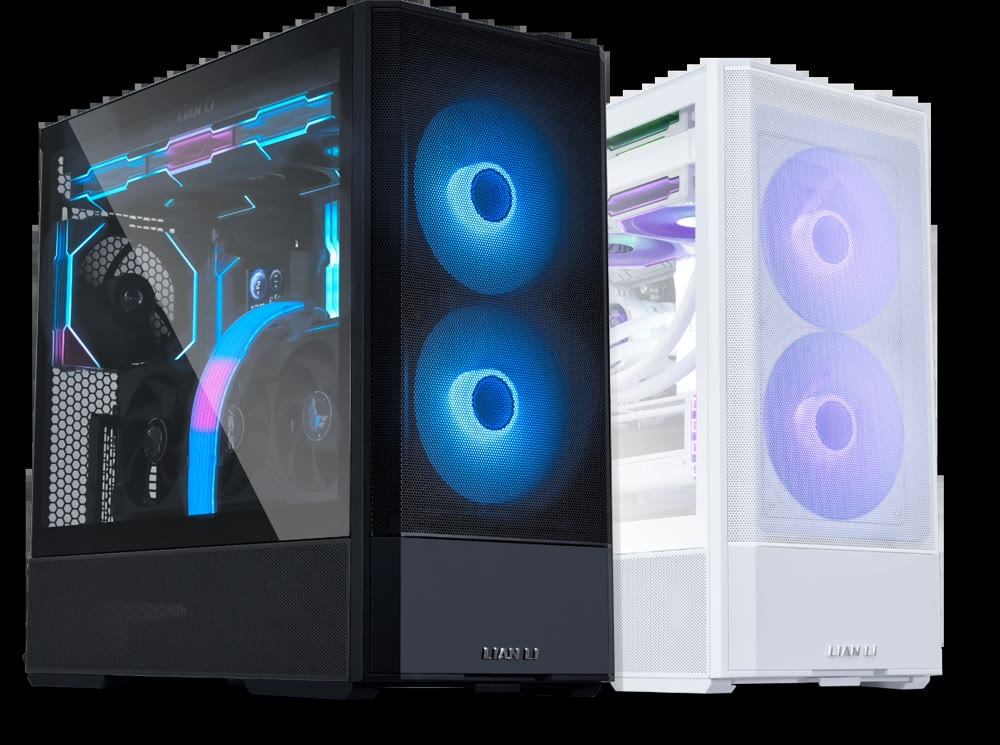
The case's design includes a unique feature where the PSU is positioned at the front to accommodate two shroud-top fans, which are closer to the floor for direct intake. This design allows for better airflow management, especially in the GPU area. The front of the case has a shaped front inlet for two 140mm fans, and the back is entirely ventilation to allow exhaust. The case also features a removable plate at the bottom of the front panel, which was removed in the final version, and a smaller side panel vent. The side panel vent is functional, but the overall design could be improved to better accommodate larger cables and accessories.
According to the Lian Li official website, the Lancool 207 supports ATX motherboards with a width of 240mm, Micro-ATX, and Mini-ITX. The case has a maximum GPU length clearance of 410mm and a CPU cooler height clearance of 167mm. The PSU support includes ATX with a maximum length of 160mm, and the case supports top radiators with 240mm, 280mm, and 360mm configurations. The case also features a dust filter at the bottom and I/O ports including USB 3.0 x 2, USB 3.1 Type-C x 1, Audio x 1, and Power Button x 1. The case's design is both functional and aesthetically pleasing, with a black and white color scheme that appeals to many PC enthusiasts.
Cable Management
GamersNexus noted that closing the right side panel isn't always easy, especially with thicker gauge wire and accessories that add a lot of cabling. The side panel is tool-less, but the back compartment is shallow, and the PSU's orientation complicates power supply length and cable bends. The case's design, while innovative in terms of airflow, creates obstacles for users trying to maintain a clean build. The reviewer emphasized that the case's cable management is a significant drawback, particularly for users who prioritize aesthetics and organization.
The Provoked Prawn's review traces the cable problems back to the front-mounted PSU. The two 8-pin CPU power cables that have to reach the top of the board are, in his words, not meant to come from the left-hand side — "they usually come from the right" — so they end up stretched taut across the tray, and the channel behind the tray is shallow enough that a Noctua fan controller he mounted there fouled the rear door when he tried to close it. Lian Li's own support FAQ for the case treats the short EPS run as a known issue and tells owners to secure it behind the motherboard tray with the cable tie in the accessory box. That is a workaround shipped with the case, not a fix.
TechPowerUp's review praised the case's cable routing but flagged that the hooks for cable management in the top trench don't work well. The case's design, with the PSU at the front, creates a unique set of problems for cable routing, particularly with longer cables and accessories. The reviewer suggested that while the case's airflow is excellent, the cable management could be significantly improved to make it more user-friendly. The case's compact size and unique fan layout make it challenging to manage cables effectively, especially for users who want a clean and organized build.
Power Supply Fit
GamersNexus reported that the case struggles with power supply fit, particularly with the PSU's orientation, which complicates power supply length and cable bends. The case's design pushes the PSU to the front to accommodate 2 shroud-top fans, which can lead to issues with cable routing and PSU installation. The reviewer noted that this design choice, while beneficial for airflow, creates practical problems for users trying to install a power supply. The case's PSU support includes ATX with a maximum length of 160mm, but the positioning of the PSU can cause issues with longer PSUs.
The Provoked Prawn's review shows the front-mounted PSU creating a fit problem of its own. He built with a Corsair RM Shift, a unit designed to present its connectors at the side; mounted the way the Lancool 207 requires, with the inlet facing forward, those connectors end up pointing into the side panel instead. He is careful not to call it a dealbreaker — he frames the whole PSU area as "a couple of different issues that I've had with it that you should probably know about if you're thinking about buying and building in it" — but it is the reason a thick-cabled build is awkward here.
Lian Li's official support page addressed the PSU mounting issue, acknowledging that some users may experience problems with the 8-pin EPS cable being too short. The company provided a solution involving the use of cable ties to route the cable behind the motherboard tray. However, this workaround is not ideal and adds complexity to the build process. The support page also noted that the case's PSU positioning can be challenging for users with longer PSUs, particularly those with 160mm or greater length. The company's acknowledgment of these issues suggests that the design may need refinement in future iterations.
Topped GamersNexus's thermal performance charts
Reviewers consistently praised the Lancool 207's thermal performance and airflow design. Tom's Hardware highlighted the case's impressive thermal performance, noting that it's one of the best-performing cases in their thermal charts, especially for GPU cooling. The case's ability to maintain low GPU temperatures under load makes it a strong contender for users who prioritize cooling efficiency. The reviewer also appreciated the case's six-inch LCD screen, which functions as a secondary monitor, adding a unique feature that sets it apart from competitors. The case's design, while not perfect, is functional and aesthetically pleasing.
GamersNexus emphasized the case's excellent thermal performance, noting that it's the new best-performing case on their thermal charts. The reviewer was particularly impressed with the case's airflow design, which pushes a lot of airflow directly at the graphics card. The reviewer also appreciated the case's build quality, noting that the panels are exceptionally sturdy for its price point. The case's compact size and unique fan layout make it a compelling option for users who need efficient cooling in a smaller form factor.
The Provoked Prawn's review also credits what the case gets right for the money. The anti-sag bracket is pre-installed and repositions into three places along the case as well as up and down for the card's height, which he points out is "usually that's something you'd have to buy extra". The two 140mm front fans and two 120mm bottom fans are all pre-installed and all set to intake, and the rear of the case is entirely ventilation; he rates the bundled set as "more than capable". A PSU extension cable is included so the power inlet still presents at the back, at the cost of there being no rear power switch.
USB 3.0 header interferes with 90-degree connectors
Despite its strong thermal performance, the Lancool 207 has several notable drawbacks. GamersNexus pointed out that the case struggles with basic areas like cable management and has issues with its power supply fit. The case's design, while innovative in terms of airflow, creates practical problems for users trying to install a power supply and manage cables. The reviewer noted that closing the right side panel isn't always easy, especially with thicker gauge wire and accessories that add a lot of cabling. The case's PSU orientation complicates power supply length and cable bends, making installation more challenging.
Two of the case's known faults are documented by Lian Li itself rather than by any reviewer, and both are worth knowing before you buy. The company's support FAQ for the Lancool 207 lists a front-panel USB 3.0 connector that will not seat in a motherboard's 90-degree header; the remedy it offers first-batch owners is to contact Lian Li for a USB 3.0 extension cable, and it says a revised connector and cutout design addresses it on later units. The same page lists a rattle from a front fan, attributes it to over-tightened screws, and tells owners to back them off by half a turn or a full turn before escalating to an RMA. Neither of these is a reviewer's finding — they are the manufacturer acknowledging defects in its own product.
TechPowerUp's review also noted that while the case performs well thermally, it has issues with cable management and PSU fit. The reviewer suggested that the case's design, while innovative, could be improved to better accommodate larger cables and accessories. The reviewer also noted that the case's PSU mounting problem was a common issue, with many users reporting similar problems. These issues highlight the case's shortcomings in terms of ease of use and practicality.
Best for builders who'll trade convenience for cooling
The Lian Li Lancool 207 is ideal for users who prioritize thermal performance and are willing to accept some compromises in cable management and PSU fit. GamersNexus recommended it for users who need efficient cooling in a compact form factor, particularly those with high-end GPUs that require strong airflow. The reviewer noted that the case's build quality is exceptional for its price point, making it a good option for users who want a high-quality case without spending a fortune.
The Provoked Prawn's own verdict lands in the same place: "this is a great case with a number of caveats", with "a few little weird problems along the way some of which you might not have". He builds in it twice precisely to surface those quirks, which is a fair description of who the case suits — someone willing to read up on the PSU orientation and the cable routing before ordering, rather than someone who wants to open the box and start fitting parts.
Tom's Hardware's review suggested that the Lancool 207 is a great choice for users who want a case that delivers strong airflow and a unique feature like the six-inch LCD screen. The case's thermal performance is excellent, making it ideal for users with high-end components that generate a lot of heat. However, the reviewer noted that the case's cable management and PSU fit issues may be a deterrent for users who value a clean and organized build. The case is best suited for users who are willing to invest time in troubleshooting minor issues to get the most out of its features.
Unique front-mounted PSU layout creates its own problems
When compared to other mid-tower cases, the Lian Li Lancool 207 stands out for its exceptional thermal performance, but it falls short in terms of cable management and PSU fit. GamersNexus noted that while the case is the new best-performing case on their thermal charts, it struggles with basic areas like cable management and has issues with its power supply fit. The case's unique design, with the PSU at the front and intake fans positioned to draw air directly into the GPU area, sets it apart from competitors but creates practical challenges. The reviewer suggested that while the case's airflow is excellent, the cable management and PSU fit issues could be improved to make it more user-friendly.
TechPowerUp's review placed the Lancool 207 among the better-performing cases in terms of GPU cooling, but noted that it has issues with cable management and PSU fit. The case's performance is strong, but its design choices create practical problems for users trying to install a power supply and manage cables. The reviewer compared it to other cases in the same price range, noting that while the Lancool 207 excels in thermal performance, it lacks the user-friendly features that make some competitors more appealing. The case's compact size and unique fan layout make it a good option for users who want efficient cooling in a smaller form factor.
GamersNexus puts the nearest competitor at Lian Li's own 216, which it says "is frequently around $100, making it $20 more expensive than the 207" — so the compromises here are buying a real price gap rather than nothing. Their overall read is the one this section keeps arriving at from different directions: the Lancool 207 "is an exercise in compromise, but some of those compromises didn't need to exist." The thermal result is genuinely class-leading; the cable management and the power supply fit are what it costs.
80 dollars, close to the acclaimed Lancool 215's price
The Lian Li Lancool 207's MSRP of $80 is considered budget-friendly, especially given its strong thermal performance. GamersNexus noted that the case's $80 MSRP comes close to the originally $70 Lancool 215 that impressed them back in 2020. The reviewer emphasized that while the case is affordable, it has some compromises that may not be worth the price for users who prioritize ease of use and clean cable management. The case's build quality is exceptional for its price point, making it a good option for users who want a high-quality case without spending a fortune. However, the compromises in cable management and PSU fit may make it less appealing to some users.
Tom's Hardware's review highlighted the case's impressive thermal performance and unique features like the six-inch LCD screen, which adds value for users who want a case that delivers strong airflow and a unique feature. The reviewer noted that the case's MSRP of $82.99 at Amazon is surprisingly affordable, considering the good-looking six-inch display and strong airflow. The case's ability to maintain low GPU temperatures under load makes it a solid choice for users who prioritize cooling efficiency. However, the reviewer also noted that the case's cable management and PSU fit issues may be a deterrent for users who value a clean and organized build.
The Provoked Prawn reaches the same conclusion from the other side of the build. He calls it "a pretty good value for money considering what's included here with some interesting design quirks" — the four fans, the anti-sag bracket and the PSU extension cable are all in the box at this price — and his caveats are about the experience of building in it, not about what the finished machine does.
Strengths
- +Excellent thermal performance, particularly for GPU cooling
- +Sturdy build quality with reinforced panels
- +PSU positioned at front to accommodate 2 shroud-top fans
Watch-outs
- −Challenging cable management
- −Power supply fit issues and complications
- −Right side panel closing can be difficult with thick cables
How it compares
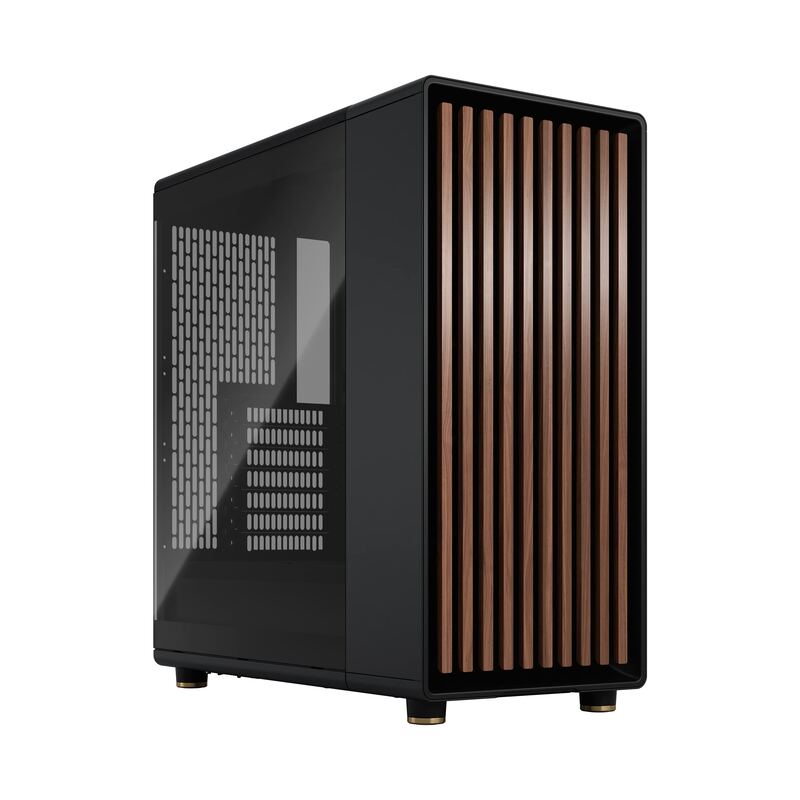
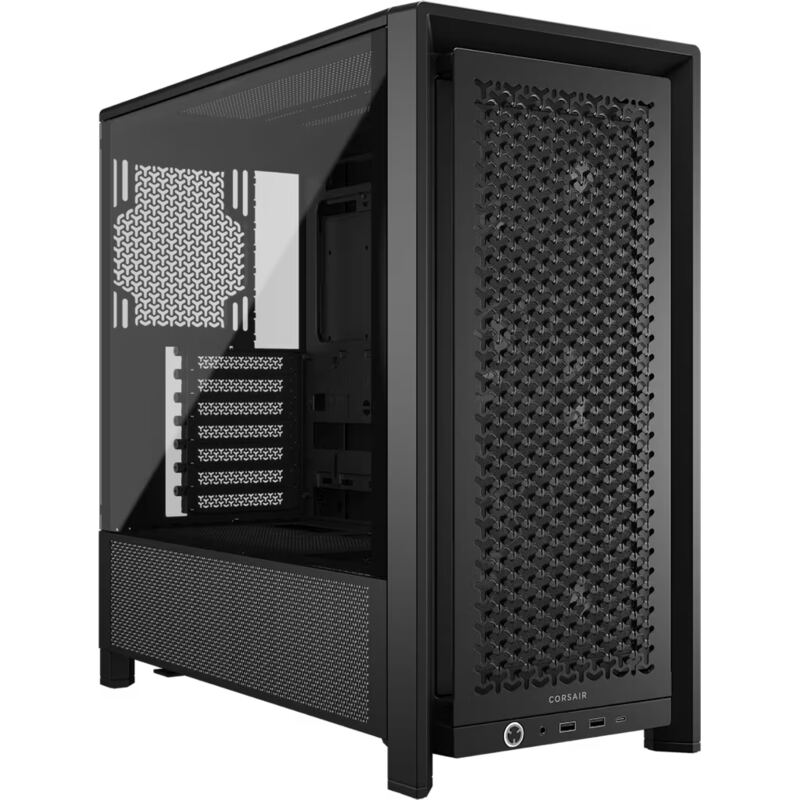
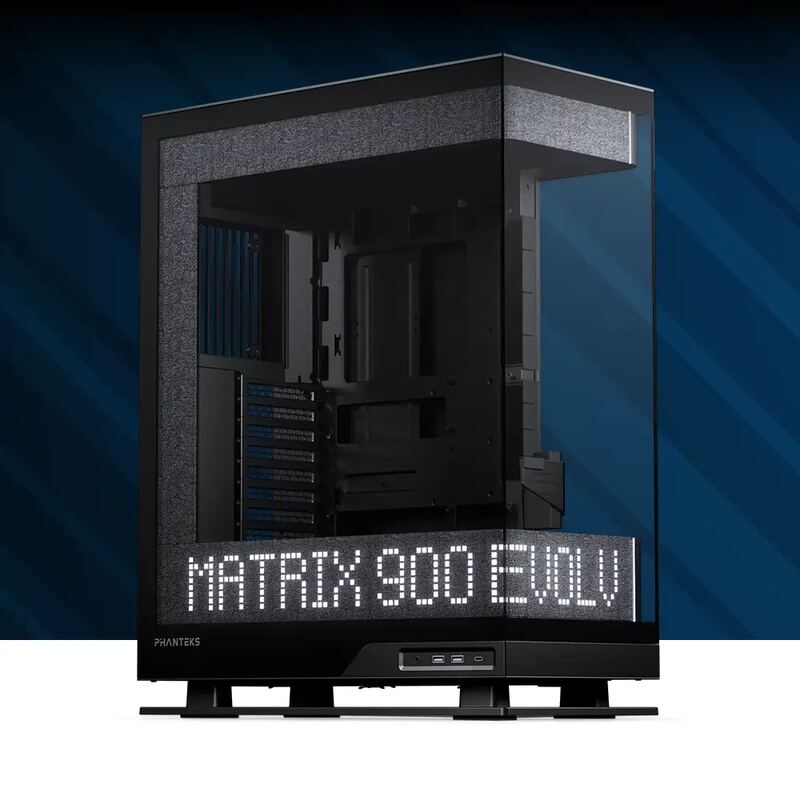
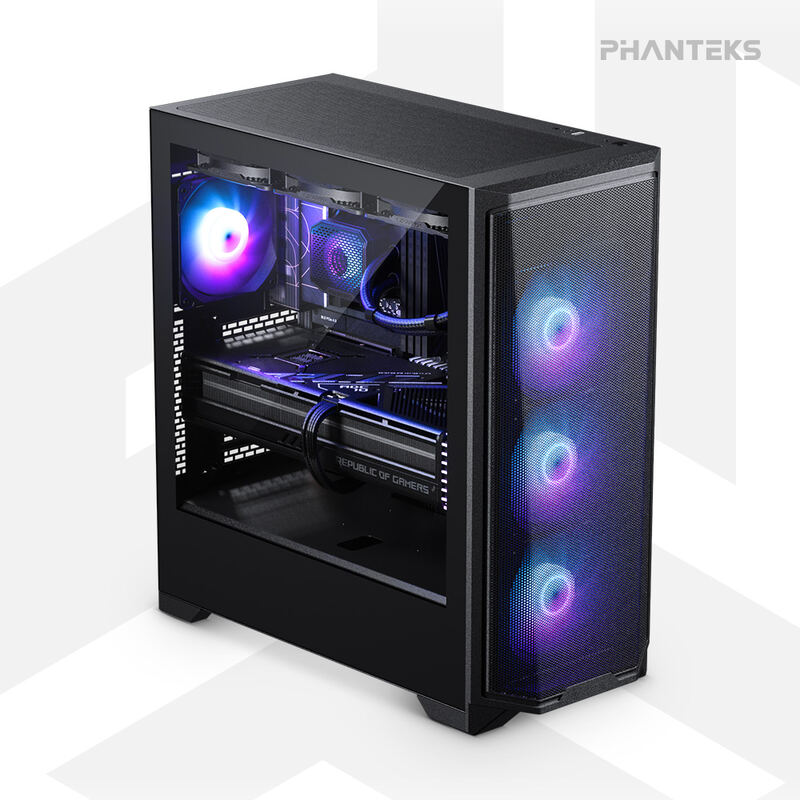
The Lian Li Lancool 207 biases its front intake fans high, above the GPU backplate per GamersNexus, and places the PSU at the front to make room for two shroud-top fans. It has challenging cable management and power supply fit issues. Its GPU clearance is 410 mm against 430mm on the Corsair Frame 4000D RS ARGB and 380mm on the Phanteks Evolv X2 Matrix, and its CPU cooler clearance is 167 mm against 170mm on both.
Rating sources
Counts as 4.68/5 in our score — this publisher's 95 scores on the site average 3.98, so its scores are adjusted up to compare fairly with other publishers.
Counts as 4.16/5 in our score — this publisher's 181 scores on the site average 4.00, so its scores are adjusted up to compare fairly with other publishers.
“The Lancool 207 is an exercise in compromise, but some of those compromises didn't need to exist.”
Not in the average — we derived this score from the review's words, and a publisher printed a score for this product, so the printed number counts instead.
“the compact size, coupled with the fan layout results in chart-topping thermals while remaining one of the quietest systems on our test bench”
“it is an affordable case that comes with multiple fans that are more than capable”
Our 4.4 score is the average of 2 of the scored reviews above, each adjusted for how strictly its publisher scores; 3 more reviewed it without printing a score and are not in the average. 1 derived score above is not in the average because a publisher printed a score for this product. Ratings marked * were derived from the reviewer’s written analysis or video transcript — the publisher didn’t print an explicit numeric score, so we inferred one from their own words. Click through to verify. More about methodology.