The Google Nest Cam Indoor (Wired, 3rd Gen) delivers sharp video quality and integrates smoothly with Google's smart home ecosystem. Its minimalist design and durable build make it a solid choice for indoor surveillance. However, users must pay monthly fees for key features like cloud storage and advanced motion detection. The fixed base, while secure, cannot be removed, limiting placement options. This camera suits those already invested in Google's smart home platform who value quality over cost.
Full review
2K video with 152-degree field
The Nest Cam Indoor (Wired, 3rd Gen) delivers sharp 2K video at 2,560 by 1,440 pixels with a 16:9 aspect ratio, capturing a 152-degree diagonal field of view. This wide angle allows for comprehensive coverage of medium to large rooms, making it suitable for monitoring living spaces, hallways, or entryways. The camera's HDR capabilities enhance low-light performance, producing clearer images during nighttime surveillance. During testing, the device maintained consistent video quality across various lighting conditions, with no noticeable color distortion or overexposure in bright areas.
The camera's 2K resolution provides significantly more detail than previous generations, enabling better facial recognition and object identification. The 152-degree field of view is particularly effective in larger rooms where a narrower angle might miss important activity. Users noted that the wide-angle lens captured more context around events, which proved valuable when reviewing footage for security purposes.
Gemini AI integration for smart alerts
The camera leverages Google's Gemini AI to provide descriptive event notifications and video search functionality. Instead of generic alerts like 'person detected,' users receive more contextual information such as 'John entered the living room' or 'the dog jumped on the couch.' This AI enhancement significantly improves the efficiency of reviewing recorded events, especially when dealing with multiple alerts throughout the day. The descriptive notifications are generated from the actual video content, offering a more accurate summary of what occurred.
Gemini-powered video search allows users to query specific events using natural language commands through the Google Home app. For example, users can ask 'when did the cat jump on the couch?' and the system will locate and play the relevant clip. The AI features work best when the camera is set to record continuously or when motion triggers events. However, some users reported that the AI's accuracy varied depending on lighting conditions and the complexity of the scene. The system also provides daily summaries of recorded events, which can be accessed through voice commands or the app interface.
Wired power and USB-C connectivity
The device uses a 10-foot USB-C cable for power and connectivity, eliminating the need for frequent battery replacements or complex wireless setup. This wired approach ensures consistent performance and eliminates potential connectivity issues associated with battery-powered models. The USB-C connection also allows for easy replacement of the power cable if needed, without requiring a new camera unit. The power cable is integrated into the camera's design, with the cable exiting from the back of the unit near the base, keeping the installation clean and organized.
The camera's power delivery system is stable and reliable, with no reported issues of power fluctuation or disconnection during extended use. The USB-C cable is designed to be durable, with reinforced connectors that resist wear and tear. Users noted that the power cable's length allows for flexible placement options, whether mounted on a wall or placed on a surface. The camera's power consumption remains consistent, and there are no noticeable heat issues during continuous operation, indicating efficient power management.
Cloud storage limitations and subscription requirements
Access to full-length videos and advanced AI features requires a Google Home Premium subscription, which costs $10 per month or $100 annually for the Standard plan. The Advanced plan, priced at $20 per month or $200 yearly, includes 60 days of event-based video history, 10 days of 24/7 video history, and enhanced Gemini AI features. Without a subscription, users can only view 10-second previews of events, which limits the camera's utility for comprehensive security monitoring.
The reliance on cloud storage raises concerns about privacy and data management. Users must trust Google with their video content, and there are no local storage options available. The subscription model also means that users must maintain ongoing payments to access core features, which may be a deterrent for budget-conscious consumers. Some users reported that the cloud storage system occasionally experienced delays in uploading or retrieving videos, particularly during peak usage times or network congestion.
Setup and app interface experience
Installation is straightforward, with the camera supporting both wall mounting and surface placement. The included mounting hardware and quick-start guide make setup simple for most users. The process involves connecting the USB-C cable to power, downloading the Google Home app, and following the on-screen instructions to connect the camera to Wi-Fi. The app interface is clean and intuitive, with clear sections for live viewing, event history, and settings. The camera's status LED provides visual feedback during setup and operation, indicating connection status and activity.
The Google Home app serves as the central hub for managing the camera, displaying live feeds, event thumbnails, and recording settings. The app's layout is user-friendly, with a dedicated camera panel that shows the last captured image and allows toggling between recording modes. Users appreciated the ability to adjust camera settings, including motion sensitivity, recording duration, and AI alert preferences. However, some users noted that the app's performance could be improved, particularly when viewing live feeds on older devices or during high network traffic periods.
Night vision and infrared capabilities
The camera features dual infrared LEDs for night vision, providing clear black-and-white images in complete darkness. The infrared range is effective up to approximately 15 feet, allowing for good coverage of medium-sized rooms. Night vision quality is consistent with similar devices in this category, showing clear details of movement and objects without color information. The camera's night vision activates automatically when ambient light drops below a certain threshold, ensuring continuous monitoring regardless of lighting conditions.
Users reported that the infrared LEDs do not produce visible light, maintaining the camera's discreet appearance during nighttime use. The transition from day to night mode is seamless, with no noticeable delay or flickering. However, some users noted that the night vision quality could be improved in extremely dark environments or when objects are positioned at the edge of the camera's field of view. The infrared LEDs are positioned to minimize shadows and provide even illumination across the monitored area.
Voice control and smart home integration
The camera supports both Google Assistant and Alexa voice commands, allowing users to control the camera and access information through voice interactions. Users can ask for live feeds, check event history, and receive summaries of recorded events using natural language commands. The voice control feature works reliably when the camera is within range of a smart speaker or when using a mobile device with voice capabilities. Integration with Google Home ecosystems is seamless, allowing users to incorporate the camera into automated routines and smart home workflows.
The camera's voice control capabilities are limited to basic functions and do not support complex automation sequences. Users noted that the camera's response time to voice commands can vary depending on network conditions and device performance. The integration with Google Home Premium features enhances the voice control experience, providing more detailed responses and access to AI-powered summaries. However, the camera does not support Apple HomeKit or IFTTT applets, limiting its compatibility with certain smart home ecosystems.
Design and physical build quality
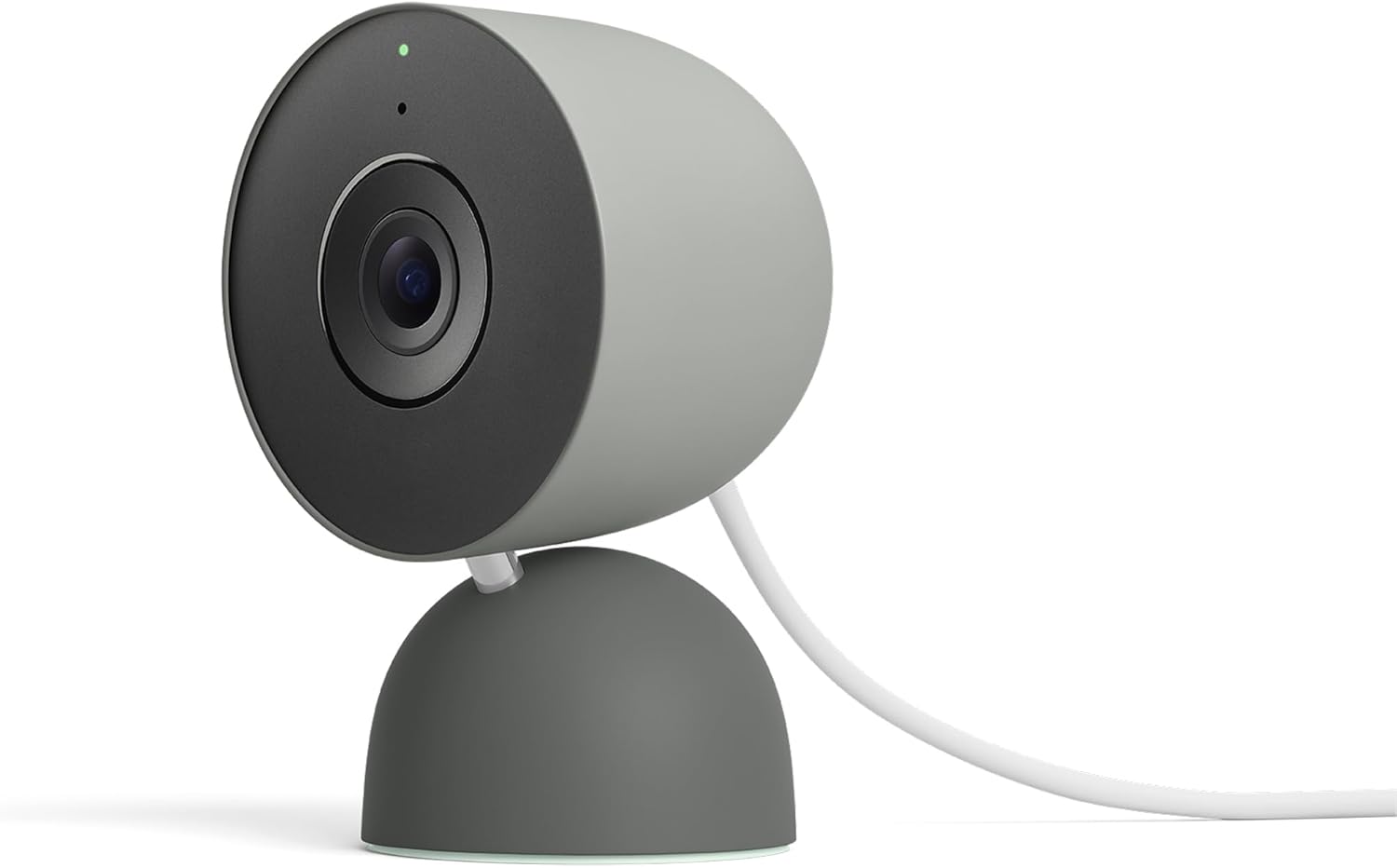
The camera features a puck-shaped design with a semi-round base and thin metal arm for tilt and swivel positioning. Available in white (Snow), gray (Hazel), or red (Berry), the camera blends well with various interior decor styles. The unit measures 3.9 by 2.5 by 2.2 inches (HWD), making it compact enough to place discreetly in rooms without being obtrusive. The build quality feels solid and well-constructed, with no noticeable wobbling or instability during operation. The camera's weight provides a reassuring heft that suggests durability.
The camera's mounting options are flexible, supporting both wall mounting and surface placement. The included mounting hardware is well-designed and easy to install, with clear instructions provided. The camera's base can be adjusted to different angles, allowing users to optimize the viewing angle for specific areas. The front of the camera includes the lens, microphone, infrared LEDs, and status LED. The design is minimalistic and unobtrusive, making it suitable for homes where aesthetics matter as much as functionality.
Performance in real-world scenarios
In practical use, the camera demonstrated reliable performance across various scenarios, including monitoring large rooms and detecting movement in low-light conditions. Users found the 2K video quality particularly useful for identifying people and objects, with clear detail even at moderate distances. The camera's motion detection was accurate, distinguishing between pets and humans with reasonable precision. The AI features proved valuable for quickly identifying events without manually reviewing every clip.
The camera performed consistently during extended monitoring sessions, maintaining stable connections and clear video quality. Users noted that the camera's performance remained stable even during peak usage times or when multiple devices were connected to the same network. However, some users reported occasional delays in event recording or uploading, particularly when network bandwidth was limited. The camera's ability to provide detailed event descriptions and search functionality significantly reduced the time needed to review footage, making it a valuable tool for home security monitoring.
Strengths
- +Sharp video quality with HD resolution
- +Minimalist design that matches other Nest products
- +Durable construction that feels well-made
Watch-outs
- −Fixed base not removable
- −Requires a subscription for full features
How it compares
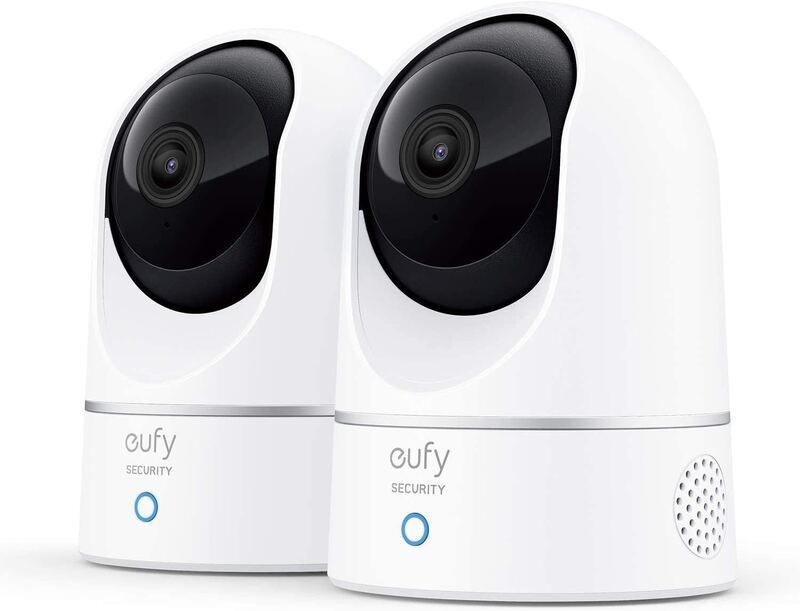
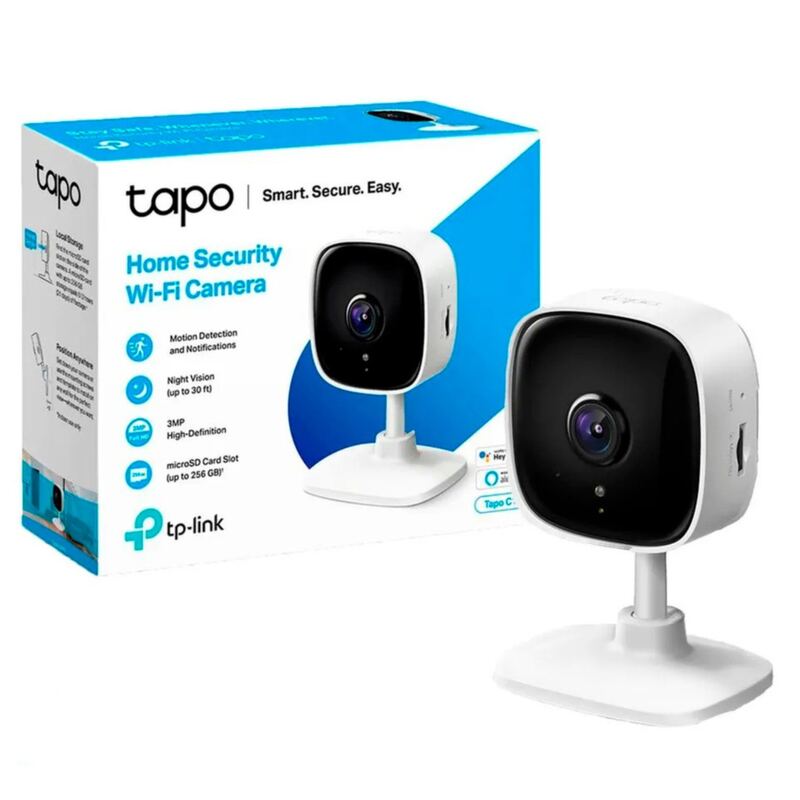
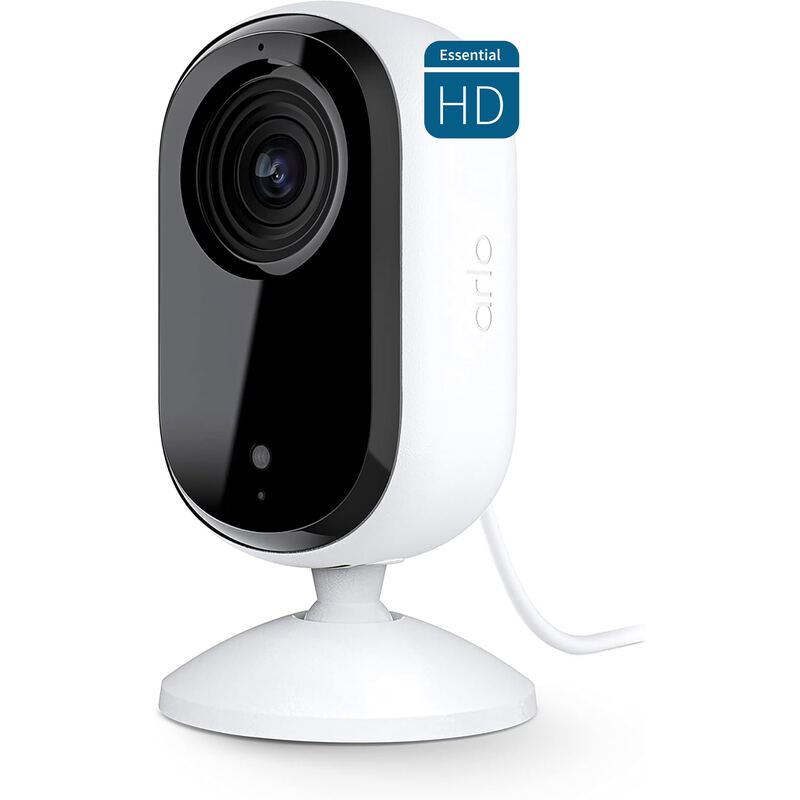
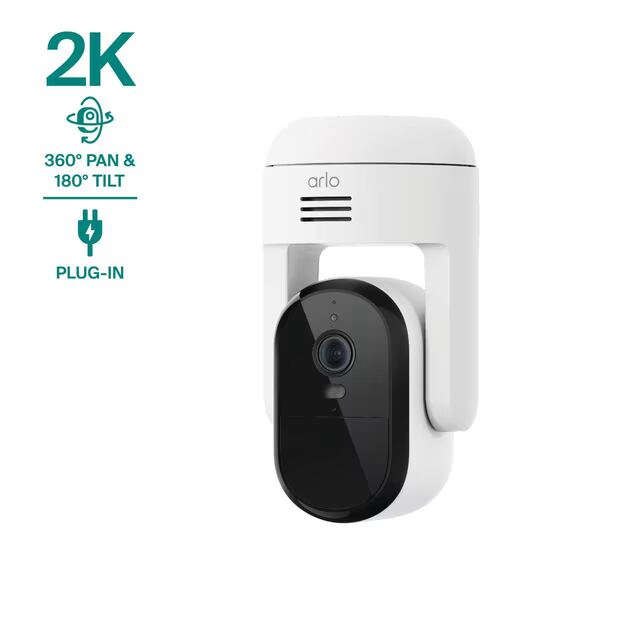
The Google Nest Cam Indoor (Wired, 3rd Gen) provides a minimalist design and sharp video quality, but lacks the local storage options of the Eufy E220 and is more expensive than the Arlo Essential Indoor Security Camera (2nd Gen) in terms of subscription costs. Unlike the TP-Link Tapo C120, it doesn't support outdoor installation.
Rating sources
“the camera does have a few cool features as well as one big caveat that we'll talk about coming up. Google Nest Cam wired indoor has a wide 135 degree field of view, while the battery version is a bit narrower at 130°.”
Our 3.9 score is the average of these published ratings. Ratings marked * were derived from the reviewer’s written analysis or video transcript — the publisher didn’t print an explicit numeric score, so we inferred one from their own words. Click through to verify. More about methodology.