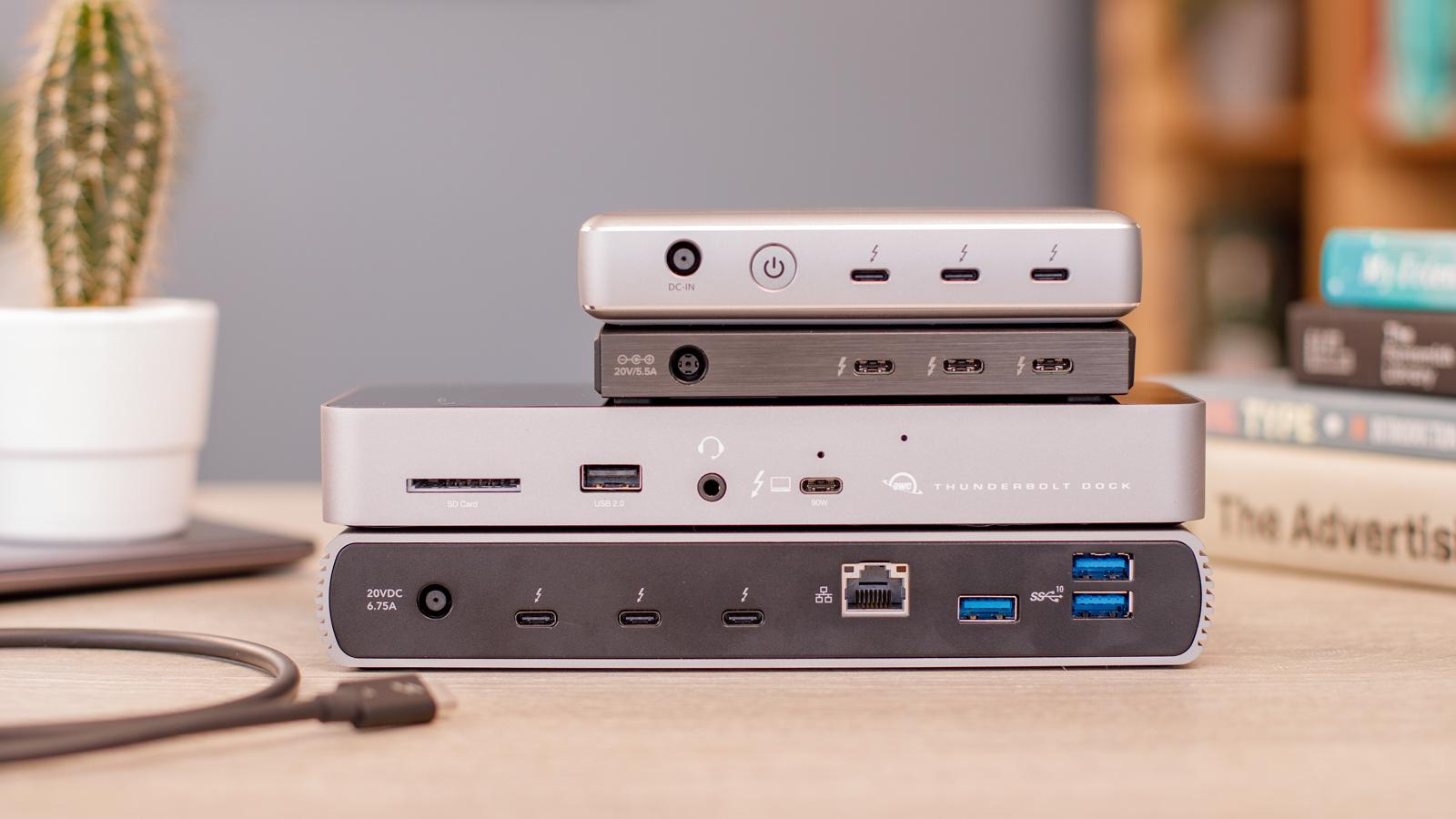
Verdict
Head-to-head · Best Thunderbolt 4 Docks

Anker 777 Apex vs Anker 553 USB-C Hub

Which is the better buy? Side-by-side on rating, price, strengths, and watch-outs — with the published ratings we averaged to get there.

The short answer

Anker 777 Apex comes out ahead by a narrow margin (4.6 vs 4.4). The gap is mostly about traders, developers, and creators running 3 external 4K monitors — read the strengths below before deciding.

Anker 777 Apex
Higher ratedRanked #3 in Best Thunderbolt 4 Docks
Anker 777 Apex
$250

The 777 Apex is the triple-display pick. Built-in HDMI outputs let you drive three 4K monitors without adapter chains. Best for traders, developers, and creative pros with multi-monitor desks.

Strengths
  • Drives 3× 4K displays simultaneously — most external monitors in this lineup
  • Built-in HDMI 2.0 outputs (no adapters needed)
  • 12 ports total
Watch-outs
  • 90W charging trails CalDigit TS4's 98W
  • Anker brand support trails CalDigit / OWC in pro markets
  • Built-in HDMI outputs limited to 4K (not 8K like CalDigit)
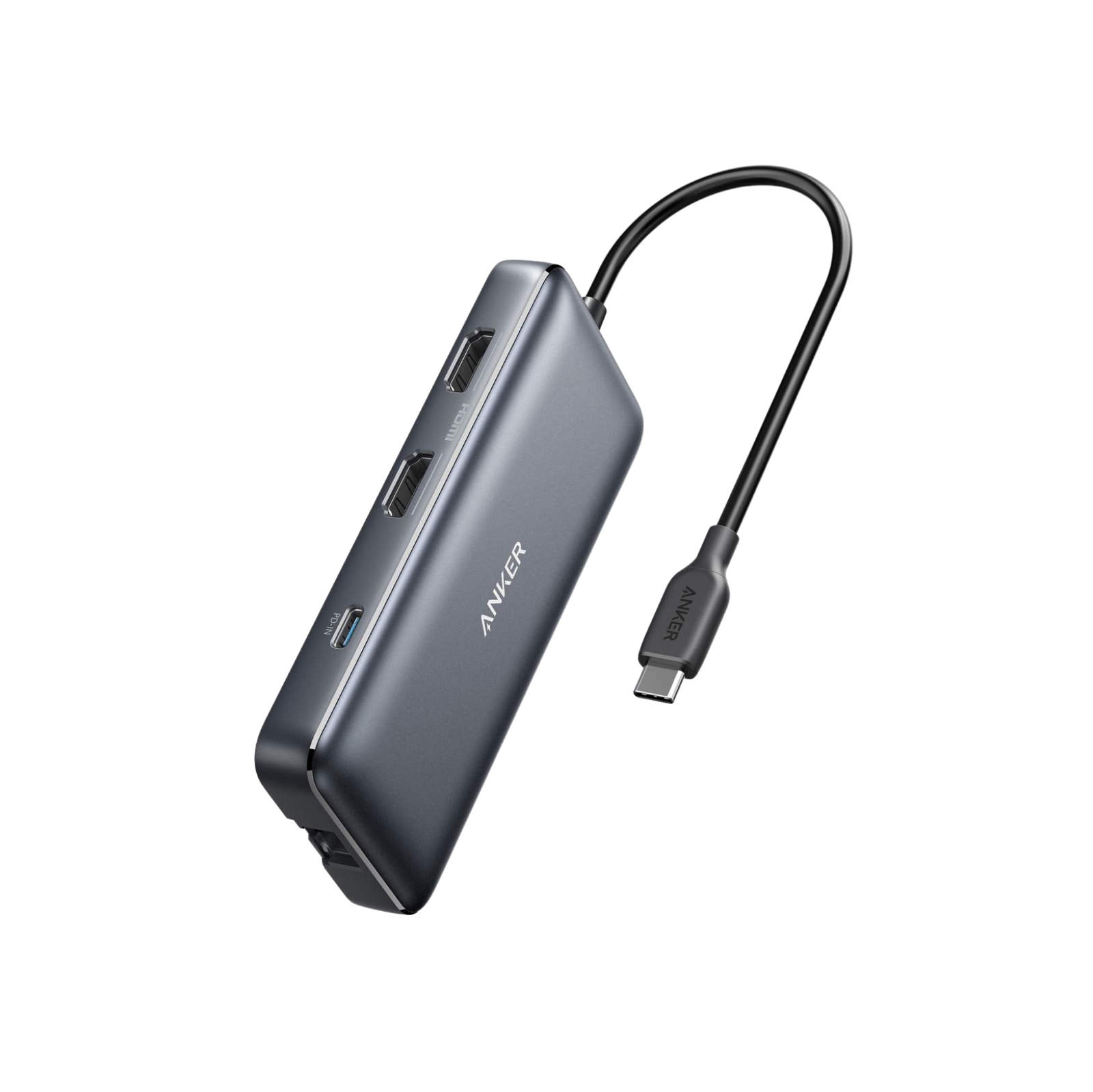
Anker 553 USB-C Hub
Ranked #5 in Best Thunderbolt 4 Docks
Anker 553 USB-C Hub
$90

The Anker 553 is the portable pick. $90 hub-format dock for users who don't need 18 ports — adequate for a single laptop dock setup at home + travel. Trade-off is fewer ports and lower display support.

Strengths
  • $90 — cheapest USB-C dock with TB4 passthrough
  • 8 ports cover essential needs
  • Compact + portable
Watch-outs
  • Only 85W passthrough vs full TB4 docks
  • No dedicated ethernet at 2.5GbE
  • Single 4K display max

How they stack up

Anker 777 Apex

Best for triple-4K setups. HDMI built-in (CalDigit needs adapters). Less charging power than CalDigit.

Anker 553 USB-C Hub

Cheapest pick. Portable form factor. Fewer ports than CalDigit / OWC / Anker 777.

Specs side-by-side

SpecAnker 777 ApexAnker 553 USB-C Hub
Ports128
Power90W85W passthrough
Display3× 4K via HDMI + TBSingle 4K
Ethernet1GbE
FormVerticalCompact hub
← See the full ranking of best thunderbolt 4 docks